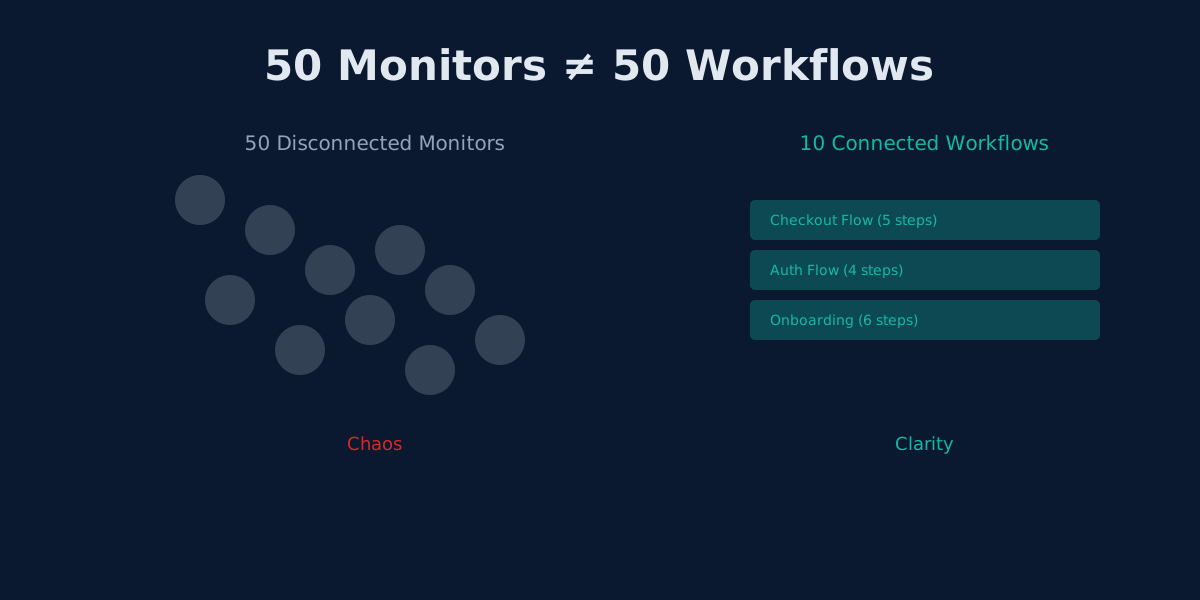
The Hidden Cost of UptimeRobot's Solo Plan: Pay More, Get Less
UptimeRobot Solo costs $8/mo but gives only 10 monitors—40 fewer than the free plan. Here's why that math doesn't work.
Pay $8, Lose 40 Monitors
UptimeRobot Free gives you 50 monitors at 5-minute intervals. Not bad for zero dollars.
Now here is the part that catches people off guard: when you upgrade to Solo at $8/month, your monitor count drops to 10. Not 100. Not 50. Ten.
You read that correctly. UptimeRobot Solo is a paid downgrade in monitor capacity. You hand over $8 every month and get 40 fewer monitors than you had for free. The tradeoff? Faster check intervals (1-minute instead of 5-minute) and 9 integrations. That is the entire value proposition.
This pricing structure creates a trap that most users do not see coming until they are already locked in.
UptimeRobot Pricing, Laid Bare
Before diving deeper, let's look at the full pricing picture:
| Plan | Price | Monitors | Intervals | Team Seats | Integrations |
|---|---|---|---|---|---|
| Free | $0/mo | 50 | 5-min | 1 | Limited |
| Solo | $8/mo | 10 | 1-min | 1 (no team) | 9 |
| Team | $34/mo | 100 | 1-min | 3 | 12 |
| Enterprise | $64/mo | 200 | 30-sec | 10+ | All |
Read that Solo column again. You go from 50 monitors to 10. The only thing going up is the check frequency and the number on your credit card statement.
No browser automation at any tier. No workflow chaining at any tier. No variable passing at any tier.
What You Actually Get for $8/Month
Let's be fair and list exactly what Solo delivers over Free:
- 1-minute intervals instead of 5-minute (a real improvement)
- 9 integrations for alerting
- SSL monitoring and advanced features
- Priority support
What you lose:
- 40 monitors (from 50 down to 10)
- Team collaboration (Solo means solo---no additional seats)
If your primary need is faster check intervals on a small number of endpoints, Solo makes sense. But most users upgrading from Free do not realize they are about to lose 80% of their monitor slots.
The 10-Monitor Reality Check
Ten monitors sounds like enough until you actually start listing what a real application needs. Let's walk through a modest SaaS product:
The Basics (4 monitors)
- Homepage -
GET / - API health -
GET /api/health - Login page -
GET /login - Authentication endpoint -
POST /api/auth
Core Features (4 monitors)
- Dashboard -
GET /dashboard - User API -
GET /api/users - Main feature endpoint -
GET /api/data - Search -
GET /api/search
Infrastructure (2 monitors)
- Database connectivity check
- CDN or static assets
Total: 10 monitors. You are full.
No room for your payment flow. No room for webhooks. No room for third-party integrations. No room for that new feature you shipped last week.
And notice what is missing entirely: you cannot monitor authenticated endpoints because UptimeRobot monitors are isolated. Monitor 4 might confirm your auth endpoint returns 200, but you have no way to carry that token to monitor 5 to verify the dashboard actually loads for a logged-in user.
Real-World Example: A Login Flow Eats 40% of Solo
Consider a standard user login flow. To monitor it properly, you need to check:
- Login page loads - GET /login returns 200
- Auth API accepts credentials - POST /api/auth returns token
- Dashboard loads post-auth - GET /dashboard (requires auth)
- User profile loads - GET /api/user/me (requires auth)
With UptimeRobot Solo, you can only set up monitors 1 and 2 (the unauthenticated ones). Monitors 3 and 4 require a valid token from monitor 2, and UptimeRobot cannot pass data between monitors.
So you use 2 monitors and get partial coverage. That is 20% of your Solo quota for a flow you can only half-monitor.
Want to monitor checkout too? Another 2-3 monitors for partial coverage. Settings page? Another monitor. Each new feature nibbles away at your 10-monitor ceiling while giving you incomplete visibility.
The Upgrade Cliff: Solo to Team
Here is where the pricing structure really stings. When you outgrow Solo's 10 monitors (which happens fast, as we just demonstrated), your next option is Team at $34/month.
That is a 4.25x price increase:
| Upgrade Path | Price | Increase | Monitors Gained |
|---|---|---|---|
| Free to Solo | $0 to $8 | $8/mo | -40 monitors (lose 40!) |
| Solo to Team | $8 to $34 | +$26/mo | +90 monitors |
| Team to Enterprise | $34 to $64 | +$30/mo | +100 monitors |
The Solo-to-Team jump is the steepest per-dollar increase in the lineup. And what do you get for that 4.25x price jump? More monitors and team seats. Still no browser automation. Still no workflows. Still no variable passing.
You are paying $34/month for the same fundamental limitation: isolated, individual checks that cannot model real user behavior.
The Scaling Trap in Action
Let's trace a typical growth path for a startup on UptimeRobot:
Month 1: Launch Day
You start on Free. Three monitors for your landing page, contact form, and API health. Life is good. 47 monitors to spare.
Month 3: Product Takes Shape
Login flow, signup flow, dashboard, a few API endpoints. You are using 12 monitors. Still comfortable on Free with 38 remaining, but you want 1-minute intervals.
You upgrade to Solo. Suddenly you need to delete 2 monitors just to fit within the 10-monitor cap. The faster intervals feel great, but you are already making coverage sacrifices.
Month 6: Growing Pains
Your product has billing, user profiles, settings, email notifications, and a search feature. You need at least 20 monitors for basic coverage.
Solo's 10-monitor limit hit months ago. You are either:
- Running with dangerous gaps in coverage
- Paying $34/month for Team (a jump from $8)
- Back on Free with 50 monitors but 5-minute intervals
None of these options feel right.
Month 9: The Breaking Point
You need 30+ monitors. Team at $34/month is your only real option. You are paying over 4x what you started with, and you still cannot monitor authenticated flows or chain checks together.
Meanwhile, your competitor is using workflow-based monitoring and catching issues you never see.
How Monitrics Pricing Compares
Here is the Monitrics pricing alongside UptimeRobot:
| Feature | UptimeRobot Free | UptimeRobot Solo | UptimeRobot Team | Monitrics Starter | Monitrics Pro |
|---|---|---|---|---|---|
| Price | $0/mo | $8/mo | $34/mo | $0/mo | $19/mo |
| Capacity | 50 monitors | 10 monitors | 100 monitors | 50 steps | 100 steps |
| Intervals | 5-min | 1-min | 1-min | 5-min | 1-min |
| Workflows | No | No | No | Yes | Yes |
| Variable Passing | No | No | No | Yes | Yes |
| Browser Automation | No | No | No | No | Yes |
| Team Seats | 1 | 1 | 3 | 1 | 5 |
A few things jump out:
Monitrics Starter (Free) vs UptimeRobot Solo ($8/mo): Monitrics gives you 50 steps with workflow chaining and variable passing for free. UptimeRobot Solo gives you 10 isolated monitors for $8. The free option is objectively more capable.
Monitrics Pro ($19/mo) vs UptimeRobot Team ($34/mo): Monitrics Pro gives you 100 steps, browser automation, workflow chaining, variable passing, and 5 team seats for $19. UptimeRobot Team gives you 100 isolated monitors, no browser automation, no workflows, and 3 team seats for $34. You save $15/month and gain features that UptimeRobot does not offer at any price.
Why Steps Beat Monitors at Every Price Point
The monitor-vs-step distinction matters because steps compound in value:
UptimeRobot: 10 Monitors on Solo
Monitor 1: Check homepage        (isolated)
Monitor 2: Check login page      (isolated)
Monitor 3: Check API health      (isolated)
Monitor 4: Check dashboard       (isolated, can't auth)
Monitor 5: Check user endpoint   (isolated, can't auth)
...
Monitor 10: Check search         (isolated)
Ten disconnected checks. No context. No data flow. Authenticated routes are blind spots.
Monitrics: 50 Steps on Starter (Free)
Workflow 1 - "User Login" (4 steps):
  Step 1: GET /login
  Step 2: POST /api/auth -> extract token
  Step 3: GET /dashboard (with token)
  Step 4: GET /api/user/me (with token)

Workflow 2 - "Checkout Flow" (5 steps):
  Step 1: GET /products
  Step 2: POST /cart/add
  Step 3: POST /checkout -> extract session
  Step 4: POST /payment (with session)
  Step 5: GET /order/confirmation

Workflow 3 - "Infrastructure" (3 steps):
  Step 1: DNS resolution check
  Step 2: TCP connection test
  Step 3: HTTP health endpoint
Three workflows, 12 steps used, 38 remaining. Each workflow models a real user journey. Variables flow between steps. When something breaks, you know exactly which step in which flow failed and why.
The Login Flow, Revisited
Remember our login flow problem? Here is how it looks with Monitrics:
{
  "name": "User Login Flow",
  "steps": [
    {
      "type": "http",
      "method": "GET",
      "url": "https://app.example.com/login",
      "assertions": [{ "type": "status", "expected": 200 }]
    },
    {
      "type": "http",
      "method": "POST",
      "url": "https://app.example.com/api/auth",
      "body": { "email": "monitor@example.com", "password": "..." },
      "extract": { "token": "$.access_token" }
    },
    {
      "type": "http",
      "method": "GET",
      "url": "https://app.example.com/dashboard",
      "headers": { "Authorization": "Bearer {token}" },
      "assertions": [{ "type": "status", "expected": 200 }]
    },
    {
      "type": "http",
      "method": "GET",
      "url": "https://app.example.com/api/user/me",
      "headers": { "Authorization": "Bearer {token}" },
      "assertions": [
        { "type": "status", "expected": 200 },
        { "type": "jsonpath", "path": "$.email", "expected": "monitor@example.com" }
      ]
    }
  ]
}
Four steps. Complete coverage. The auth token from step 2 flows into steps 3 and 4 automatically. If the dashboard breaks but auth works, you know immediately. If auth breaks, every downstream step fails with clear attribution.
This is impossible on UptimeRobot at any price tier.
The Migration Path
If you are currently on UptimeRobot Solo and feeling the squeeze, here are your options:
Option 1: Upgrade to UptimeRobot Team ($34/month)
- Jump from 10 to 100 monitors
- Get 3 team seats
- Still no workflows, no browser automation, no variable passing
- Solves the quantity problem, not the quality problem
Option 2: Switch to Monitrics Starter (Free)
- 50 steps with workflow chaining
- Variable passing between steps
- HTTP, TCP, ICMP, DNS, and domain expiry checks
- 5-minute intervals (same as UptimeRobot Free)
- $0/month with more capability than Solo
Option 3: Switch to Monitrics Professional ($19/month)
- 100 steps with full workflow orchestration
- Browser automation for JavaScript-heavy apps
- Variable passing and advanced assertions
- 1-minute intervals
- 5 team members
- $15/month less than UptimeRobot Team with more features
Option 4: Monitrics Enterprise ($49/month)
- Unlimited steps
- 30-second intervals
- Full platform access
- $15/month less than UptimeRobot Enterprise, with workflows and browser automation they do not offer
Who Should Stay on UptimeRobot Solo
To be fair, Solo works for a narrow use case:
- You monitor fewer than 10 simple endpoints
- You do not need authenticated flow monitoring
- You do not need workflow chaining
- You want 1-minute intervals on a tight budget
- You work alone (no team seats needed)
If all five of those describe you, Solo is fine. But the moment any one of them stops being true, you are looking at either a 4.25x price jump to Team or a switch to a platform that was designed for how modern applications actually work.
The Bottom Line
UptimeRobot Solo is not a bad product. It is a misleading upgrade path. You see "$8/month" and assume you are getting more than Free. Instead, you are getting faster intervals on dramatically fewer monitors. The 50-to-10 drop is not a bug---it is the business model. Solo exists to get you paying, and Team exists to catch you when 10 monitors are not enough.
Monitrics takes a different approach. The free tier gives you 50 steps with workflow chaining and variable passing. No monitor count downgrade. No feature bait-and-switch. When you do upgrade to Professional at $19/month, you get browser automation and 100 steps---capabilities UptimeRobot does not offer at their $64/month Enterprise tier.
The math is straightforward: pay $8/month for 10 isolated monitors, or pay $0/month for 50 connected workflow steps.
Related Articles
- UptimeRobot Alternative: Browser Automation for Less - Why Monitrics Professional beats UptimeRobot Team on price and features
- UptimeRobot vs Monitrics: Workflow Cost - The math behind step-based pricing
- Outgrowing UptimeRobot - Signs you have hit the limits of simple monitoring
- UptimeRobot vs Monitrics: Complete Comparison - The full feature breakdown
- Beyond UptimeRobot: User Journeys - Why monitoring endpoints is not the same as monitoring experiences
On UptimeRobot Solo and running out of monitors? Switch to Monitrics and get 50 workflow steps free---with variable passing, chaining, and complete flow monitoring. No credit card required. Start monitoring smarter.
Related Articles
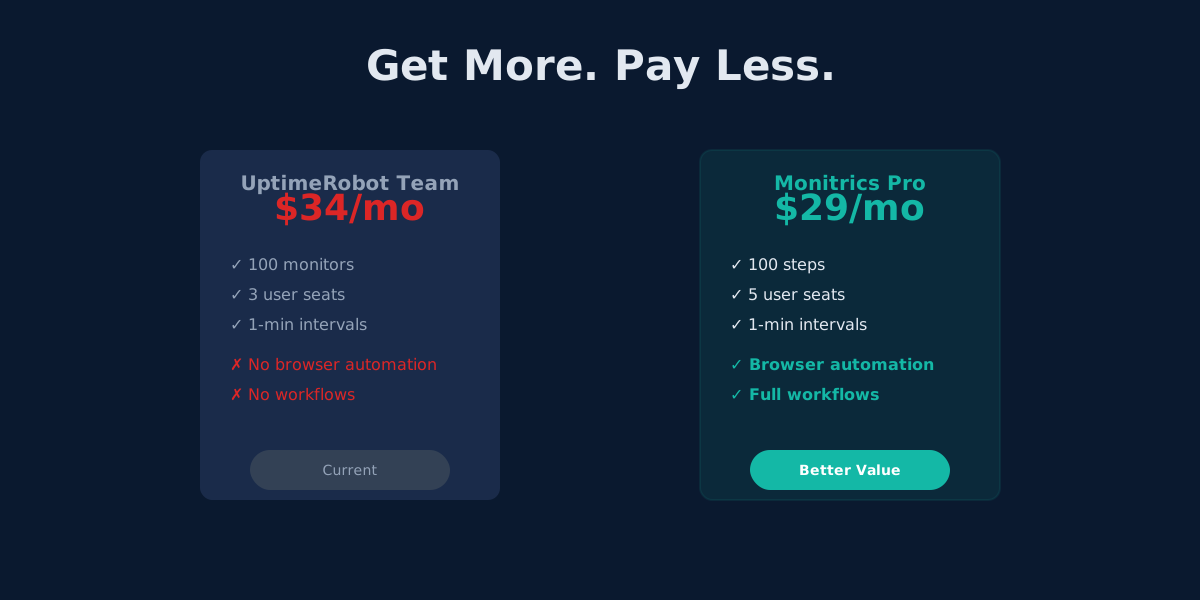
UptimeRobot Alternative: Browser Automation at Half the Price
Monitrics Professional costs $19/mo with browser automation included. UptimeRobot Team costs $34/mo without it. The math speaks for itself.
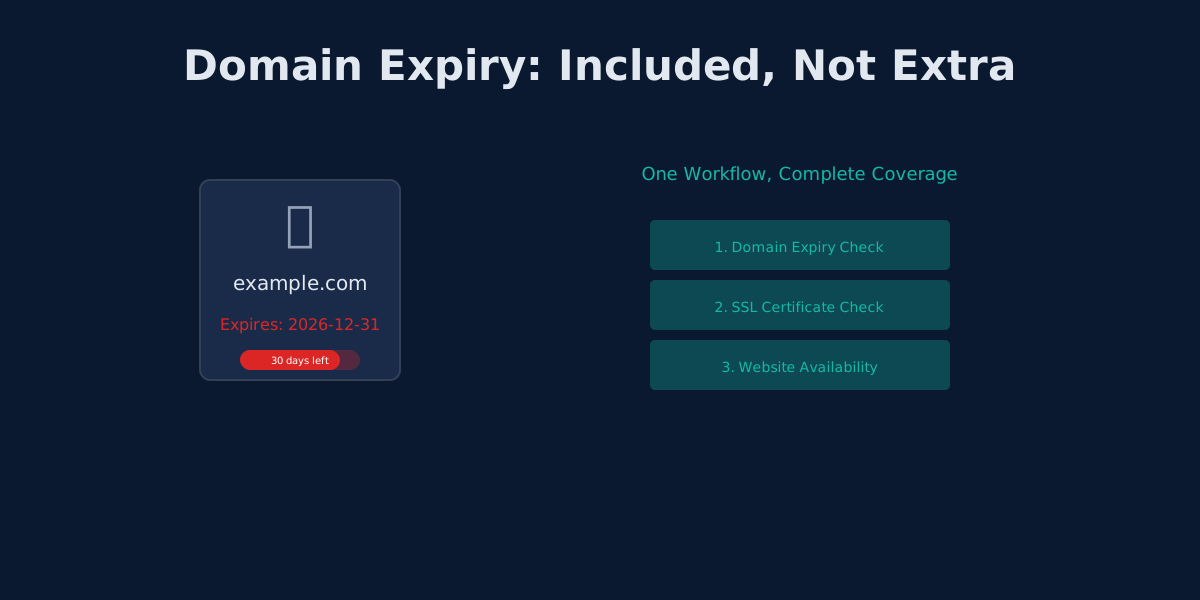
UptimeRobot's Domain Expiry Problem: Why Bundled Monitoring Wins
UptimeRobot separates domain, SSL, and HTTP monitoring. Monitrics bundles them into one workflow. Here's why that matters.
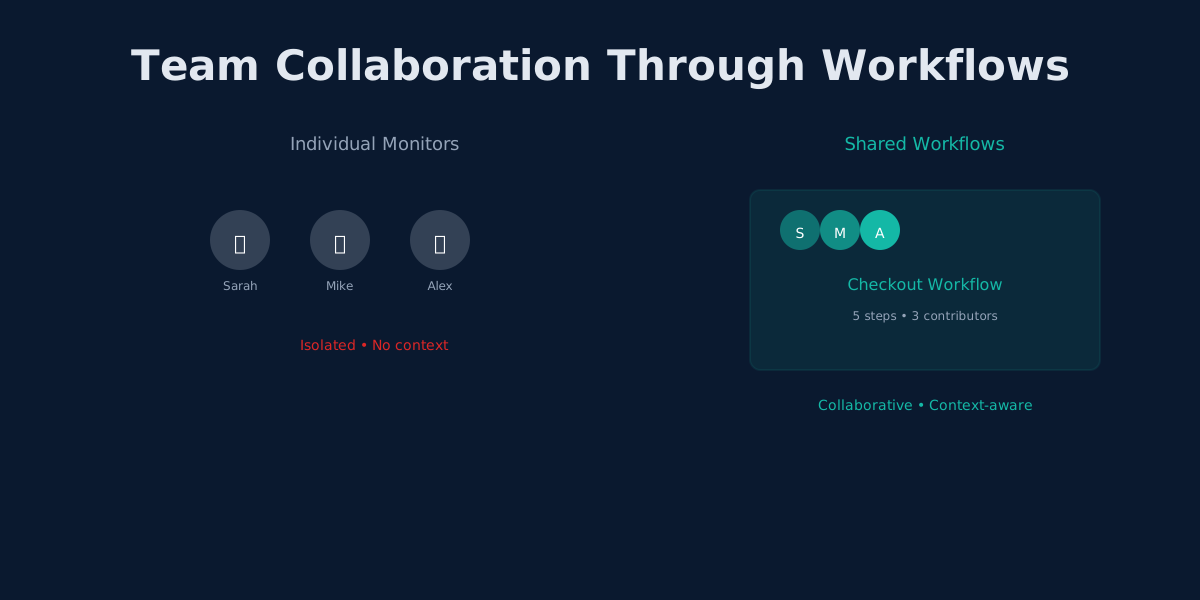
UptimeRobot's Team Plan: Why More Seats Don't Mean Better Collaboration
UptimeRobot Team adds 3 user seats for $34/mo. Monitrics adds workflow collaboration for $19/mo. The difference matters.