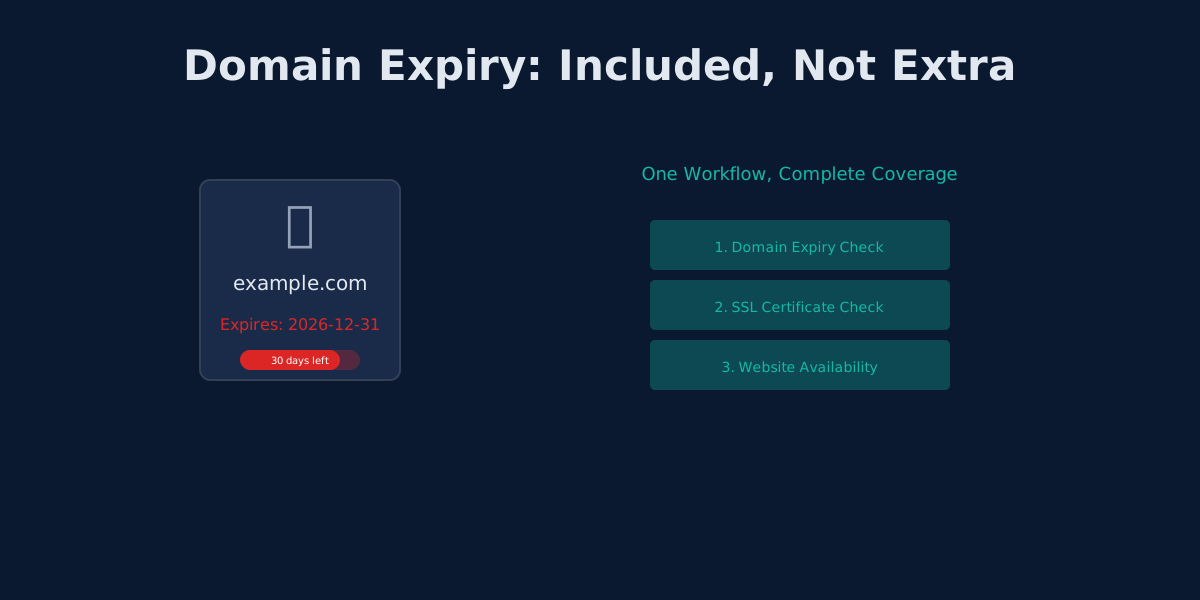
UptimeRobot's Domain Expiry Problem: Why Bundled Monitoring Wins
UptimeRobot separates domain, SSL, and HTTP monitoring. Monitrics bundles them into one workflow. Here's why that matters.
It Started With a Perfect SSL Score
The team had done everything right. Automated SSL renewals through Let's Encrypt. Certificate monitoring with 30-day warnings. Green padlock on every page. Security headers passing with flying colors.
On a Tuesday morning, the Slack channel lit up: "Site is completely unreachable." Not a certificate warning. Not a security error. Just... nothing. The domain itself had expired three days earlier, and nobody noticed because nobody was watching it.
The SSL was pristine. The domain was dead.
This is not a hypothetical scenario. It has happened to some of the largest companies in the world, and it keeps happening because most monitoring tools treat domain expiry as an afterthought.
SSL vs Domain: The Confusion That Costs You
Before we go further, let's clear up the single most common misconception in web monitoring. SSL certificates and domain names are completely different things, managed by different providers, on different renewal cycles.
SSL Certificate:
- Encrypts traffic between browser and server
- Issued by a Certificate Authority (Let's Encrypt, DigiCert, Sectigo)
- When it expires: browsers show a scary security warning, but your site address still exists
- Users can click through the warning if they choose
Domain Name:
- Your address on the internet (yourcompany.com)
- Registered through a domain registrar (Namecheap, Cloudflare, GoDaddy)
- When it expires: your site vanishes entirely, no warning page, no click-through, just gone
- DNS stops resolving, email stops working, everything tied to that domain breaks
The critical difference: SSL expiry degrades your site. Domain expiry erases it.
When Giants Forgot to Renew
If you think domain expiry only happens to small teams running side projects, consider these real-world cases:
Google (2015): A former Google employee discovered that google.com was available for purchase through Google Domains. He bought it for $12. Google had to pay him $12,000 as a reward (which he donated to charity) and scramble to reclaim the domain. The world's most valuable internet company, caught off guard by a domain registration gap.
Foursquare (2010): At the height of its popularity, Foursquare's domain expired and the site went completely offline. The CEO had to personally call the domain registrar to resolve it. Hours of downtime during a period when the company was onboarding thousands of new users daily. The PR damage was significant.
Microsoft (2003): Microsoft let hotmail.co.uk expire. One of the largest email providers on the planet, serving millions of UK users, and the domain simply lapsed. Microsoft had to negotiate with a new owner to recover it.
These are not small shops. These are companies with massive engineering teams and budgets measured in billions. Domain expiry is a universal risk, and it demands the same level of monitoring attention as uptime and SSL.
How UptimeRobot Handles Domain Monitoring
UptimeRobot does offer domain expiry monitoring. But the way it is structured reveals a fundamental design philosophy: domain checks are treated as separate, isolated monitors.
Three Monitors for One Website
To fully monitor a single web property on UptimeRobot, you need:
- An HTTP monitor to check if the site responds
- An SSL monitor to watch the certificate expiry
- A domain expiry monitor to track registration renewal
That is three separate monitors, each consuming one of your limited monitor slots, each generating its own isolated alerts, with no awareness of one another.
Plan Limitations
Here is how UptimeRobot's plans handle domain monitoring:
| Plan | Price | Monitors | Domain Expiry |
|---|---|---|---|
| Free | $0/mo | 50 | Limited |
| Solo | $8/mo | 10 | Included |
| Team | $34/mo | 100 | Full support |
On the Solo plan, you only get 10 monitors total. If you are monitoring 3 websites with domain + SSL + HTTP checks each, that is 9 of your 10 slots consumed before you have even started monitoring APIs, staging environments, or internal services.
Each domain check is a standalone, disconnected monitor. There is no way to say "check the domain, then check the SSL, then check the HTTP response, and alert me with the full context if any of them fail."
No Workflow Context
When UptimeRobot's domain monitor fires an alert, it tells you the domain is expiring. That is it. It has no awareness that the SSL certificate on that same domain is also expiring in two weeks, or that the HTTP endpoint has been returning 503 errors since yesterday. Each monitor lives in its own silo.
The Monitrics Approach: Domain Expiry as a Step
Monitrics handles domain monitoring fundamentally differently. Domain expiry is not a separate monitor type requiring its own slot. It is a step type, the same as HTTP, TCP, ICMP, DNS, and Browser steps. You add it to a workflow alongside your other checks.
Available on Every Plan
| Plan | Price | Steps | Domain Expiry |
|---|---|---|---|
| Starter Free | $0/mo | 50 | Included |
| Professional | $19/mo | 100 | Included |
| Enterprise | $49/mo | Unlimited | Included |
Domain expiry monitoring is available on the free tier. No upgrade required, no feature gate, no limitations.
One Workflow, Three Checks
Here is what a complete website health workflow looks like in Monitrics:
{
  "name": "Production Website Health",
  "steps": [
    {
      "name": "Domain Registration",
      "type": "domain_expiry",
      "config": {
        "domain": "yourcompany.com",
        "warning_days": 30,
        "critical_days": 7
      }
    },
    {
      "name": "SSL Certificate",
      "type": "http",
      "config": {
        "url": "https://yourcompany.com",
        "validate_ssl": true
      },
      "assertions": [
        {
          "field": "ssl_days_remaining",
          "operator": "greater_than",
          "value": 14
        }
      ]
    },
    {
      "name": "Homepage Loads",
      "type": "http",
      "config": {
        "url": "https://yourcompany.com",
        "method": "GET"
      },
      "assertions": [
        {
          "field": "status_code",
          "operator": "equals",
          "value": 200
        },
        {
          "field": "response_time_ms",
          "operator": "less_than",
          "value": 3000
        }
      ]
    }
  ]
}
One workflow. Three steps. Domain registration, SSL validity, and HTTP availability checked together, alerted together, and visible in a single dashboard view.
The Dependency Chain
Domain, SSL, and HTTP are not independent concerns. They form a dependency chain:
Domain Registration
        |
        v
  DNS Resolution
        |
        v
  SSL Handshake
        |
        v
  HTTP Response
If the domain expires, DNS stops resolving. If DNS does not resolve, the SSL handshake never happens. If the SSL handshake fails, the HTTP response never arrives. Monitoring these as isolated checks ignores the reality that they are sequential dependencies.
A Monitrics workflow respects this chain. If the domain expiry step fails, you immediately know that the SSL and HTTP checks are downstream casualties, not independent problems requiring separate investigation.
Why Bundled Monitoring Wins
Unified Alerting
With UptimeRobot's isolated monitors, a domain expiry event can trigger three separate alerts:
- "Domain expiry monitor: yourcompany.com expires in 5 days"
- "SSL monitor: Certificate error for yourcompany.com"
- "HTTP monitor: yourcompany.com is down"
Three alerts. Three notifications. Three channels buzzing. And you still have to piece together that they are all the same root cause.
With Monitrics, you get one workflow failure alert that includes the context of all three steps. The domain is expiring, which means the SSL and HTTP checks are at risk. One alert, full picture.
Efficient Resource Usage
Consider monitoring 10 production websites. With UptimeRobot's approach, that is 30 separate monitors (domain + SSL + HTTP per site). On the Solo plan at $8/month, you only get 10 monitors. You would need the Team plan at $34/month and you would still be using 30 of your 100 slots just for basic website health.
With Monitrics, those same 10 websites require 10 workflows with 3 steps each, totaling 30 steps. The free Starter plan gives you 50 steps, meaning you can monitor all 10 websites with room to spare, at no cost.
Domain Portfolio Monitoring
Many companies own multiple domains: the primary .com, regional variants, product-specific domains, and defensive registrations to prevent squatting. Monitrics lets you check all of them in a single workflow:
{
  "name": "Domain Portfolio Check",
  "steps": [
    {
      "name": "Primary Domain",
      "type": "domain_expiry",
      "config": {
        "domain": "yourcompany.com",
        "warning_days": 60
      }
    },
    {
      "name": "UK Domain",
      "type": "domain_expiry",
      "config": {
        "domain": "yourcompany.co.uk",
        "warning_days": 60
      }
    },
    {
      "name": "Product Domain",
      "type": "domain_expiry",
      "config": {
        "domain": "yourproduct.io",
        "warning_days": 60
      }
    },
    {
      "name": "Defensive Registration",
      "type": "domain_expiry",
      "config": {
        "domain": "yourcompany.net",
        "warning_days": 60
      }
    }
  ]
}
Four domain checks, one workflow, one alert if any of them are approaching expiry. On UptimeRobot, that is four separate monitors with four separate alert configurations.
The Real Cost of a Lapsed Domain
When a domain expires, the consequences cascade quickly:
Day 0: Domain expires. DNS records stop resolving. Website, email, and all services tied to the domain go offline instantly.
Days 1-30 (Grace Period): Most registrars offer a grace period where you can renew at the normal price. But your site is already down. Every hour offline is lost revenue, lost trust, and lost SEO ranking.
Days 30-60 (Redemption Period): The registrar charges a premium to recover the domain, often $100 to $300 on top of the renewal fee. Your site has been offline for a month.
After Day 60 (Public Auction): The domain enters public auction. Domain squatters and competitors can buy it. Recovery may require legal action, negotiation, or paying thousands of dollars. Your brand's online identity is at risk.
The SEO damage alone is severe. Google deindexes domains that go offline. Backlinks built over years become worthless. Even after recovery, it can take months to rebuild search rankings.
For any business that depends on its web presence, domain expiry monitoring is not optional. It is as critical as monitoring the servers themselves.
Side-by-Side Comparison
| Capability | UptimeRobot | Monitrics |
|---|---|---|
| Domain expiry monitoring | Separate monitor | Workflow step |
| Available on free plan | Limited | Full support |
| Combines with SSL check | No (separate monitor) | Yes (same workflow) |
| Combines with HTTP check | No (separate monitor) | Yes (same workflow) |
| Monitor slots consumed | 1 per domain | 1 step per domain |
| Contextual alerts | Isolated per monitor | Unified per workflow |
| Variable extraction | No | Yes (days remaining, registrar, expiry date) |
| Custom warning thresholds | Basic | Warning and critical day thresholds |
| Domain portfolio in one view | No (separate monitors) | Yes (one workflow) |
| Cost for 10 domains + SSL + HTTP | Team plan $34/mo (30 monitors) | Free plan $0/mo (30 steps) |
How Domain Expiry Monitoring Works
Under the hood, domain expiry monitoring relies on querying WHOIS data for a domain's registration record. The critical field is the Registry Expiry Date:
$ whois yourcompany.com

Domain Name: YOURCOMPANY.COM
Registrar: Example Registrar, LLC
Creation Date: 2018-03-15T10:00:00Z
Registry Expiry Date: 2026-03-15T10:00:00Z
Monitrics queries this data on your configured schedule (daily is typical for domain checks), calculates the number of days remaining until expiry, and evaluates your assertions against that value. If the days remaining drops below your warning or critical threshold, the step fails and your workflow alert fires.
Because the domain expiry step extracts structured data (days remaining, expiry date, registrar name), that information is available to subsequent steps in the workflow. You can use variable extraction to pass the domain expiry date into an assertion on a later step, for example confirming that your SSL certificate does not expire before your domain registration does.
Getting Started
Setting up domain expiry monitoring in Monitrics takes about two minutes:
- Create a new workflow
- Add a Domain Expiry step with your domain name
- Add an HTTP step for the same domain to check SSL and uptime
- Set your warning threshold (we recommend 30 days for warning, 7 days for critical)
- Configure your notification target (email, Slack, PagerDuty, webhook, or Telegram)
You can do all of this on the free Starter plan. No credit card required, no trial period, no feature gates. Domain expiry monitoring is a first-class step type available to every Monitrics user.
If you are migrating from UptimeRobot, the process is straightforward. Audit which domains you currently have monitored as separate monitors, then recreate them as steps within Monitrics workflows. Group related domains together (your primary site, its regional variants, and any defensive registrations) into a single portfolio workflow. You will go from dozens of disconnected monitors to a handful of organized workflows with full context.
Your domain is the foundation of your entire web presence. Do not leave it monitored by an isolated, disconnected check that has no awareness of the rest of your infrastructure. Start monitoring your domains, SSL, and uptime together with Monitrics -- free, bundled, and built to work as one.
Related Articles
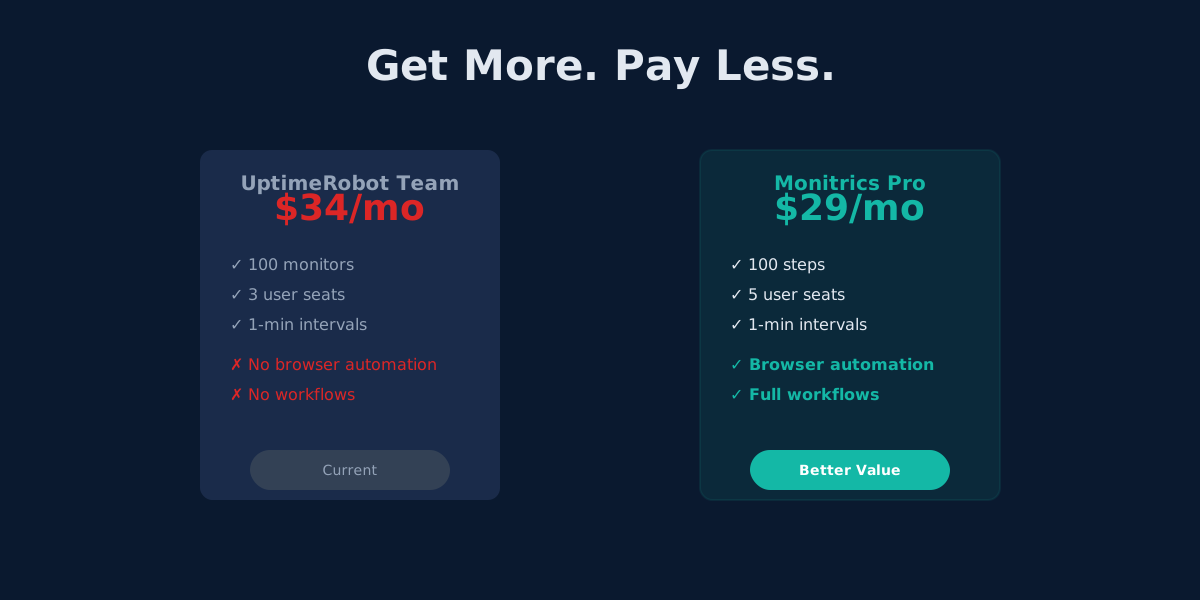
UptimeRobot Alternative: Browser Automation at Half the Price
Monitrics Professional costs $19/mo with browser automation included. UptimeRobot Team costs $34/mo without it. The math speaks for itself.
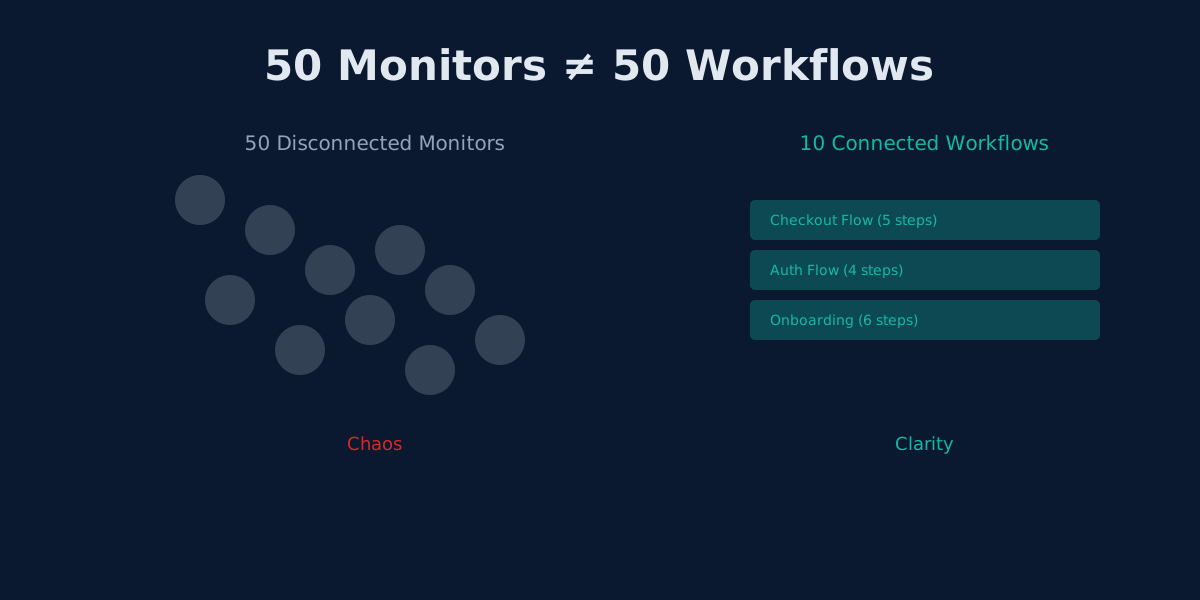
The Hidden Cost of UptimeRobot's Solo Plan: Pay More, Get Less
UptimeRobot Solo costs $8/mo but gives only 10 monitors—40 fewer than the free plan. Here's why that math doesn't work.
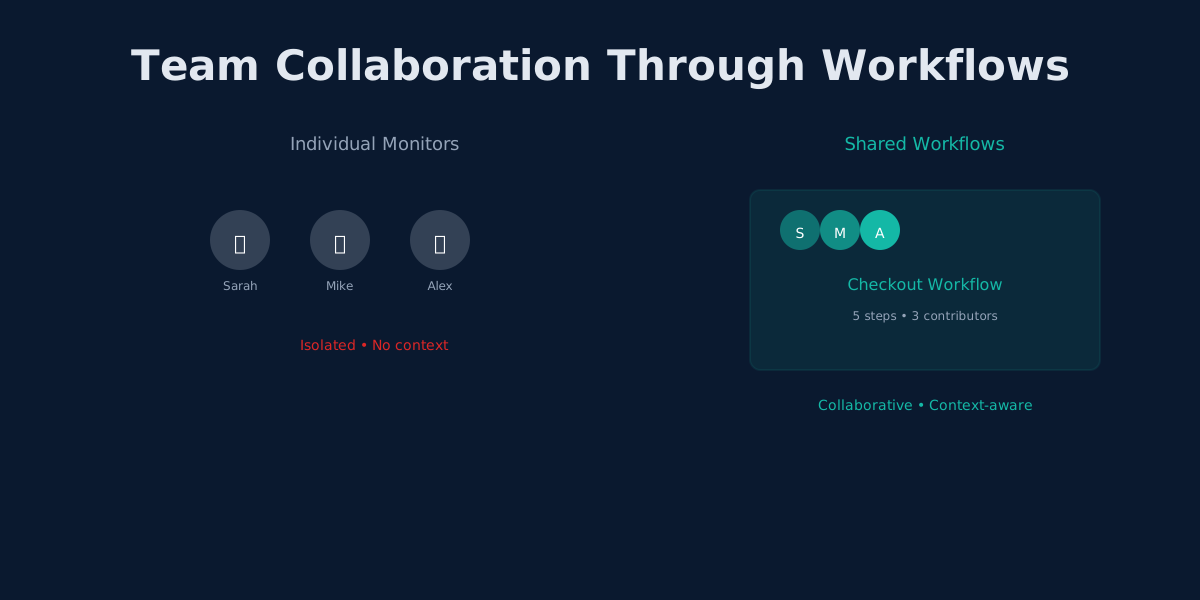
UptimeRobot's Team Plan: Why More Seats Don't Mean Better Collaboration
UptimeRobot Team adds 3 user seats for $34/mo. Monitrics adds workflow collaboration for $19/mo. The difference matters.