UptimeRobot Alternative: Browser Automation at Half the Price
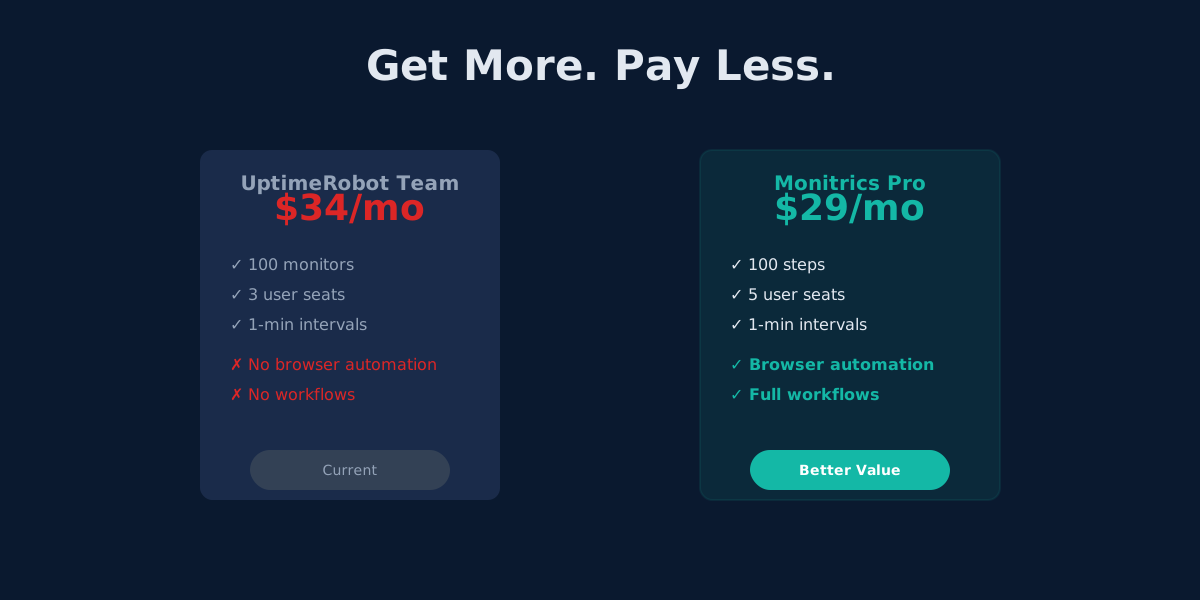
Monitrics Professional costs $19/mo with browser automation included. UptimeRobot Team costs $34/mo without it. The math speaks for itself.
Pay Less, Get More
UptimeRobot Team costs $34/month. Monitrics Professional costs $19/month. That is a $15/month difference -- $180 saved per year.
You might assume the cheaper option cuts corners. The opposite is true. Monitrics Professional includes browser automation powered by Playwright. UptimeRobot does not offer browser automation at any price point. Not on Solo. Not on Team. Not on Enterprise.
This is the price-feature inversion: you pay 44% less and get capabilities that do not exist in the competing product at any tier.
The Numbers Side by Side
Here is what each platform offers at their mid-tier price point:
| Feature | UptimeRobot Team | Monitrics Professional |
|---|---|---|
| Monthly price | $34 | $19 |
| Monitors / steps | 100 monitors | 100 steps |
| Minimum interval | 1 minute | 1 minute |
| Team seats | 3 | 5 |
| Notification channels | 12 integrations | 5 channels |
| HTTP monitoring | Yes | Yes |
| Ping / ICMP | Yes | Yes |
| TCP / port monitoring | Yes | Yes |
| DNS monitoring | No | Yes |
| Domain expiry monitoring | Separate check | Included as step type |
| Keyword monitoring | Yes | Yes (via assertions) |
| Browser automation | No | Yes (Playwright) |
| Multi-step workflows | No | Yes |
| Variable passing between steps | No | Yes |
| Custom assertions | No | Yes |
| Multi-region execution | Limited | 12+ regions |
| SSL monitoring | Yes | Yes |
Monitrics Professional gives you 5 team seats versus UptimeRobot Team's 3. It gives you browser automation versus none. It gives you multi-step workflows versus isolated checks. And it costs $15 less every month.
What Browser Automation Actually Means
UptimeRobot's most advanced monitoring capability is keyword detection. It fetches a page's HTML and searches for a string. That is fundamentally a curl | grep operation:
GET https://shop.example.com/checkout
Response: 200 OK
HTML contains "Complete Purchase" -> UP
This tells you the server responded and the text exists in the raw HTML. It does not tell you whether a user can actually complete a purchase.
Monitrics browser automation launches a real headless browser using Playwright. It renders JavaScript, executes interactions, and validates outcomes:
1. Launch Chromium
2. Navigate to https://shop.example.com
3. Wait for JavaScript to render the product catalog
4. Click "Add to Cart" button
5. Click "Proceed to Checkout"
6. Fill shipping address fields
7. Fill payment form
8. Click "Place Order"
9. Assert confirmation page contains order number
10. Capture screenshot for evidence
The difference is not incremental. It is categorical. One approach checks if a page loads. The other checks if your application works.
Real-World Example: Monitoring a Checkout Flow
Consider an e-commerce site where the checkout process spans four pages. Here is how each platform handles it.
The UptimeRobot Approach
You create separate monitors for each page:
- Monitor 1:
GET /products-- check for keyword "Add to Cart" - Monitor 2:
GET /cart-- check for keyword "Proceed to Checkout" - Monitor 3:
GET /checkout-- check for keyword "Place Order" - Monitor 4:
GET /api/health-- check for 200 status
Cost: 4 of your 100 monitors used.
What you learn: Each page returns HTML containing expected text.
What you miss: Whether a user can actually navigate from product selection through payment. A JavaScript error on the cart page could prevent the checkout button from working, and all four monitors would still report UP.
The Monitrics Approach
You create one workflow with browser steps:
{
  "name": "Checkout Flow Monitoring",
  "steps": [
    {
      "type": "browser",
      "url": "https://shop.example.com/products",
      "interactions": [
        {
          "type": "click",
          "selector": "[data-testid='product-add-to-cart']",
          "timeout_ms": 5000
        },
        {
          "type": "get_text",
          "selector": ".cart-count",
          "var_name": "cart_items",
          "timeout_ms": 3000
        }
      ]
    },
    {
      "type": "browser",
      "url": "https://shop.example.com/cart",
      "interactions": [
        {
          "type": "wait_for_selector",
          "selector": ".cart-item",
          "timeout_ms": 5000
        },
        {
          "type": "click",
          "selector": "#checkout-button",
          "timeout_ms": 3000
        }
      ]
    },
    {
      "type": "browser",
      "url": "https://shop.example.com/checkout",
      "interactions": [
        {
          "type": "fill",
          "selector": "#email",
          "value": "monitor@example.com"
        },
        {
          "type": "fill",
          "selector": "#shipping-address",
          "value": "123 Monitor Street"
        },
        {
          "type": "fill",
          "selector": "#card-number",
          "value": "4242424242424242"
        },
        {
          "type": "click",
          "selector": "#place-order",
          "timeout_ms": 5000
        }
      ]
    },
    {
      "type": "browser",
      "url": "https://shop.example.com/confirmation",
      "interactions": [
        {
          "type": "wait_for_selector",
          "selector": ".order-confirmation",
          "timeout_ms": 10000
        },
        {
          "type": "get_text",
          "selector": ".order-number",
          "var_name": "order_id",
          "timeout_ms": 3000
        }
      ]
    }
  ]
}
Cost: 4 of your 100 steps used.
What you learn: The entire checkout flow works from a real user's perspective. Every button click, form fill, and page transition is validated.
What you catch: JavaScript errors, broken form validation, payment gateway failures, redirect loops, missing confirmation pages -- any failure a real customer would encounter.
Same number of checks. Same monitoring interval. But one approach tells you the truth about your application. The other tells you the server is responding.
Five Things Browser Automation Catches That Keyword Monitoring Misses
1. JavaScript Rendering Failures
Modern web applications render content client-side. A React, Vue, or Angular app might return a 200 status with a mostly empty HTML shell. Keyword monitoring sees the shell. Browser automation sees the fully rendered page -- or catches the rendering failure.
2. Broken User Interactions
A button might exist in the DOM but be covered by another element, disabled by a CSS rule, or broken by a JavaScript error. Keyword monitoring reports UP because the button's text is in the HTML. Browser automation catches the failure because it actually tries to click.
3. Authentication Flows
Your login page works. Your dashboard requires authentication. UptimeRobot can check the login page loads but cannot log in and verify the authenticated experience. Monitrics browser steps can fill credentials, submit the form, and validate what the logged-in user sees.
4. Multi-Page State Dependencies
An e-commerce cart depends on session state. A checkout depends on cart contents. A confirmation depends on payment processing. These dependencies cannot be validated by checking pages in isolation. Browser automation moves through the flow sequentially, carrying state across pages.
5. Third-Party Integration Failures
Your payment processor, your CDN, your chat widget -- any third-party dependency that loads via JavaScript is invisible to keyword monitoring. Browser automation renders the full page with all external resources and catches failures in the complete dependency chain.
Full Pricing Comparison
Understanding where each platform stands at every tier:
UptimeRobot Pricing
| Plan | Price | Monitors | Interval | Team seats |
|---|---|---|---|---|
| Free | $0/mo | 50 | 5 min | 1 |
| Solo | $8/mo | 10 | 1 min | 1 |
| Team | $34/mo | 100 | 1 min | 3 |
| Enterprise | $64/mo | 200 | 30 sec | -- |
Browser automation: not available on any plan.
Monitrics Pricing
| Plan | Price | Steps | Interval | Team members |
|---|---|---|---|---|
| Starter Free | $0/mo | 50 | 5 min | 1 |
| Professional | $19/mo | 100 | 1 min | 5 |
| Enterprise | $49/mo | Unlimited | 30 sec | Unlimited |
Browser automation: included on Professional and Enterprise.
The price-feature inversion holds at every tier. Monitrics Enterprise at $49/month with unlimited steps and 30-second intervals costs less than UptimeRobot Enterprise at $64/month with 200 monitors. Monitrics includes browser automation. UptimeRobot does not.
Why Monitrics Can Offer More for Less
This is not a loss-leader strategy. Monitrics is genuinely cheaper to operate, and those savings pass through to pricing. Three architectural decisions make this possible.
Built on Go, Not Legacy Infrastructure
Monitrics backend is written in Go -- six independent microservices that handle API requests, scheduling, execution, result processing, and notifications. Go compiles to native binaries with minimal memory overhead. A single Go executor process handles workloads that would require significantly more resources in older technology stacks.
UptimeRobot launched in 2010. Sixteen years of accumulated infrastructure carries real operational costs. Monitrics was built in 2025 with no legacy systems to maintain.
Distributed Execution Architecture
Monitrics runs browser automation across 12+ geographic regions using containerized Playwright instances. Workflow execution requests flow through a queue-based system: the scheduler publishes to a message topic, regional queues consume based on location filters, and executor workers process steps in parallel.
This architecture scales horizontally. Adding capacity means adding containers, not rewriting infrastructure. The cost per browser automation step stays low because the architecture was designed for it from day one.
Workflow-Oriented Design
UptimeRobot treats every monitor as an independent entity. Monitrics organizes monitoring into workflows -- sequences of connected steps that share context, pass variables, and execute as a unit.
This design reduces overhead. One workflow definition replaces multiple disconnected monitors. Shared authentication means login happens once per workflow, not once per check. Sequential steps reuse browser sessions where possible. The result is more efficient resource usage that translates directly to lower pricing.
Migrating from UptimeRobot
Switching is straightforward and most teams complete the process in an afternoon.
Step 1: Audit your current monitors. Group related monitors together. The three monitors checking your login page, dashboard, and settings page become one workflow with three steps.
Step 2: Convert HTTP monitors. UptimeRobot HTTP monitors translate directly to Monitrics HTTP steps. URL, expected status code, and timeout map one-to-one.
Step 3: Upgrade keyword monitors to browser steps. This is where you gain capability. Every keyword monitor that checks for text on a JavaScript-rendered page becomes a browser step that actually verifies the feature works.
Step 4: Add workflows for critical paths. With browser automation available, create workflows for the user journeys that matter most: signup, login, checkout, core feature usage. These are the flows UptimeRobot could never monitor.
Step 5: Run both platforms in parallel. Keep UptimeRobot active for a week while Monitrics validates your workflows. Compare alert accuracy. Then switch.
When to Stay with UptimeRobot
UptimeRobot remains a reasonable choice if your monitoring needs are limited to simple uptime checks on static pages. If you run a blog or a marketing site that serves pre-rendered HTML, and all you need to know is whether the server responds with a 200 status, UptimeRobot Free with 50 monitors at 5-minute intervals handles that well.
But the moment your monitoring needs include any of the following, the calculus changes:
- Validating JavaScript-rendered content
- Testing authenticated user flows
- Monitoring multi-step processes
- Checking browser-specific behavior
- Verifying third-party integrations load correctly
At that point, you need browser automation. UptimeRobot does not offer it. Monitrics does, at a lower price.
The Bottom Line
UptimeRobot Team charges $34/month for 100 monitors, 3 team seats, and no browser automation.
Monitrics Professional charges $19/month for 100 steps, 5 team members, browser automation with Playwright, multi-step workflows, variable passing, custom assertions, and execution across 12+ regions.
You save $15 every month. You gain capabilities that do not exist in the competing product. You get more team seats. The math is not close.
The question is not whether Monitrics is a viable UptimeRobot alternative. The question is why you would pay more for less.
Related Reading
- UptimeRobot vs Monitrics: Browser Automation Deep Dive -- Technical comparison of keyword monitoring versus browser automation
- UptimeRobot vs Monitrics: Workflow Cost Analysis -- How step-based pricing compares to individual monitors
- Beyond UptimeRobot: Monitoring Real User Journeys -- Why workflow monitoring matters
- UptimeRobot vs Monitrics: Complete Comparison -- Full feature-by-feature breakdown
Stop paying more for less monitoring. Start free with Monitrics -- 50 steps, no credit card required. Upgrade to Professional at $19/month when you need browser automation, faster intervals, and team collaboration.
Related Articles
UptimeRobot's Domain Expiry Problem: Why Bundled Monitoring Wins
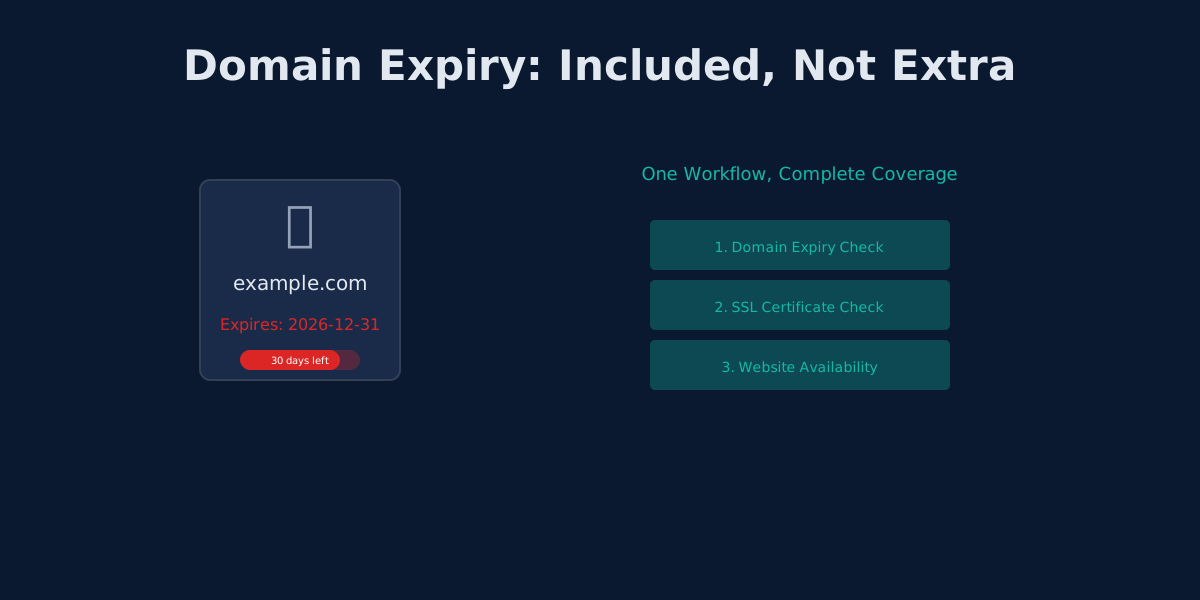
UptimeRobot separates domain, SSL, and HTTP monitoring. Monitrics bundles them into one workflow. Here's why that matters.
The Hidden Cost of UptimeRobot's Solo Plan: Pay More, Get Less
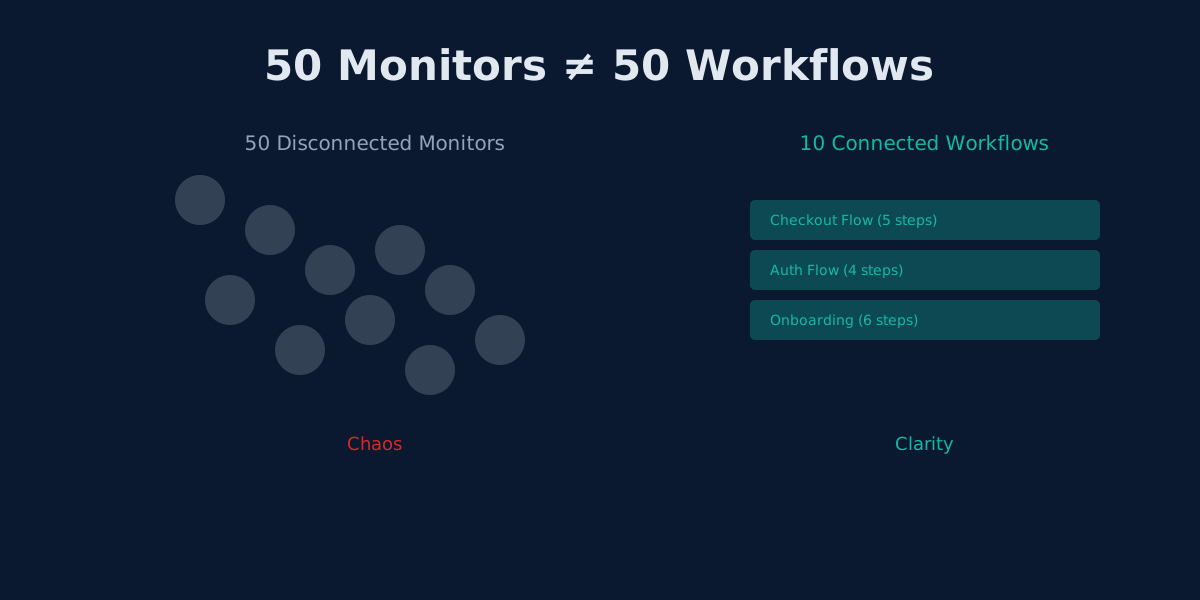
UptimeRobot Solo costs $8/mo but gives only 10 monitors—40 fewer than the free plan. Here's why that math doesn't work.
UptimeRobot's Team Plan: Why More Seats Don't Mean Better Collaboration
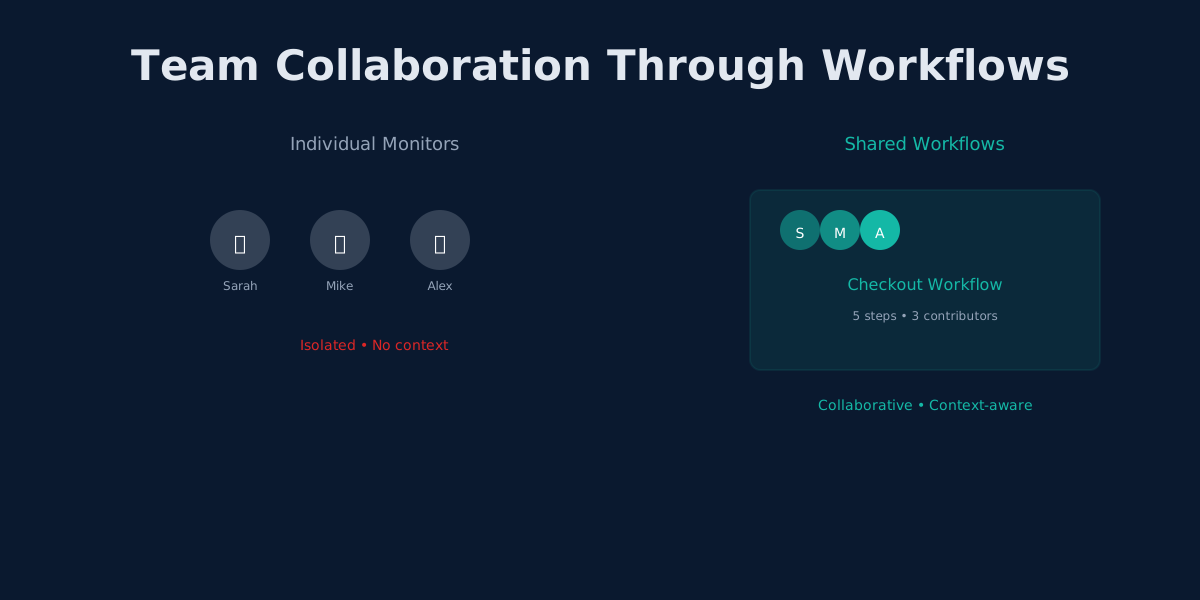
UptimeRobot Team adds 3 user seats for $34/mo. Monitrics adds workflow collaboration for $19/mo. The difference matters.