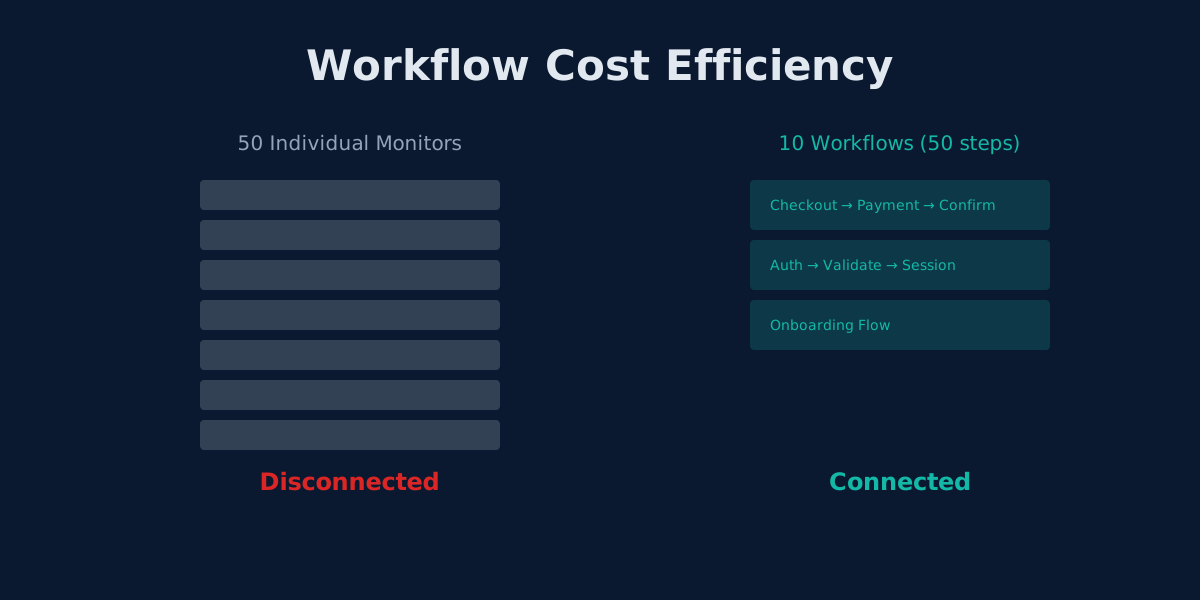
UptimeRobot vs Monitrics: Why Workflow Monitoring Costs Less Than Individual Checks
One Monitrics workflow replaces 5 UptimeRobot monitors. See how step-based pricing delivers better coverage at lower cost.
Most monitoring tools charge you per endpoint. That works until you realize your checkout flow spans five endpoints, your login touches three, and your onboarding hits six. Suddenly you are burning through monitors just to cover a single user journey.
Monitrics takes a different approach. Instead of isolated checks, you build workflows where each step connects to the next. The result: better coverage, clearer failure signals, and a lower bill.
Monitors vs Steps: The Core Difference
UptimeRobot counts monitors. Each URL, endpoint, or keyword check is one monitor. These monitors run independently with no awareness of each other.
Monitrics counts steps. Steps live inside workflows, execute sequentially, and pass data between each other. A five-step checkout workflow uses five steps of your quota, but delivers something no collection of independent monitors can: context.
| Concept | UptimeRobot | Monitrics |
|---|---|---|
| Unit of measurement | Monitor (1 URL = 1 monitor) | Step (1 action = 1 step) |
| Execution model | Independent, isolated | Sequential, connected |
| Data sharing | None | Variable passing between steps |
| Failure context | "Monitor 23 is down" | "Step 4 failed because the payment API returned 503" |
| Browser automation | Not available | Built-in on Professional+ |
Real-World Example: E-Commerce Checkout
Consider monitoring a checkout flow end-to-end. Here is what each platform requires.
UptimeRobot: 5 Separate Monitors
Monitor 1: GET /cart             → keyword check for "Cart"
Monitor 2: POST /api/cart/add    → status code 200
Monitor 3: GET /checkout         → keyword check for "Payment"
Monitor 4: POST /api/payment     → status code 200
Monitor 5: GET /order/confirm    → keyword check for "Thank you"
Each monitor runs on its own schedule, in isolation. If Monitor 4 fails, you cannot tell whether the payment API is actually down or whether the checkout page (Monitor 3) broke in a way that prevents the payment call. You have five data points but no story.
Cost: 5 monitors consumed.
Monitrics: 1 Workflow, 5 Steps
{
  "name": "Checkout Flow",
  "steps": [
    {
      "type": "browser",
      "config": {
        "url": "https://store.example.com/cart",
        "interactions": [
          { "type": "wait_for_selector", "selector": ".cart-items", "timeout_ms": 5000 },
          { "type": "click", "selector": "#checkout-btn" }
        ]
      }
    },
    {
      "type": "http",
      "config": {
        "method": "POST",
        "url": "https://store.example.com/api/cart/add",
        "body": { "items": [{ "id": "prod_123", "qty": 1 }] },
        "assertions": [{ "field": "status_code", "operator": "eq", "value": "200" }]
      }
    },
    {
      "type": "browser",
      "config": {
        "url": "https://store.example.com/checkout",
        "interactions": [
          { "type": "fill", "selector": "#email", "value": "test@example.com" },
          { "type": "fill", "selector": "#card-number", "value": "4242424242424242" },
          { "type": "click", "selector": "#pay-now" },
          { "type": "wait_for_navigation", "timeout_ms": 10000 }
        ]
      }
    },
    {
      "type": "http",
      "config": {
        "method": "GET",
        "url": "https://store.example.com/api/order/latest",
        "extract": { "order_id": "$.data.order_id" },
        "assertions": [{ "field": "status_code", "operator": "eq", "value": "200" }]
      }
    },
    {
      "type": "browser",
      "config": {
        "url": "https://store.example.com/order/confirm",
        "interactions": [
          { "type": "get_text", "selector": ".order-number", "var_name": "displayed_order_id", "timeout_ms": 5000 }
        ],
        "assertions": [{ "field": "page_text", "contains": "Thank you" }]
      }
    }
  ]
}
Steps execute in order. Step 4 extracts the order_id and passes it forward. Step 5 confirms the order page actually displays the right number. If step 3 fails, the workflow stops and you know exactly where the breakdown happened.
Cost: 5 steps consumed. One workflow to manage.
The UptimeRobot Solo Plan Trap
This is the pricing detail most people miss. Here is the full UptimeRobot tier breakdown:
| Plan | Price | Monitors | Min Interval | Team Seats | Browser Automation |
|---|---|---|---|---|---|
| Free | $0/mo | 50 | 5 min | 1 | No |
| Solo | $8/mo | 10 | 1 min | 1 (no team) | No |
| Team | $34/mo | 100 | 1 min | 3 | No |
| Enterprise | $64/mo | 200 | 30 sec | 10 | No |
Read the Solo row again. For $8 per month you get 10 monitors, not 50. That is 40 fewer monitors than the free plan.
The Solo plan exists for a narrow use case: you need 1-minute intervals and have 10 or fewer things to check. But most teams hit the free plan's 50-monitor limit because they have many endpoints, not because they need faster intervals.
Here is the trap: if you are on the Free plan with 40 monitors and want 1-minute intervals, upgrading to Solo forces you to drop 30 monitors. To keep all your monitors and get 1-minute intervals, you need the Team plan at $34 per month.
There is no in-between.
Monitrics Pricing: Straightforward Steps
| Plan | Price | Steps | Min Interval | Team Members | Browser Automation |
|---|---|---|---|---|---|
| Starter (Free) | $0/mo | 50 | 5 min | 1 | No |
| Professional | $19/mo | 100 | 1 min | 5 | Yes |
| Enterprise | $49/mo | Unlimited | 30 sec | Unlimited | Yes |
No hidden downgrades. No feature cliffs. Each tier is a strict superset of the one below it.
Monitrics Professional at $19 per month gives you 100 steps, 1-minute intervals, browser automation, and 5 team members. UptimeRobot Team at $34 per month gives you 100 monitors, 1-minute intervals, no browser automation, and 3 seats. That is $15 more for fewer capabilities.
Price-Per-Capability Comparison
Let us stack the tiers side by side for the features that matter.
Free Tier: $0/mo
| Capability | UptimeRobot Free | Monitrics Starter |
|---|---|---|
| Units | 50 monitors | 50 steps |
| Check interval | 5 min | 5 min |
| HTTP checks | Yes | Yes |
| TCP/ICMP/DNS | Partial | Yes (all four) |
| Workflows | No | Yes |
| Variable passing | No | Yes |
| Domain expiry | No | Yes |
| Browser automation | No | No |
At the free tier, both platforms give you 50 units. But Monitrics lets you chain those units into workflows with variable passing. UptimeRobot gives you 50 disconnected dots.
Mid Tier: UptimeRobot Team ($34) vs Monitrics Professional ($19)
| Capability | UptimeRobot Team | Monitrics Professional |
|---|---|---|
| Price | $34/mo | $19/mo |
| Units | 100 monitors | 100 steps |
| Check interval | 1 min | 1 min |
| Team seats | 3 | 5 |
| Browser automation | No | Yes |
| Workflows | No | Yes |
| Variable passing | No | Yes |
| Multi-region | Limited | Yes |
Monitrics Professional costs 44% less while delivering browser automation, workflow orchestration, and more team seats.
Top Tier: UptimeRobot Enterprise ($64) vs Monitrics Enterprise ($49)
| Capability | UptimeRobot Enterprise | Monitrics Enterprise |
|---|---|---|
| Price | $64/mo | $49/mo |
| Units | 200 monitors | Unlimited steps |
| Check interval | 30 sec | 30 sec |
| Team seats | 10 | Unlimited |
| Browser automation | No | Yes |
| Workflows | No | Yes |
Even at the enterprise level, Monitrics costs less and removes the unit cap entirely.
The Cognitive Load Factor
There is a cost that does not show up on any invoice: the mental overhead of managing your monitoring setup.
50 UptimeRobot Monitors
Your dashboard shows 50 independent rows. Some are green. Some are red. You need to remember which monitors belong to which feature, mentally group related checks, and correlate failures across unrelated monitor names like "API Check 14" and "Checkout Page 3."
When something breaks, you scan the list, find the red dots, and try to piece together what happened. If three monitors fail simultaneously, you have to determine whether that is one root cause or three separate issues.
10 Monitrics Workflows
Your dashboard shows 10 workflows, each named after a real user journey: "Checkout Flow," "User Onboarding," "Admin Dashboard Health." Each workflow shows its steps in order with pass/fail status.
When the Checkout Flow fails, you see that step 3 (payment form submission) timed out after 10 seconds. Steps 1 and 2 passed. Steps 4 and 5 did not execute. Root cause identified in seconds.
This is not a minor convenience. For on-call engineers at 3 AM, the difference between scanning 50 monitors and reading one workflow timeline is the difference between a 5-minute resolution and a 30-minute investigation.
Variable Passing Eliminates Redundant Checks
One of the most expensive patterns in UptimeRobot is repeating authentication across monitors.
If your API requires authentication, every monitor that hits a protected endpoint needs its own auth setup. With UptimeRobot, that means configuring headers on each individual monitor. Change your auth scheme, and you update them all one by one.
With Monitrics, your workflow handles it once:
{
  "name": "Authenticated API Health",
  "steps": [
    {
      "type": "http",
      "config": {
        "method": "POST",
        "url": "https://api.example.com/auth/token",
        "body": { "client_id": "monitor_client", "grant_type": "client_credentials" },
        "extract": { "auth_token": "$.access_token" }
      }
    },
    {
      "type": "http",
      "config": {
        "method": "GET",
        "url": "https://api.example.com/users/me",
        "headers": { "Authorization": "Bearer {{auth_token}}" },
        "assertions": [{ "field": "status_code", "operator": "eq", "value": "200" }]
      }
    },
    {
      "type": "http",
      "config": {
        "method": "GET",
        "url": "https://api.example.com/billing/subscription",
        "headers": { "Authorization": "Bearer {{auth_token}}" },
        "assertions": [{ "field": "json_body.status", "operator": "eq", "value": "active" }]
      }
    },
    {
      "type": "http",
      "config": {
        "method": "GET",
        "url": "https://api.example.com/notifications/unread",
        "headers": { "Authorization": "Bearer {{auth_token}}" },
        "assertions": [{ "field": "status_code", "operator": "eq", "value": "200" }]
      }
    }
  ]
}
Step 1 authenticates and extracts the token. Steps 2 through 4 reuse it via {{auth_token}}. If your auth endpoint changes, you update one step. If the token expires mid-workflow, you know immediately because subsequent steps fail with 401 errors rather than ambiguous timeouts.
In UptimeRobot, you would need four separate monitors, each with manually configured auth headers. Four things to maintain. Four things to forget when rotating credentials.
A Typical SaaS Monitoring Setup
Let us map out what a real SaaS company needs to monitor:
| User Journey | Steps | UptimeRobot Monitors | Monitrics Workflows |
|---|---|---|---|
| Landing page health | 1 | 1 monitor | 1 workflow (1 step) |
| Signup flow | 4 | 4 monitors | 1 workflow (4 steps) |
| Login and session | 3 | 3 monitors | 1 workflow (3 steps) |
| Dashboard load | 2 | 2 monitors | 1 workflow (2 steps) |
| Profile management | 3 | 3 monitors | 1 workflow (3 steps) |
| Checkout process | 5 | 5 monitors | 1 workflow (5 steps) |
| Admin panel | 4 | 4 monitors | 1 workflow (4 steps) |
| API health (authenticated) | 6 | 6 monitors | 1 workflow (6 steps) |
| Total | 28 | 28 monitors | 8 workflows (28 steps) |
Both platforms consume 28 units. But:
- UptimeRobot shows 28 disconnected status indicators. You manage 28 separate configurations. You investigate 28 potential failure points with no relationship data.
- Monitrics shows 8 named workflows. You manage 8 configurations. When something fails, you see exactly which step in which journey broke and why.
On the free tier, both platforms handle this setup. But when you need 1-minute intervals:
- UptimeRobot: Solo ($8/mo) only allows 10 monitors, so you must jump to Team at $34/mo.
- Monitrics: Professional ($19/mo) covers all 28 steps with room for 72 more.
That is a $15/mo difference, and Monitrics includes browser automation on top.
Migration Path: UptimeRobot to Monitrics
Switching does not have to be a big-bang migration. Here is a practical approach:
Step 1: Audit your monitors. Export your UptimeRobot monitor list. Group them by the user journey or feature they belong to.
Step 2: Identify dependencies. Which monitors check endpoints that are part of the same flow? If Monitor A checks the login page and Monitor B checks the dashboard (which requires login), those are a workflow.
Step 3: Build workflows incrementally. Start with your most critical user journey. Convert those monitors into a single Monitrics workflow. Run both in parallel for a week.
Step 4: Add variable passing. Once basic workflows are running, add data extraction and variable passing. This is where workflows become dramatically more useful than individual monitors.
Step 5: Phase out redundant monitors. As each workflow proves reliable, disable the corresponding UptimeRobot monitors.
Most teams complete the migration in under a week. The typical result is 60-70% fewer things to manage with equal or better coverage.
The Bottom Line
UptimeRobot charges for individual checks. Monitrics charges for steps within connected workflows. Both give you 50 free units, but what you can do with those units is fundamentally different.
If your monitoring needs are simple (a handful of URLs to ping), either platform works fine. But the moment you need to monitor real user journeys, validate multi-step processes, or pass data between checks, the workflow model delivers more value per step than the monitor model delivers per monitor.
And when you factor in the Solo plan's 10-monitor limit, UptimeRobot's pricing actively penalizes teams that want to grow beyond basic uptime checks without paying $34 per month.
Monitrics Professional gives you 100 steps, browser automation, workflow orchestration, and 5 team seats for $19. That is the comparison that matters.
Related Articles
- The Hidden Cost of UptimeRobot's Solo Plan - Why paying $8/mo gets you fewer monitors than the free plan
- UptimeRobot Alternative: Browser Automation for Less - Feature comparison and pricing breakdown
- UptimeRobot vs Monitrics: Complete Comparison - The full feature and pricing guide
- Beyond UptimeRobot: Monitoring Real User Journeys - Why endpoint checks are not enough
Ready to monitor workflows instead of individual endpoints? Start free with 50 steps and see how connected monitoring changes what you can catch.
Related Articles
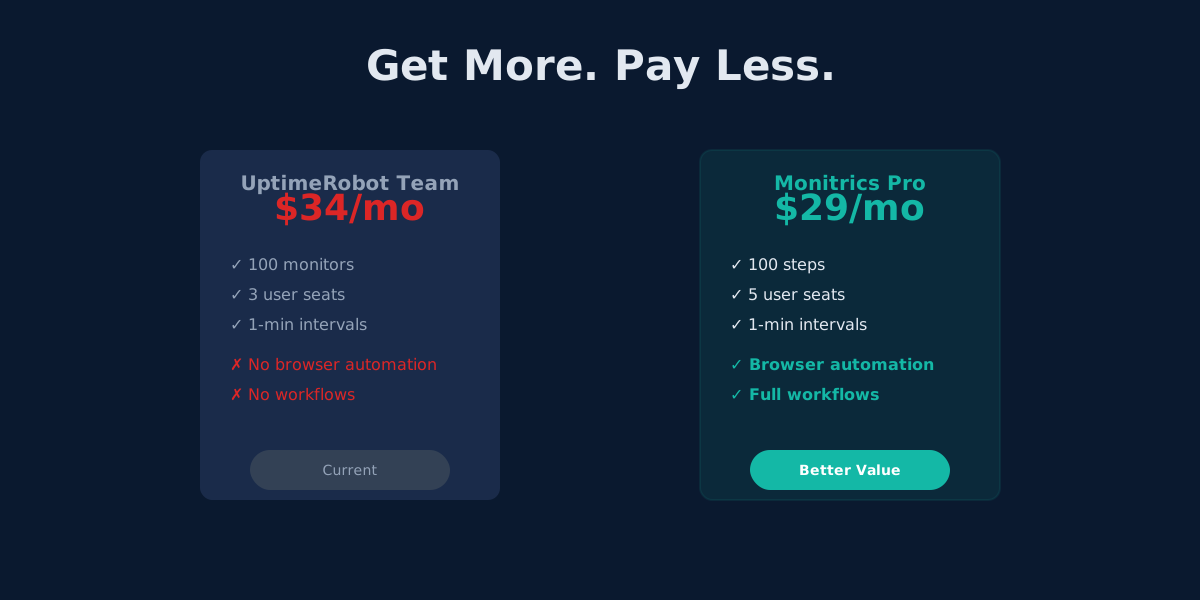
UptimeRobot Alternative: Browser Automation at Half the Price
Monitrics Professional costs $19/mo with browser automation included. UptimeRobot Team costs $34/mo without it. The math speaks for itself.
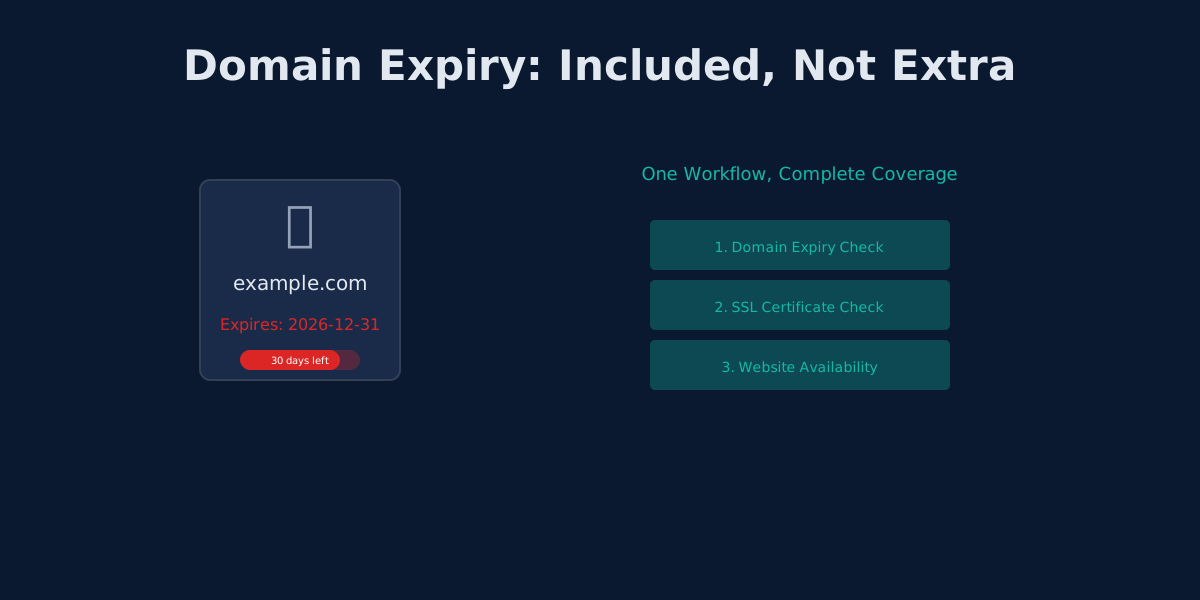
UptimeRobot's Domain Expiry Problem: Why Bundled Monitoring Wins
UptimeRobot separates domain, SSL, and HTTP monitoring. Monitrics bundles them into one workflow. Here's why that matters.
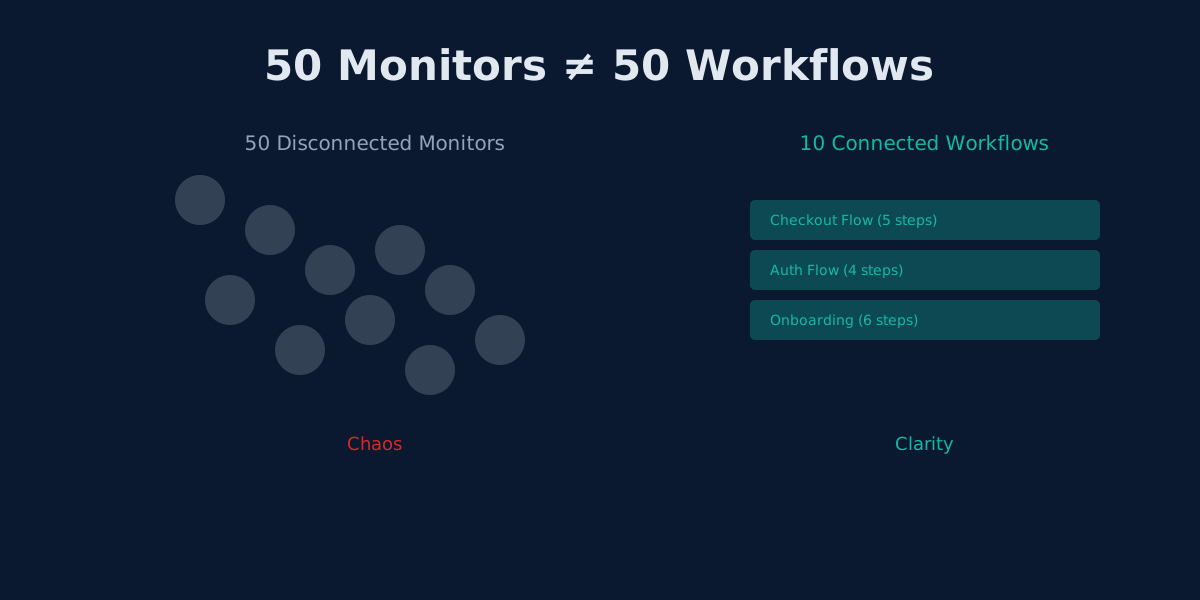
The Hidden Cost of UptimeRobot's Solo Plan: Pay More, Get Less
UptimeRobot Solo costs $8/mo but gives only 10 monitors—40 fewer than the free plan. Here's why that math doesn't work.