
UptimeRobot vs Monitrics: Variables and Assertions That Actually Matter
UptimeRobot uses static thresholds. Monitrics uses dynamic assertions with variable passing. See why smart monitoring wins.
Another 3 AM False Positive
Your phone buzzes at 3 AM. The alert reads:
"API response time exceeded 2000ms threshold."
You drag yourself to the laptop. The API responded in 2100ms. Your baseline during peak hours is 1800ms. A 16% increase. Completely normal variance.
But your monitoring tool does not know that. It compared a number against a hardcoded threshold and decided the sky was falling.
This is the fundamental limitation of static monitoring. It has no memory, no context, and no understanding of what "normal" actually means for your application.
UptimeRobot is built on static thresholds. Monitrics is built on variables and dynamic assertions. The difference changes everything about how you monitor.
What UptimeRobot Gives You: Three Static Checks
UptimeRobot offers three types of assertions across all its plans (Free at $0/mo for 50 monitors, Solo at $8/mo for 10 monitors, Team at $34/mo for 100 monitors, Enterprise at $64/mo for 200 monitors):
Keyword Exists
Check: Does the page contain "Order Confirmed"?
Result: PASS (text found) or FAIL (text not found)
Response Time Threshold
Check: Is response time under 2000ms?
Result: PASS (1400ms < 2000ms) or FAIL (2100ms > 2000ms)
HTTP Status Code
Check: Did the server return 200?
Result: PASS (200 received) or FAIL (500 received)
That is it. No variable passing between monitors. No dynamic values. No way to say "alert me only if this number deviates from what the previous step returned." Every threshold is a fixed number you type into a form field.
What Monitrics Gives You: Variables and Dynamic Assertions
Monitrics (Starter Free at $0/mo for 50 steps, Professional at $19/mo for 100 steps with browser automation, Enterprise at $49/mo with unlimited steps) approaches assertions differently. Every step in a workflow can extract data and pass it forward. Every assertion can reference those extracted values.
Variable Extraction
Extract data from any API response using JSONPath:
{
  "name": "Authenticate",
  "type": "http",
  "url": "/api/auth/login",
  "method": "POST",
  "body": {
    "email": "monitor@example.com",
    "password": "secure-password"
  },
  "extract": {
    "auth_token": "$.access_token",
    "user_id": "$.user.id",
    "account_tier": "$.user.plan"
  }
}
Those three values -- auth_token, user_id, and account_tier -- are now available to every subsequent step in the workflow.
Step-to-Step Data Passing
Use extracted variables in URLs, headers, and request bodies:
{
  "name": "Fetch Profile",
  "type": "http",
  "url": "/api/users/{{user_id}}/profile",
  "headers": {
    "Authorization": "Bearer {{auth_token}}"
  },
  "extract": {
    "display_name": "$.name",
    "email": "$.email"
  }
}
No hardcoded tokens. No static user IDs. The workflow authenticates and then uses real credentials, exactly like a user would.
Dynamic Assertions
Assert against extracted values, not fixed numbers:
{
  "assertions": [
    {
      "field": "$.total",
      "operator": "equals",
      "value": "{{subtotal}} + {{tax}} + {{shipping}}"
    },
    {
      "field": "$.status",
      "operator": "not_equals",
      "value": "{{previous_status}}"
    },
    {
      "field": "$.response_time",
      "operator": "less_than",
      "value": "{{baseline_ms}} * 1.5"
    }
  ]
}
These assertions adapt. They compare against values extracted earlier in the same workflow run, not against numbers you typed in last month.
Why Static Assertions Break Down
Static thresholds work for trivial cases. They fall apart the moment your application has any complexity.
Problem 1: Baselines Shift
Your API response time is not a constant. It varies by time of day, traffic load, and deployment state:
Morning (low traffic):   800ms average
Afternoon (moderate):    1200ms average
Evening (peak):          1800ms average
Weekend (minimal):       600ms average
If you set a static threshold of 1200ms, you get false positives every evening. If you set it at 2000ms, you miss genuine degradation during off-peak hours.
With dynamic assertions, you extract a baseline and compare against it:
{
  "steps": [
    {
      "name": "Get Baseline",
      "type": "http",
      "url": "/api/metrics/p95-response-time",
      "extract": {
        "baseline_ms": "$.p95"
      }
    },
    {
      "name": "Test Endpoint",
      "type": "http",
      "url": "/api/products",
      "assertions": [
        {
          "field": "response_time",
          "operator": "less_than",
          "value": "{{baseline_ms}} * 1.5",
          "description": "Response time within 150% of current P95"
        }
      ]
    }
  ]
}
The threshold adjusts automatically. No more 3 AM false positives during normal peak traffic.
Problem 2: Authenticated Endpoints
Most real applications require authentication. UptimeRobot monitors each URL independently, so authenticated endpoints either fail (401 Unauthorized) or require you to hardcode tokens that expire.
Monitrics handles this natively:
{
  "steps": [
    {
      "name": "Login",
      "type": "http",
      "url": "/api/auth/token",
      "method": "POST",
      "body": {
        "grant_type": "client_credentials",
        "client_id": "monitor-service",
        "client_secret": "{{env.CLIENT_SECRET}}"
      },
      "extract": {
        "token": "$.access_token"
      }
    },
    {
      "name": "Check User API",
      "type": "http",
      "url": "/api/users/me",
      "headers": {
        "Authorization": "Bearer {{token}}"
      },
      "assertions": [
        { "field": "status_code", "operator": "equals", "value": 200 },
        { "field": "$.email", "operator": "exists", "value": true }
      ]
    },
    {
      "name": "Check Admin API",
      "type": "http",
      "url": "/api/admin/dashboard",
      "headers": {
        "Authorization": "Bearer {{token}}"
      },
      "assertions": [
        { "field": "status_code", "operator": "equals", "value": 200 }
      ]
    }
  ]
}
One login step. The token flows to every subsequent step. When the token format changes or the auth endpoint updates, you fix one step instead of dozens of monitors.
Problem 3: Data Consistency Across Steps
A checkout flow involves multiple API calls that must produce consistent results:
Step 1: Cart subtotal = $50.00
Step 2: Tax calculated = $4.50 (9% rate)
Step 3: Shipping = $5.00
Step 4: Order total = $59.50
UptimeRobot can verify each endpoint returns 200. It cannot verify that $50.00 + $4.50 + $5.00 = $59.50. It cannot catch a tax calculation bug that charges 12% instead of 9%.
Monitrics can:
{
  "steps": [
    {
      "name": "Get Cart",
      "type": "http",
      "url": "/api/cart/{{cart_id}}",
      "extract": {
        "subtotal": "$.subtotal",
        "item_count": "$.items.length"
      }
    },
    {
      "name": "Calculate Tax",
      "type": "http",
      "url": "/api/tax/calculate",
      "method": "POST",
      "body": {
        "amount": "{{subtotal}}",
        "state": "CA"
      },
      "extract": {
        "tax": "$.tax_amount",
        "tax_rate": "$.rate"
      }
    },
    {
      "name": "Get Shipping",
      "type": "http",
      "url": "/api/shipping/estimate",
      "method": "POST",
      "body": {
        "items": "{{item_count}}",
        "destination": "90210"
      },
      "extract": {
        "shipping": "$.cost"
      }
    },
    {
      "name": "Verify Order Total",
      "type": "http",
      "url": "/api/checkout/preview",
      "assertions": [
        {
          "field": "$.total",
          "operator": "equals",
          "value": "{{subtotal}} + {{tax}} + {{shipping}}",
          "description": "Order total must equal subtotal + tax + shipping"
        },
        {
          "field": "$.tax_rate",
          "operator": "equals",
          "value": "{{tax_rate}}",
          "description": "Tax rate must be consistent across services"
        }
      ]
    }
  ]
}
If a deployment introduces a rounding error in the tax service, this workflow catches it. Static monitoring never would.
Three Patterns for Dynamic Monitoring
These patterns cover the majority of real-world use cases for variables and assertions.
Pattern 1: Extract and Reuse
The simplest pattern. Extract a value from one step, reference it in later steps.
{
  "steps": [
    {
      "name": "Fetch Config",
      "type": "http",
      "url": "/api/config",
      "extract": {
        "api_version": "$.current_version",
        "rate_limit": "$.limits.requests_per_minute",
        "maintenance_mode": "$.flags.maintenance"
      }
    },
    {
      "name": "Test Versioned Endpoint",
      "type": "http",
      "url": "/api/v{{api_version}}/health",
      "assertions": [
        { "field": "status_code", "operator": "equals", "value": 200 }
      ]
    },
    {
      "name": "Verify Rate Limit Header",
      "type": "http",
      "url": "/api/v{{api_version}}/products",
      "assertions": [
        {
          "field": "headers.x-rate-limit",
          "operator": "equals",
          "value": "{{rate_limit}}",
          "description": "Rate limit header matches config"
        }
      ]
    }
  ]
}
Use cases: authentication tokens, API versioning, feature flags, session IDs, dynamic resource IDs.
Pattern 2: Validate State Transitions
Verify that operations actually change state. This catches silent failures where an API returns 200 but does not process the request.
{
  "steps": [
    {
      "name": "Create Order",
      "type": "http",
      "url": "/api/orders",
      "method": "POST",
      "body": { "product_id": "prod_test_001", "quantity": 1 },
      "extract": {
        "order_id": "$.id",
        "initial_status": "$.status"
      }
    },
    {
      "name": "Process Payment",
      "type": "http",
      "url": "/api/orders/{{order_id}}/pay",
      "method": "POST",
      "body": { "method": "test_card" }
    },
    {
      "name": "Verify State Changed",
      "type": "http",
      "url": "/api/orders/{{order_id}}",
      "extract": {
        "final_status": "$.status"
      },
      "assertions": [
        {
          "field": "$.status",
          "operator": "not_equals",
          "value": "{{initial_status}}",
          "description": "Order status must change after payment"
        },
        {
          "field": "$.status",
          "operator": "in",
          "value": ["paid", "processing"],
          "description": "Final status must be a valid post-payment state"
        }
      ]
    }
  ]
}
Use cases: order processing, ticket lifecycle, user onboarding steps, deployment pipelines, approval workflows.
Pattern 3: Cross-Service Correlation
Compare values returned by different services to verify they agree.
{
  "steps": [
    {
      "name": "Query Inventory Service",
      "type": "http",
      "url": "/api/inventory/prod_001",
      "extract": {
        "inventory_count": "$.available",
        "warehouse": "$.location"
      }
    },
    {
      "name": "Query Catalog Service",
      "type": "http",
      "url": "/api/catalog/prod_001",
      "extract": {
        "catalog_stock": "$.in_stock_count",
        "catalog_available": "$.is_available"
      }
    },
    {
      "name": "Verify Consistency",
      "type": "http",
      "url": "/api/storefront/prod_001",
      "assertions": [
        {
          "field": "$.stock_count",
          "operator": "equals",
          "value": "{{inventory_count}}",
          "description": "Storefront stock must match inventory service"
        },
        {
          "field": "$.available",
          "operator": "equals",
          "value": "{{catalog_available}}",
          "description": "Availability must match catalog service"
        }
      ]
    }
  ]
}
Use cases: microservice data consistency, cache invalidation verification, read-replica lag detection, cross-region sync validation.
Side-by-Side: The Same Scenario Both Ways
Consider monitoring a user signup flow. The flow creates an account, sends a verification email, and confirms the account.
UptimeRobot Approach (3 Independent Monitors)
Monitor 1: POST /api/signup
  Check: Status code = 200
  Check: Response contains "created"

Monitor 2: GET /api/email/status
  Check: Status code = 200

Monitor 3: POST /api/verify
  Check: Status code = 200
  Check: Response contains "verified"
Problems: Monitor 3 has no user ID to verify. Monitor 2 does not know which email to check. Each monitor runs independently with no shared context. You are testing three endpoints, not the signup flow.
Monitrics Approach (1 Workflow)
{
  "name": "User Signup Flow",
  "steps": [
    {
      "name": "Create Account",
      "type": "http",
      "url": "/api/signup",
      "method": "POST",
      "body": {
        "email": "test-{{timestamp}}@monitor.example.com",
        "password": "test-password-123"
      },
      "extract": {
        "user_id": "$.user.id",
        "verification_token": "$.verification_token"
      },
      "assertions": [
        { "field": "status_code", "operator": "equals", "value": 201 },
        { "field": "$.user.id", "operator": "exists", "value": true }
      ]
    },
    {
      "name": "Check Email Sent",
      "type": "http",
      "url": "/api/admin/emails?user_id={{user_id}}",
      "assertions": [
        { "field": "$.emails.length", "operator": "greater_than", "value": 0 },
        { "field": "$.emails[0].type", "operator": "equals", "value": "verification" }
      ]
    },
    {
      "name": "Verify Account",
      "type": "http",
      "url": "/api/verify",
      "method": "POST",
      "body": {
        "user_id": "{{user_id}}",
        "token": "{{verification_token}}"
      },
      "assertions": [
        { "field": "status_code", "operator": "equals", "value": 200 },
        { "field": "$.verified", "operator": "equals", "value": true }
      ]
    }
  ]
}
Every step feeds the next. The user ID from signup flows into the email check. The verification token from signup flows into the confirmation step. If any step fails, the workflow tells you exactly where the flow broke.
Migrating from Static to Dynamic
If you are currently using UptimeRobot, here is how to move to variable-based monitoring in Monitrics.
Step 1: Audit Your Monitors
Group your UptimeRobot monitors by the user flow they relate to:
Authentication:
  - Login API (monitor #12)
  - Token refresh (monitor #15)
  - Protected endpoint (monitor #18)

Checkout:
  - Cart API (monitor #22)
  - Payment API (monitor #25)
  - Order confirmation (monitor #28)
Step 2: Identify Data Dependencies
For each group, note which monitors need data from others:
- Protected endpoint needs a token from Login API
- Payment API needs a cart ID from Cart API
- Order confirmation needs an order ID from Payment API
These dependencies are invisible in UptimeRobot. In Monitrics, they become explicit variable extractions.
Step 3: Build Workflows
Convert each group into a single Monitrics workflow. Start with the authentication step, extract credentials, and chain the dependent steps.
Step 4: Replace Static Thresholds
For each hardcoded threshold, ask: "Could this value come from the application itself?"
Before: response_time < 2000
After:  response_time < baseline_p95 * 1.5

Before: status_code = 200
After:  status_code = 200 AND response.user_id = extracted_user_id

Before: body contains "success"
After:  body.order_total = subtotal + tax + shipping
Pricing Comparison
| Capability | UptimeRobot Free | UptimeRobot Solo | UptimeRobot Team | Monitrics Starter | Monitrics Pro |
|---|---|---|---|---|---|
| Price | $0/mo | $8/mo | $34/mo | $0/mo | $19/mo |
| Monitors/Steps | 50 monitors | 10 monitors | 100 monitors | 50 steps | 100 steps |
| Keyword check | Yes | Yes | Yes | Yes | Yes |
| Status code check | Yes | Yes | Yes | Yes | Yes |
| Response time threshold | Yes | Yes | Yes | Yes | Yes |
| Variable extraction | No | No | No | Yes | Yes |
| Step-to-step passing | No | No | No | Yes | Yes |
| Dynamic assertions | No | No | No | Yes | Yes |
| JSONPath extraction | No | No | No | Yes | Yes |
| Browser automation | No | No | No | No | Yes |
UptimeRobot's assertion capabilities do not change across plans. You get the same three static checks whether you pay $0 or $64/mo. Monitrics includes variable extraction and dynamic assertions on every plan, including the free tier.
The Core Difference
Static assertions answer: "Is this number within a hardcoded range?"
Dynamic assertions answer: "Is my application producing correct, consistent results?"
UptimeRobot tells you your server responded. Monitrics tells you your application worked. When a checkout flow silently miscalculates tax, when an authentication token stops propagating between services, when a state transition fails without throwing an error -- those are the failures that cost you customers. And those are exactly the failures that static thresholds cannot detect.
Variables and dynamic assertions are not advanced features. They are the baseline for monitoring applications that do more than serve static HTML.
Related Articles
- UptimeRobot vs Monitrics: Browser Automation - Why clicking buttons beats checking keywords
- Beyond UptimeRobot: User Journey Monitoring - End-to-end flow validation
- UptimeRobot vs Monitrics: Complete Comparison - Full feature-by-feature breakdown
Ready to monitor what actually matters? Start with Monitrics Free -- variables and dynamic assertions included on every plan. No credit card required.
Related Articles
UptimeRobot Alternative: Browser Automation at Half the Price
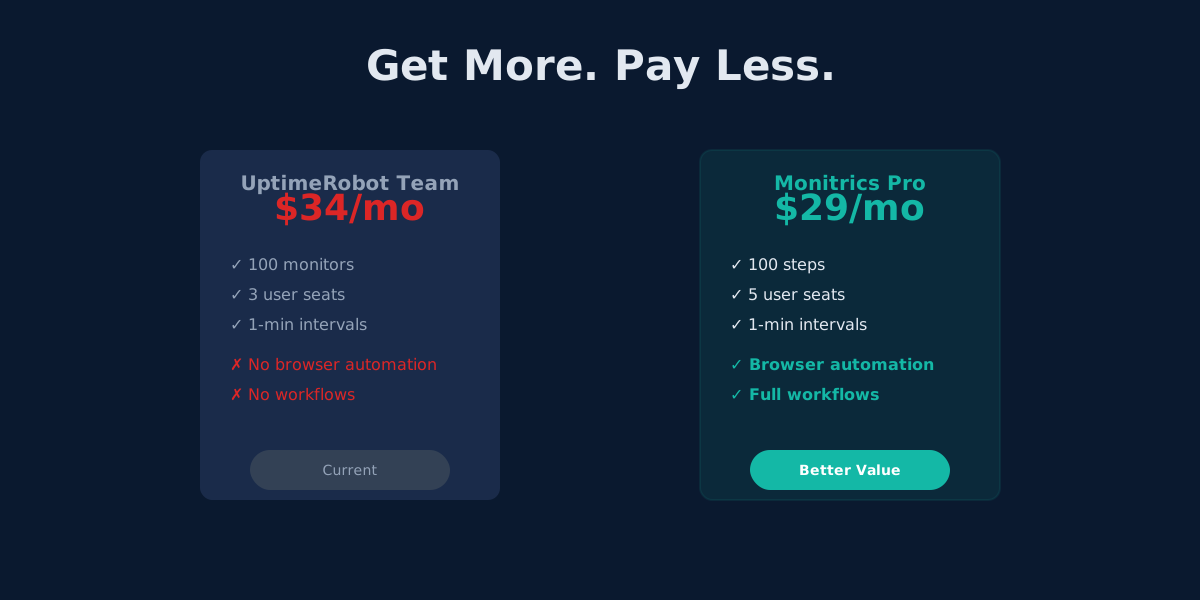
Monitrics Professional costs $19/mo with browser automation included. UptimeRobot Team costs $34/mo without it. The math speaks for itself.
UptimeRobot's Domain Expiry Problem: Why Bundled Monitoring Wins
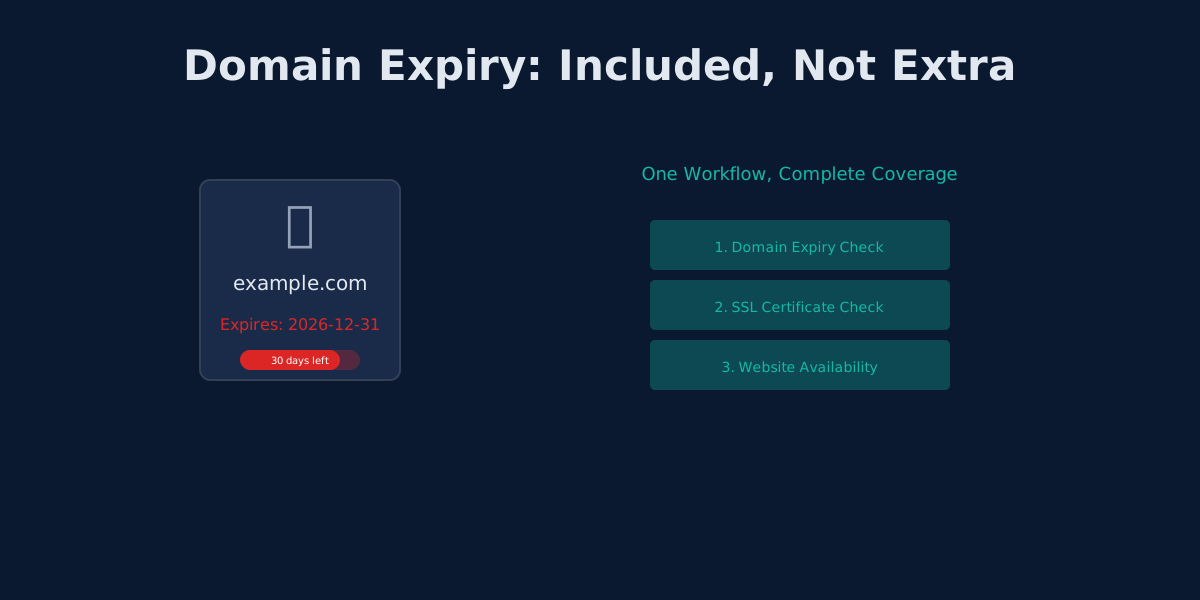
UptimeRobot separates domain, SSL, and HTTP monitoring. Monitrics bundles them into one workflow. Here's why that matters.
The Hidden Cost of UptimeRobot's Solo Plan: Pay More, Get Less
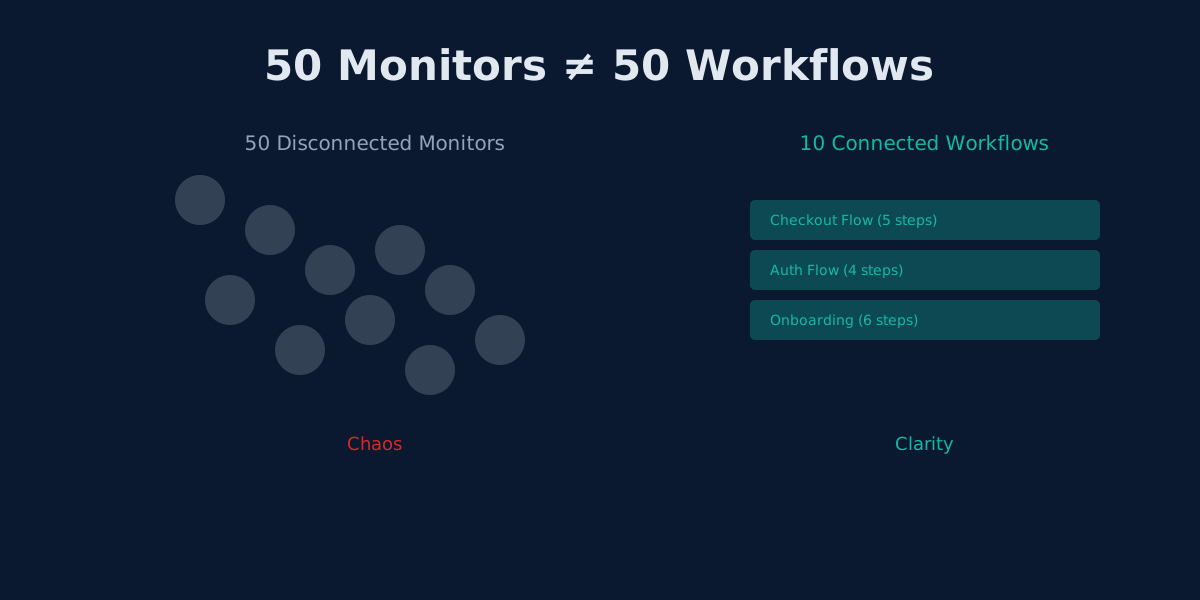
UptimeRobot Solo costs $8/mo but gives only 10 monitors—40 fewer than the free plan. Here's why that math doesn't work.