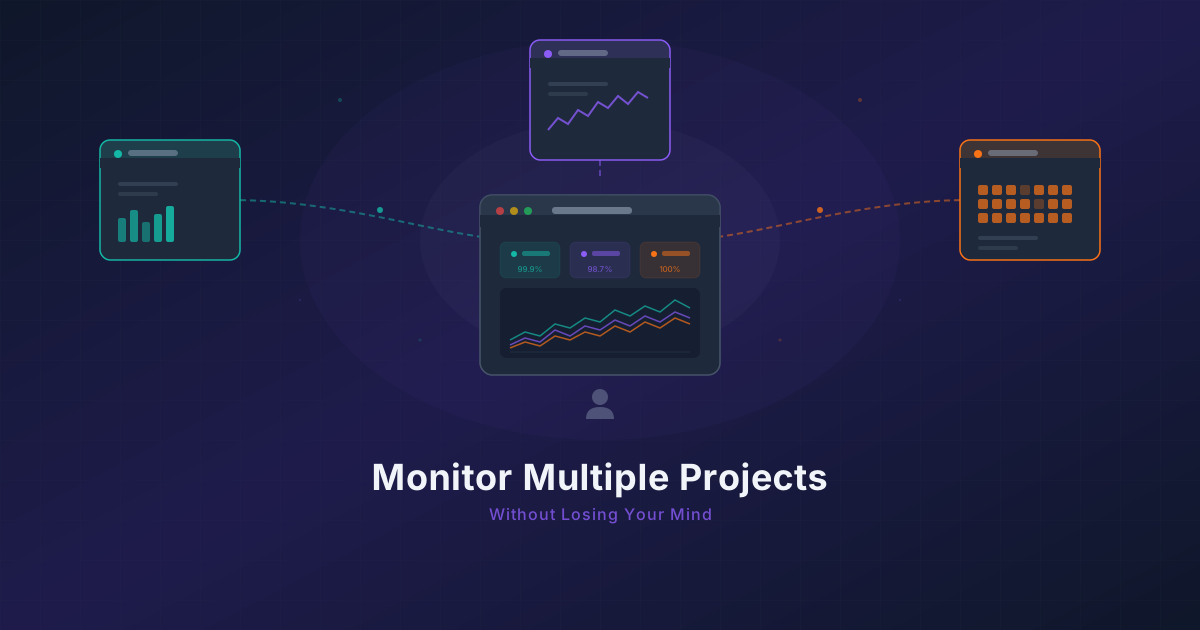
Running 3 Projects? How to Monitor Them All Without Losing Your Mind
Most indie hackers run multiple projects. Learn how to centralize monitoring across all of them without tool sprawl or alert chaos.
Published: February 2026 | Reading Time: 10 minutes
You are running a SaaS app, a landing page builder, and a Chrome extension. Three different products, three different tech stacks, three different sets of users who will notice when something breaks. Your SaaS runs on Next.js with a PostgreSQL backend. The landing page builder is a static site with a Node API. The Chrome extension talks to a separate microservice. Each one has its own deployment pipeline, its own failure modes, and its own definition of "healthy."
Monitoring each one separately is a nightmare. And yet, that is exactly what most solo founders end up doing.
The Multi-Project Monitoring Mess
When you start your first project, monitoring is simple. You pick a tool, set up a few checks, and move on. The problem starts when project two arrives. And then project three.
Here is what typically happens:
-
Tool sprawl. Project one uses UptimeRobot because it was the first thing you found. Project two uses Better Stack because someone recommended it on Twitter. Project three has a cron job that pings a health endpoint and sends you an email. Now you have three dashboards, three sets of credentials, and three mental models for how alerts work.
-
Scattered notifications. Alerts from project one go to your email. Project two sends Slack messages to a channel you muted two weeks ago. Project three... you honestly cannot remember where those alerts go. When something breaks at 2 AM, you are scrolling through three different apps trying to figure out which project is on fire.
-
Alert fatigue from accumulation. Each tool sends its own set of notifications with its own severity levels. What counts as "critical" in one tool might be "warning" in another. You start ignoring alerts because the noise is too high, and eventually you miss the one that actually matters.
-
No cross-project visibility. You cannot answer simple questions like "are all my projects healthy right now?" without checking three separate dashboards. There is no single pane of glass, no unified view of your entire portfolio.
This is not a tooling problem. It is an organizational problem. And it gets worse with every new project you launch.
Centralized Monitoring With Project Organization
The solution is straightforward: put all your monitoring in one place, organized by project. This is exactly what Monitrics' project feature is designed for.
In Monitrics, a project is an organizational container for your workflows. Each project has its own set of workflows, its own notification routing, and its own analytics dashboard. But they all live under one account, one login, and one unified view.
Here is what that looks like in practice:
My Monitrics Account
├── SaaS App (Project)
│   ├── API Health Check
│   ├── User Login Flow
│   ├── Payment Processing
│   └── Database Connectivity
├── Landing Page Builder (Project)
│   ├── Homepage Uptime
│   ├── API Response Time
│   └── SSL Certificate Expiry
└── Chrome Extension (Project)
    ├── Backend API Health
    ├── WebSocket Connection
    └── Extension Store Listing
Each project gets its own section in the sidebar. You can see the health of all three projects at a glance from the main dashboard. When something breaks, you immediately know which project is affected without cross-referencing multiple tools.
This is not just about convenience. It is about reducing the cognitive overhead of managing multiple products. When you are the only person responsible for three projects, every bit of mental energy you save on operations is energy you can spend on building.
Budgeting Your 50 Free Steps Across Projects
Monitrics' free Starter plan gives you 50 steps. A step is a single action within a workflow — an HTTP request, a DNS check, a TCP connection test, an assertion on a response body. Fifty steps sounds like a constraint, but with thoughtful allocation, it covers a surprising amount of ground.
Here is an example allocation for three projects:
SaaS App — 20 Steps
Your revenue-generating product gets the largest share.
| Workflow | Steps | What It Checks |
|---|---|---|
| API Health | 3 | Hit /health, assert 200, check response time < 500ms |
| Login Flow | 5 | POST credentials, verify token, check user profile endpoint |
| Payment Check | 7 | Verify Stripe webhook endpoint, simulate checkout flow, assert success |
| DB Connectivity | 3 | Connect to health endpoint that queries DB, assert response |
| Domain Expiry | 2 | Check SSL cert and domain registration |
Landing Page Builder — 15 Steps
Your second product gets moderate coverage.
| Workflow | Steps | What It Checks |
|---|---|---|
| Homepage Uptime | 2 | GET homepage, assert 200 |
| API Response | 5 | Test three key API endpoints with assertions |
| SSL & DNS | 3 | Verify SSL certificate, check DNS resolution |
| Template Rendering | 5 | Test template preview endpoint with sample data |
Chrome Extension — 15 Steps
Your extension's backend gets the basics covered.
| Workflow | Steps | What It Checks |
|---|---|---|
| Backend Health | 3 | Hit API health endpoint, check response, verify version |
| WebSocket | 4 | Test WebSocket connection endpoint, verify handshake |
| Auth Flow | 5 | Test OAuth flow endpoints, verify token refresh |
| Store Check | 3 | HTTP check on Chrome Web Store listing page |
That is 50 steps total, covering the critical paths of all three projects. At 5-minute intervals with 7-day data retention, you have a solid baseline for free.
Tips for Maximizing Your Step Budget
-
Combine related checks into single workflows. A workflow that checks your API health, verifies a key endpoint, and confirms database connectivity in sequence uses fewer steps than three separate workflows doing one thing each.
-
Focus on revenue-critical paths. Your payment processing flow deserves more steps than your marketing page. Prioritize the paths where downtime costs you money.
-
Use assertions wisely. Instead of just checking for a 200 status code, assert on response body content or headers. One step with a good assertion is worth more than three steps with shallow checks.
-
Skip what you can verify other ways. If your hosting provider already monitors server health with its own dashboard, you do not need to duplicate that in Monitrics.
Notification Routing Per Project
One of the most underrated features for multi-project monitoring is the ability to route notifications differently for each project. Not all alerts deserve the same response, and not all projects demand the same urgency.
Here is a routing strategy that works well for solo founders:
SaaS App — High Priority
- Channel: Direct Slack DM + email
- Why: This is your revenue. If the payment flow breaks, you are losing money every minute. You want to know immediately, wherever you are.
Landing Page Builder — Medium Priority
- Channel: Dedicated Slack channel (#landing-builder-alerts)
- Why: Important but not revenue-critical in the same way. A few minutes of downtime on a builder tool is annoying but not catastrophic. You will check the channel periodically.
Chrome Extension — Standard Priority
- Channel: Email digest
- Why: Extension users tend to be more tolerant of brief outages, and the extension itself has offline capabilities. A batch notification is sufficient.
In Monitrics, you configure notification targets at the project level. Each project can have different targets, different channels, and different escalation paths. Your SaaS alerts go straight to your phone. Your extension alerts wait for your morning email check.
This is how you avoid alert fatigue with multiple projects. Not by reducing monitoring, but by matching the alert urgency to the actual business impact.
Priority-Based Monitoring
Not all projects are created equal. A common mistake solo founders make is giving every project the same level of monitoring attention. This leads to either under-monitoring your important projects or over-monitoring everything and burning through your step budget.
Think about your projects in tiers:
Tier 1 — Revenue Generators
These are the projects that pay your bills. They get:
- The most steps (40% or more of your budget)
- The most frequent checks
- The most detailed workflows (multi-step flows that test entire user journeys)
- Immediate notification routing
Tier 2 — Growth Projects
These are the projects that are gaining traction but are not yet your primary income. They get:
- Moderate step allocation (25-30% of your budget)
- Standard check frequency
- Key endpoint monitoring with basic flow testing
- Channel-based notifications
Tier 3 — Maintenance Projects
These are projects that are live but not actively growing. They need to work, but they do not need the same attention. They get:
- Minimal step allocation (15-20% of your budget)
- Basic health checks
- Uptime and SSL monitoring
- Batch or digest notifications
The beauty of this approach is that it scales with your business. When a Tier 2 project starts generating revenue, you promote it to Tier 1 and reallocate steps accordingly. When a Tier 1 project winds down, it drops to Tier 3 and frees up steps for whatever comes next.
Shared Patterns Across Projects
After monitoring a few projects, you will notice that certain checks are universal. Every web project needs an uptime check. Every API needs a health endpoint test. Every project with a custom domain needs SSL monitoring.
Instead of building these from scratch for each project, develop a set of standard workflow patterns you reuse:
The Basic Health Pattern
Every project gets this as a baseline:
Workflow: Basic Health
Steps:
  1. HTTP GET → {base_url}/health → Assert status 200
  2. HTTP GET → {base_url} → Assert status 200, response time < 2000ms
  3. DNS Check → {domain} → Assert resolves correctly
Three steps, covers the absolute basics. You can deploy this for any new project in under a minute.
The API Verification Pattern
For any project with an API:
Workflow: API Verification
Steps:
  1. HTTP GET → {api_url}/health → Assert 200
  2. HTTP POST → {api_url}/auth/token → Assert 200, body contains "token"
  3. HTTP GET → {api_url}/protected-resource → Assert 200 with auth header
  4. HTTP GET → {api_url}/protected-resource → Assert 401 without auth header
Four steps. Tests that the API is up, authentication works, and authorization is enforced. This pattern catches a surprising number of issues — from misconfigured CORS to broken auth middleware.
The SSL and Domain Pattern
For any project with a custom domain:
Workflow: Domain Health
Steps:
  1. Domain Expiry Check → {domain} → Assert > 30 days remaining
  2. SSL Check → {domain} → Assert certificate valid, > 14 days to expiry
Two steps. Set it and forget it. You will get alerted well before a certificate expires or a domain registration lapses — situations that are embarrassingly common among solo founders juggling multiple projects.
Building Your Own Patterns
The key insight is that these patterns represent your operational standards. When you launch a new project, you do not start from zero. You apply your standard patterns, customize the URLs and endpoints, and add project-specific workflows on top. Your fourth project takes ten minutes to set up instead of an hour.
When 50 Steps Is Not Enough
The free Starter plan is genuinely useful for monitoring three projects. But there is a point where 50 steps starts feeling tight. Here are the signs:
-
You are making trade-offs you are not comfortable with. Skipping SSL monitoring on a project to free up steps for another project's payment flow check. Reducing a login workflow from 5 steps to 3 and losing assertion coverage.
-
You have launched a fourth project. Three projects with 50 steps is comfortable. Four projects means each one gets roughly 12 steps, which limits you to basic health checks with little room for flow testing.
-
Your Tier 1 project needs deeper monitoring. As your SaaS grows, you want to monitor more user journeys, test more edge cases, and check more endpoints. Twenty steps starts feeling insufficient for a product with real users and real revenue.
-
You need faster check intervals. The free plan checks every 5 minutes. For a revenue-generating SaaS, 5 minutes of undetected downtime is 5 minutes of lost customers. You want 1-minute intervals.
This is where the Professional plan at $19/month becomes worth considering:
| Feature | Starter (Free) | Professional ($19/mo) |
|---|---|---|
| Steps | 50 | 100 |
| Check Interval | 5 minutes | 1 minute |
| Data Retention | 7 days | 30 days |
| Browser Automation | No | Yes |
| Regions | Limited | 12+ |
| Team Members | 1 | 5 |
| Notification Channels | 1 | Multiple |
The jump from 50 to 100 steps does not sound dramatic, but it changes what is possible. With 100 steps, you can:
- Give your Tier 1 project 40+ steps for comprehensive journey monitoring
- Add browser automation to test actual user flows (login, checkout, dashboard rendering)
- Monitor from multiple geographic regions to catch location-specific outages
- Keep 30 days of performance data to spot trends and regressions
The 1-minute check interval alone is a significant upgrade. Detecting an outage in 1 minute instead of 5 means you can have a fix deployed before most users even notice.
For founders with multiple projects generating revenue, $19/month for peace of mind across all of them is an easy decision. It is less than the cost of a single lost customer from an undetected outage.
And if you eventually scale beyond 100 steps or need 30-second intervals, the Enterprise plan at $49/month offers unlimited steps with 90-day data retention.
Putting It All Together
Managing monitoring across multiple projects does not have to be chaotic. The approach is straightforward:
-
Centralize everything in one tool. Stop splitting your monitoring across three dashboards. One account, one login, one place to check when something feels wrong.
-
Organize by project. Use projects to group workflows logically. Each product gets its own container with its own workflows and notification routing.
-
Budget steps by priority. Allocate more monitoring to the projects that generate more revenue. Be deliberate about where your steps go.
-
Route notifications by urgency. Not every alert needs to wake you up. Match the notification channel to the business impact.
-
Reuse patterns. Develop standard workflow templates for common checks. Apply them to every new project. Build project-specific workflows on top.
-
Scale when it makes sense. Start free, upgrade when the constraints start costing you more than the subscription.
The goal is not to monitor everything about every project. The goal is to monitor the right things about each project, with the right level of urgency, in one place you actually check.
If you are juggling multiple projects and tired of the monitoring mess, create a free Monitrics account and organize your first three projects in under fifteen minutes. Fifty steps, zero cost, and one dashboard to replace them all.
Related Articles
- The $0 Monitoring Stack for Bootstrapped Founders — How to build a complete monitoring setup without spending a dollar.
- Side Project to SaaS: When Your Monitoring Needs to Grow Up — The monitoring milestones that signal your project is becoming a real product.
- The Complete Monitoring Checklist for Solo SaaS Founders — A step-by-step checklist to make sure you are not missing critical checks.
Related Articles
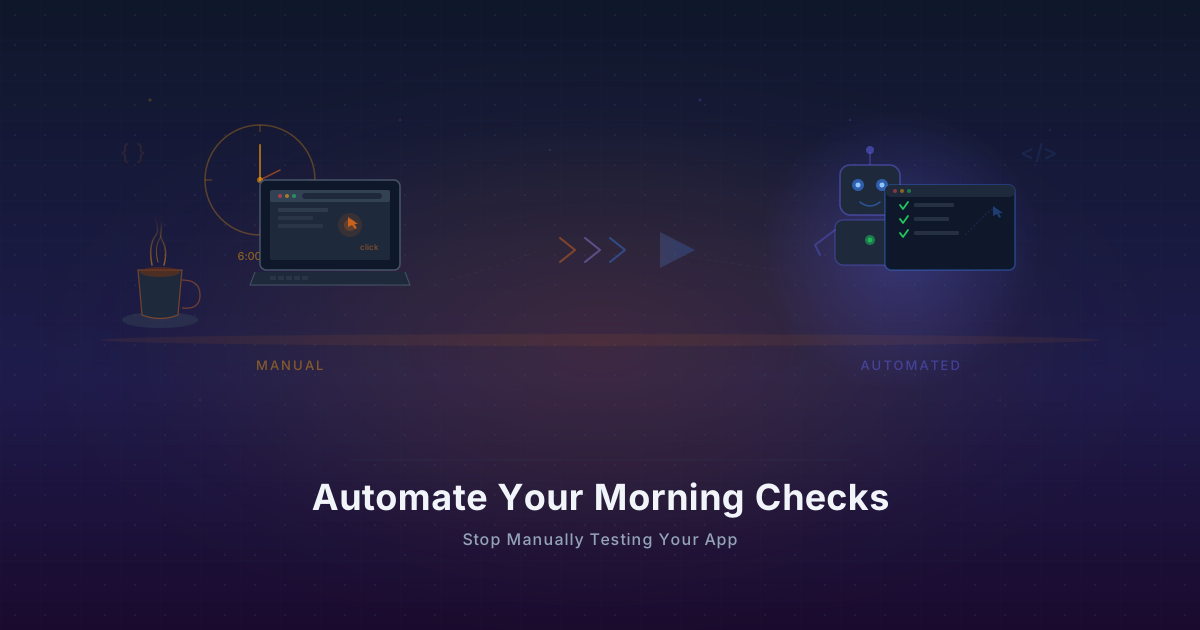
Automate Your Morning Checks: Stop Manually Testing Your App
Solo founders waste 15-30 minutes every morning clicking through their app. Automate those checks with browser workflows that run every minute.
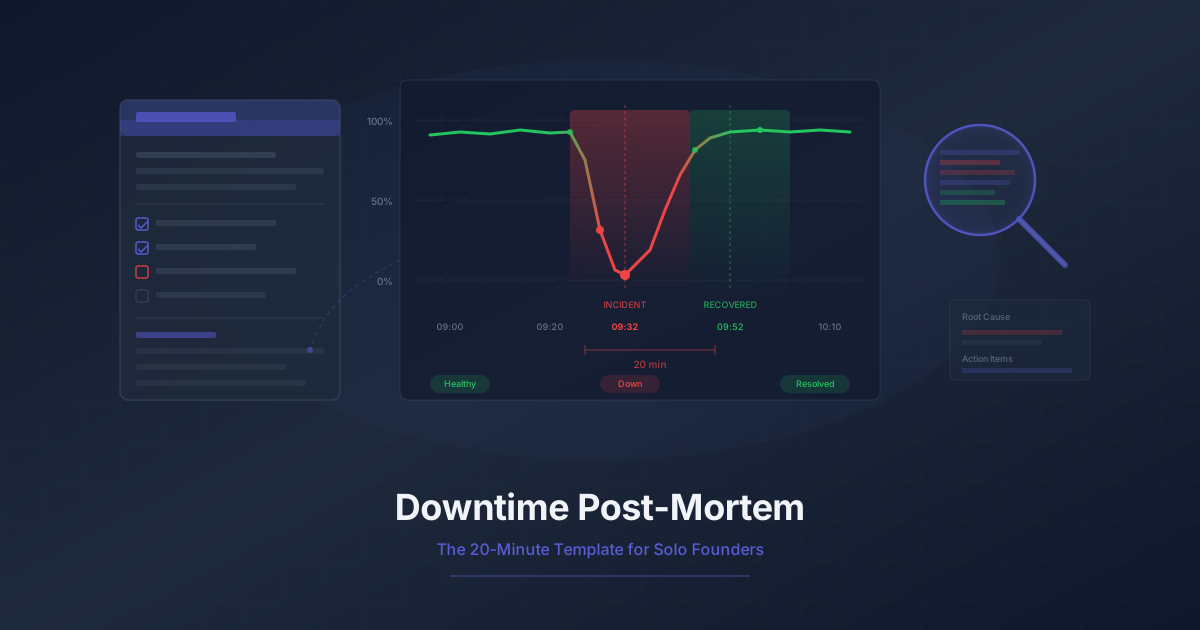
Downtime Post-Mortem Template for Solo Founders
A streamlined 20-minute post-mortem process for one-person teams. Use monitoring data to reconstruct what happened and prevent it from recurring.
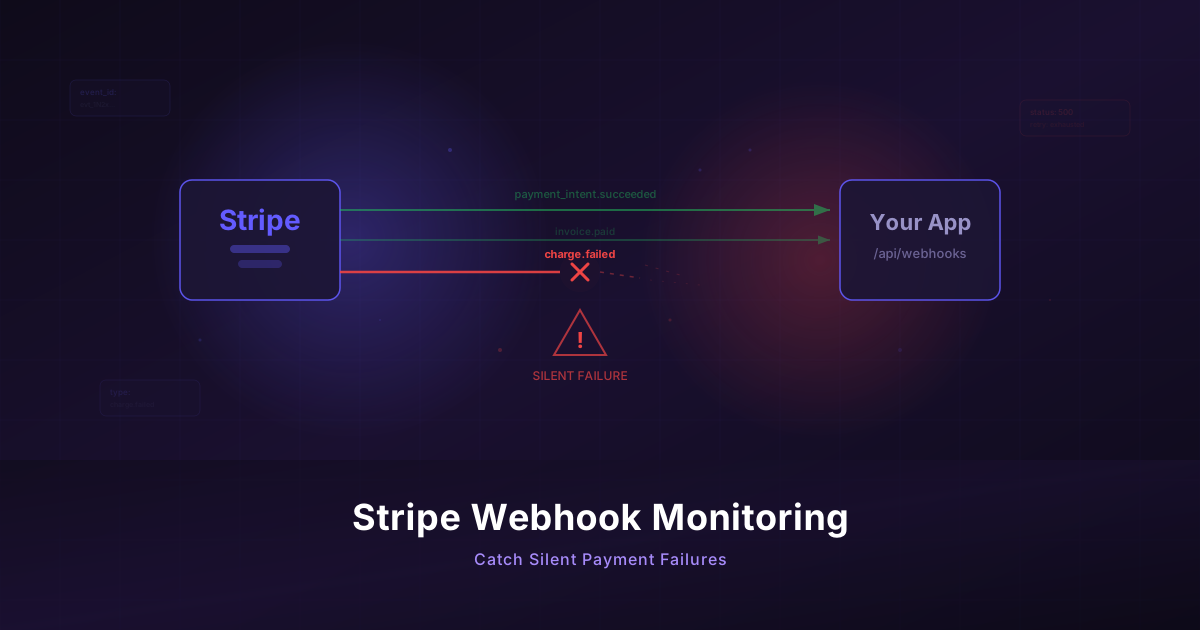
Monitor Your Stripe Webhooks Before They Silently Fail
Stripe webhooks fail invisibly and cost you revenue. Build a monitoring workflow to catch payment failures before your customers notice.