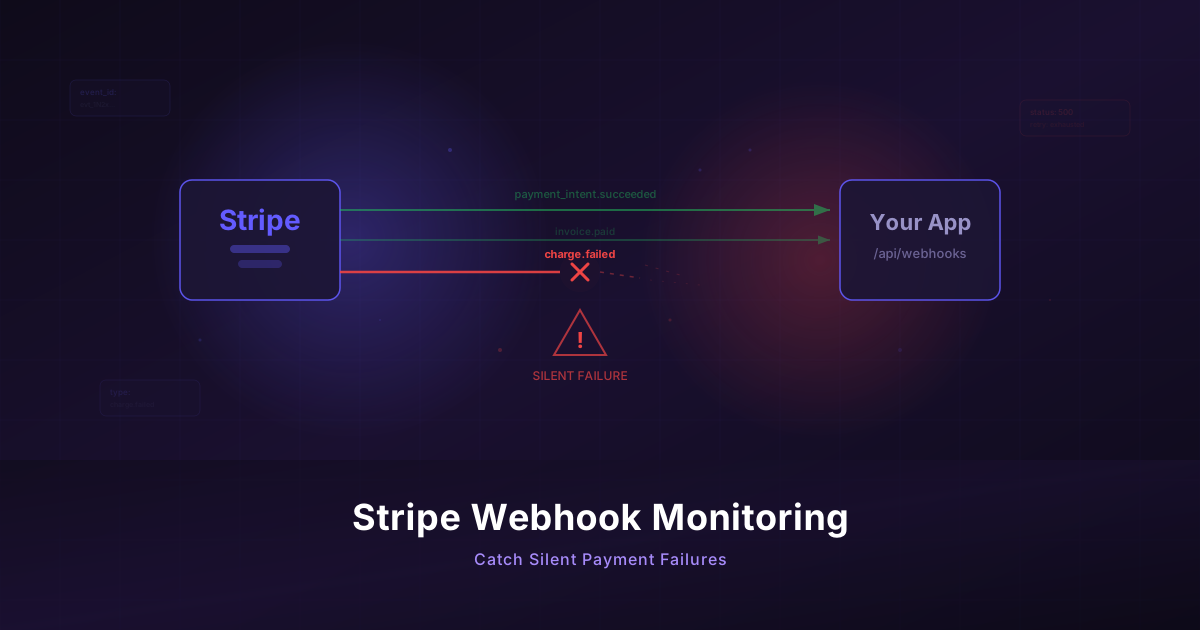
Monitor Your Stripe Webhooks Before They Silently Fail
Stripe webhooks fail invisibly and cost you revenue. Build a monitoring workflow to catch payment failures before your customers notice.
Published: February 2026 | Reading Time: 10 minutes
Last month, a founder in an indie hackers community shared a post that made everyone's stomach drop. For three days, their Stripe webhooks had stopped firing. No errors in Sentry. No alerts from their hosting provider. Nothing in their inbox. Just silence.
During those three days, 47 subscriptions failed to renew. Trial conversions never activated. Customers who paid were stuck on free plans. By the time they noticed — only because a customer emailed asking why their upgrade didn't go through — the damage was done. Refund requests, support tickets, and a painful weekend of manually reconciling payments.
The worst part? Stripe had been retrying the webhooks and eventually disabled the endpoint. The dashboard showed the failures clearly. Nobody was watching.
This is not an edge case. If you run a SaaS product that depends on Stripe webhooks for subscription management, payment confirmations, or usage tracking, you are one silent failure away from leaking revenue.
How Stripe Webhooks Fail
Before building a monitoring workflow, it helps to understand the failure modes. Stripe webhooks don't just "stop working" — they fail in specific, predictable ways.
Endpoint URL Changes
You deploy a new version of your app and the webhook route changes. Maybe you refactored from /api/webhooks/stripe to /api/v2/webhooks/stripe. Maybe your serverless function URL rotated. Stripe keeps hitting the old URL, gets 404s, and you never notice because the rest of your app works fine.
Server Errors During Deployment
Even a brief window of 500 errors during a deploy can cause Stripe to miss critical events. If your server takes 30 seconds to restart and a customer.subscription.updated event fires during that window, Stripe will retry — but if your deploy process has issues, those retries might fail too.
SSL Certificate Expiration
Stripe requires HTTPS endpoints. When your SSL certificate expires or has chain issues, Stripe can't deliver webhooks. Your site might still load in browsers (which are more forgiving about certificate warnings), but Stripe's delivery system will reject the connection.
Timeout Issues
Stripe expects your webhook endpoint to respond within 20 seconds. If your handler does too much synchronous work — querying databases, calling external APIs, sending emails — it can exceed this timeout. Stripe treats timeouts the same as failures.
Stripe Disables Your Endpoint
This is the most dangerous failure mode. After repeated failures, Stripe automatically disables your webhook endpoint. No email notification. No alert. The endpoint just stops receiving events. You have to manually check the Stripe dashboard to discover this, and most founders don't check the Stripe dashboard regularly.
Webhook Signature Verification Failures
If you rotate your webhook signing secret but forget to update your server, every webhook delivery will fail signature verification. Your endpoint returns 400, Stripe retries, and eventually gives up.
What You Actually Need to Monitor
Knowing how webhooks fail tells us what to check:
- Is the webhook endpoint responding? — Basic HTTP health check
- Is it responding with the right status code? — Not just "up" but actually processing
- Are events being received recently? — Detecting the silence gap
- Is the processing pipeline healthy? — Database writes succeeding after webhook receipt
Let's build monitoring workflows for each of these.
Building a Webhook Health Check Workflow
The simplest starting point is an HTTP step that hits your webhook endpoint directly. Most well-structured apps have a health check route alongside their webhook handler.
If you don't have one, add a simple health endpoint:
// Express.js example
app.get('/api/webhooks/stripe/health', (req, res) => {
  // Check that your webhook handler dependencies are healthy
  const dbHealthy = await db.ping();
  const queueHealthy = await queue.ping();

  if (dbHealthy && queueHealthy) {
    res.status(200).json({
      status: 'healthy',
      lastEventAt: await getLastWebhookEventTimestamp(),
      pendingEvents: await getPendingEventCount()
    });
  } else {
    res.status(503).json({ status: 'degraded', db: dbHealthy, queue: queueHealthy });
  }
});
In Monitrics, create a workflow with an HTTP step:
- URL:
https://yourapp.com/api/webhooks/stripe/health - Method: GET
- Timeout: 10 seconds
Then add assertions to validate the response:
- Status code equals
200 - Response body contains
"status":"healthy"
This catches endpoint URL changes, server errors, SSL issues, and timeout problems. If the health endpoint returns anything other than a clean 200 with "healthy" status, you get alerted immediately.
Checking Response Time
Slow webhook processing is a warning sign before a full failure. Add a response time assertion:
- Response time is less than
5000ms
If your health endpoint — which does minimal work — takes more than 5 seconds to respond, your actual webhook handler is almost certainly timing out under load.
Monitoring Your Stripe Webhook Status
If your app exposes an internal dashboard or API endpoint that reports on webhook event processing, you can monitor that too. Many SaaS apps have an admin endpoint like:
app.get('/api/admin/webhook-stats', requireAdmin, (req, res) => {
  res.json({
    lastEventReceivedAt: '2026-02-24T10:15:30Z',
    eventsProcessedLast24h: 142,
    failedEventsLast24h: 0,
    oldestPendingEvent: null
  });
});
Create a second step in your workflow that hits this endpoint and asserts that:
eventsProcessedLast24his greater than0(assuming you have any webhook traffic)failedEventsLast24hequals0lastEventReceivedAtis recent (within the last few hours)
This catches the "Stripe disabled your endpoint" scenario. Even if your health check passes, if no events have arrived in hours, something is wrong upstream.
Variable Passing Between Steps
Here is where workflow monitoring gets powerful. Instead of isolated checks, you can chain steps together and pass data between them.
Consider a workflow with three steps:
Step 1: Hit your webhook health endpoint, extract the lastEventAt timestamp.
GET https://yourapp.com/api/webhooks/stripe/health
Extract from the response body:
- Variable
lastEventTimefrom JSON path$.lastEventAt
Step 2: Hit your subscription stats endpoint, extract active subscription count.
GET https://yourapp.com/api/admin/subscription-stats
Extract from the response body:
- Variable
activeSubscriptionsfrom JSON path$.activeCount
Step 3: Hit a reconciliation endpoint that compares your database records against what Stripe reports.
GET https://yourapp.com/api/admin/stripe-reconciliation
Assert that:
mismatchCountequals0lastReconciliationAtis within the last hour
By chaining these steps, you build a workflow that validates your entire payment pipeline — not just whether one endpoint is reachable, but whether your system is actually processing payments correctly.
This is fundamentally different from basic uptime monitoring. A tool that just pings your URL and checks for a 200 status code would have told the founder from our opening story that everything was fine. The endpoint was up. The server was healthy. It just wasn't receiving any webhook events.
Setting Up Instant Alerts
Monitoring without alerting is just data collection. For payment infrastructure, you need to know about problems within minutes, not hours.
Telegram for Mobile Push Notifications
Telegram is the fastest way to get alerts on your phone. Unlike email, Telegram notifications are instant and hard to miss. Unlike SMS, they're free and work internationally.
In Monitrics, add a Telegram notification target:
- Create a Telegram bot via BotFather
- Get your chat ID
- Add it as a notification channel in your workflow
Configure the alert to fire after one failed check, not two or three. For payment infrastructure, you don't want to wait for confirmation — you want to investigate immediately. A single failure at 2 AM is worth waking up for if it means catching a webhook outage before your morning customers notice.
Email as a Backup Channel
Add email as a secondary notification channel. If Telegram is down (rare, but possible) or you missed the push notification, the email creates a paper trail. It also serves as a summary you can review during business hours.
With Monitrics' free Starter plan, you get one notification channel — enough to set up Telegram alerts for your most critical workflow. The Professional plan at $19/month gives you multiple channels so you can have both Telegram and email, plus faster 1-minute check intervals.
Going Further: Monitoring the Full Payment Flow
Once your webhook health monitoring is solid, consider monitoring the entire customer payment journey with browser automation.
A browser automation workflow can simulate what your customers actually experience:
Step 1: Load Your Pricing Page
Navigate to https://yourapp.com/pricing
Assert: Page contains "Professional Plan"
Assert: Page contains "$19/month" (or whatever your pricing is)
Assert: Response time < 3000ms
This catches pricing page outages, rendering errors, and slow load times that drive away potential customers.
Step 2: Click Through to Checkout
Click: "Start Free Trial" button
Wait for: Stripe Checkout or your custom checkout form to load
Assert: Checkout form is visible
Assert: Price displayed matches expected amount
This verifies that your Stripe integration is actually loading. If your Stripe publishable key is wrong, or if Stripe's JS library fails to load, this step catches it.
Step 3: Verify the Success Flow Exists
Navigate to https://yourapp.com/checkout/success
Assert: Page loads without errors
Assert: Contains expected confirmation messaging
You can't complete an actual payment in a monitoring workflow (and you shouldn't), but you can verify that every page in the flow loads correctly and contains the expected content.
This kind of end-to-end flow monitoring requires browser automation, which is available on Monitrics' Professional plan ($19/month). It also supports 12+ global regions, so you can verify that your payment flow works for customers in Europe, Asia, and beyond — not just from your local region.
A Practical Monitoring Schedule
Here's a recommended setup for a solo founder or small team:
Critical (Check Every 1-5 Minutes)
- Webhook health endpoint — HTTP step with status code and response body assertions
- Webhook event freshness — Verify events are being received
Important (Check Every 15-30 Minutes)
- Stripe reconciliation — Compare your records with Stripe
- Payment flow pages — Browser automation through pricing and checkout
Daily
- Subscription metrics sanity check — Total active count hasn't dropped unexpectedly
- Failed event count — Should be zero or near-zero
With Monitrics' Starter plan (free, 50 steps, 5-minute intervals), you can cover the critical checks. Move to Professional ($19/month) for 1-minute intervals and browser automation when you need tighter coverage or want to monitor the full payment flow.
The Cost of Not Monitoring
Let's do some quick math. Say you have 200 paying customers at $29/month average. That's $5,800 in MRR. If webhooks fail for 3 days and 10% of your renewals happen during that window, you've lost $580 in immediate revenue — plus the support time, the trust damage, and the customers who quietly churn because they think your product is broken.
Now compare that to the cost of monitoring: $0 for basic webhook health checks on the free plan, or $19/month for comprehensive coverage with browser automation and fast intervals.
The math is not close.
What About Stripe's Built-In Webhook Monitoring?
Stripe does show webhook delivery status in its dashboard. You can see failed deliveries, retry attempts, and disabled endpoints. But there are two problems with relying on this.
First, you have to actively check the dashboard. There's no built-in alerting that sends you a push notification when deliveries start failing. Stripe will email you eventually if an endpoint gets disabled, but by that point failures have been ongoing for days.
Second, Stripe's dashboard tells you about delivery failures — not processing failures. Your endpoint might accept the webhook (return 200) but fail to actually process the event due to a bug, a database outage, or a misconfigured handler. Stripe sees a successful delivery. Your customers see a broken experience.
External monitoring closes both gaps. It checks proactively on a schedule, and it can verify that your system is actually healthy beyond just accepting HTTP requests.
Common Mistakes to Avoid
Don't just check the status code. A 200 response means your server received the request. It doesn't mean your webhook handler is actually processing events correctly. Use response body assertions to verify that the handler's dependencies (database, queue, cache) are healthy.
Don't set check intervals too long. A 30-minute interval means you could go 30 minutes before discovering a failure. For payment infrastructure, 5 minutes is the maximum you should accept. One minute is better.
Don't ignore partial failures. Your webhook endpoint might return 200 but silently fail to process certain event types. If you can, expose per-event-type metrics and monitor those individually.
Don't forget about staging. If you test deploys in staging first (you should), monitor your staging webhook endpoint too. Catch configuration issues before they hit production.
Don't rely on Stripe's retry behavior as a safety net. Stripe retries failed deliveries for up to 3 days with exponential backoff. But those retries are not a substitute for monitoring. By the time Stripe gives up and disables your endpoint, the damage is done.
Quick Start Checklist
Here's what to do right now, in order:
- Add a health endpoint to your webhook handler (10 minutes of development)
- Create a free Monitrics account and set up an HTTP workflow targeting that endpoint
- Add assertions for status code 200 and response body containing "healthy"
- Set up a Telegram notification channel for instant mobile alerts
- Set the check interval to 5 minutes (available on the free plan)
- Test the alert by temporarily breaking your health endpoint and verifying you get notified
That's maybe 30 minutes of total work. After that, you'll know within 5 minutes if your Stripe webhooks stop working — instead of finding out 3 days later from a frustrated customer email.
Wrapping Up
Stripe webhooks are the silent plumbing of every SaaS business that processes payments. When they work, nobody notices. When they fail, revenue leaks quietly until someone happens to check.
You don't need a complex observability platform to catch these failures. A simple health endpoint, a few assertions, and an alert channel are enough to sleep soundly knowing that your payment infrastructure is being watched.
If you're ready to set up webhook monitoring in under 30 minutes, create a free Monitrics account and build your first workflow today. The Starter plan includes 50 steps at 5-minute intervals — more than enough to monitor your Stripe integration and your most critical endpoints.
Related Articles
- Don't Just Check Status Codes — Learn how response body assertions catch bugs that status code monitoring misses entirely.
- The $0 Monitoring Stack — Build a complete monitoring setup for your bootstrapped SaaS without spending a dollar.
- Automate Your Morning Checks — Replace your manual morning dashboard review with automated workflows that check everything before you wake up.
Related Articles
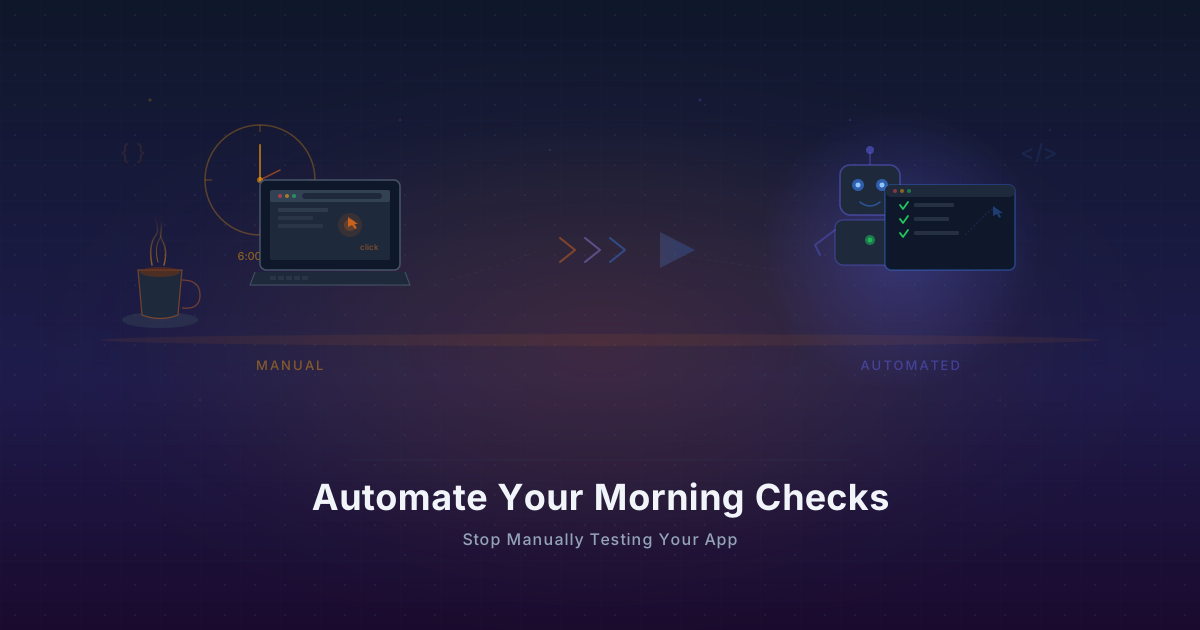
Automate Your Morning Checks: Stop Manually Testing Your App
Solo founders waste 15-30 minutes every morning clicking through their app. Automate those checks with browser workflows that run every minute.
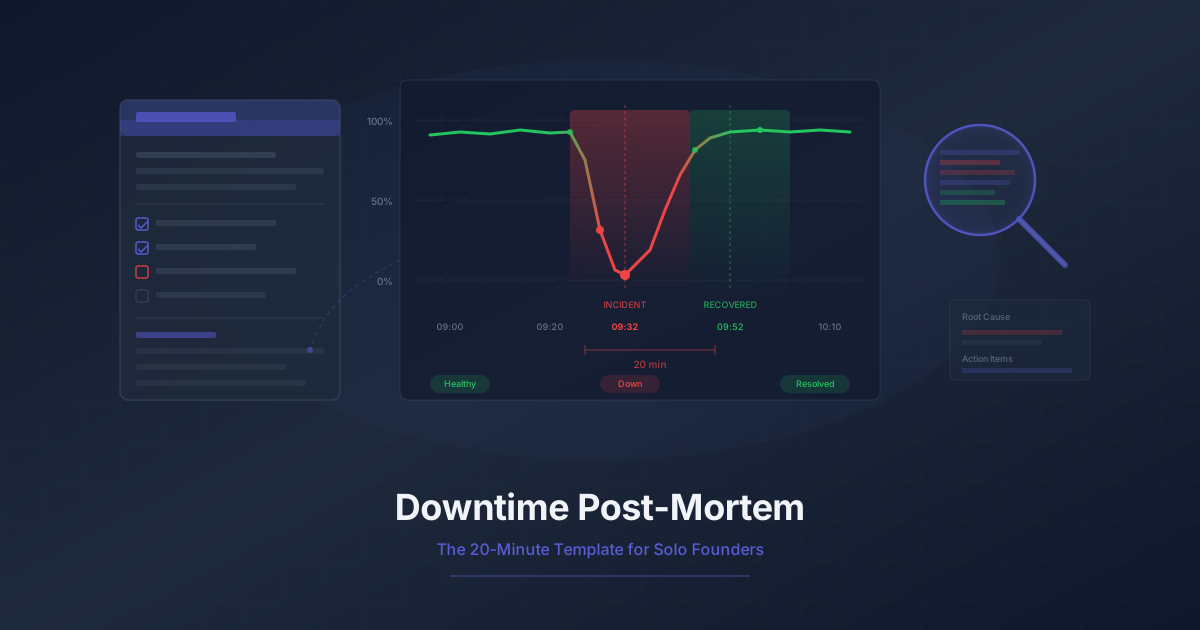
Downtime Post-Mortem Template for Solo Founders
A streamlined 20-minute post-mortem process for one-person teams. Use monitoring data to reconstruct what happened and prevent it from recurring.
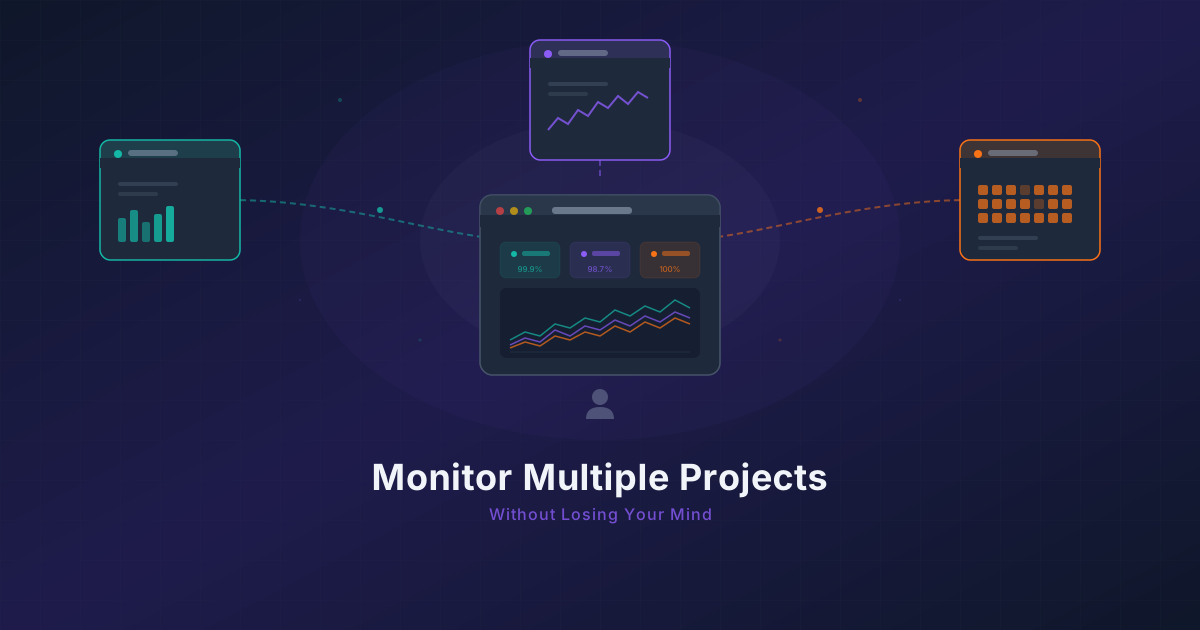
Running 3 Projects? How to Monitor Them All Without Losing Your Mind
Most indie hackers run multiple projects. Learn how to centralize monitoring across all of them without tool sprawl or alert chaos.