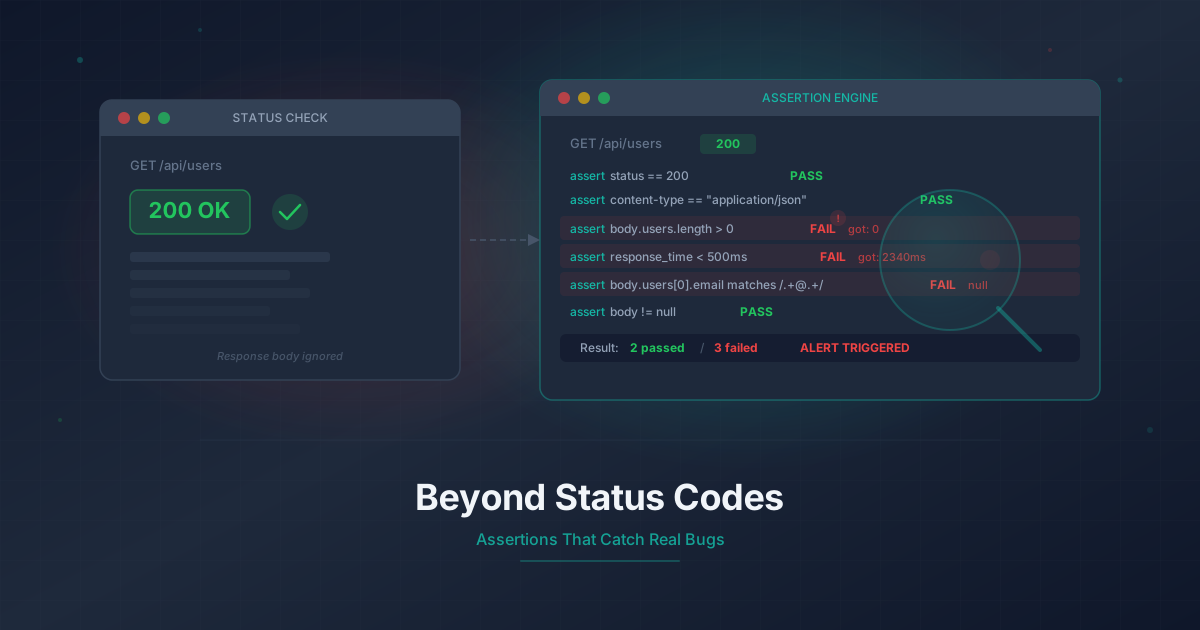
Don't Just Check Status Codes: Assertions That Catch Real Bugs
A 200 OK doesn't mean your app works. Learn how to use response assertions and variable passing to catch bugs that status code monitoring misses.
Your dashboard is green. Every check shows "UP." You close your laptop and go to bed.
Then the support tickets start rolling in. Users cannot see their data. The checkout flow is broken. The search bar returns nothing. But your monitoring never fired a single alert.
You pull up the API logs. Every request returned 200 OK. The responses were fast, the servers were healthy, the database was up. Your monitoring did exactly what it was supposed to do: it checked whether the server was responding. And the server was responding. It was just responding with garbage.
This is the 200 OK lie, and it is the most common gap in uptime monitoring today.
The "200 OK" Lie
A 200 OK status code means one thing: the server processed the request and returned a response. It says nothing about whether the response is correct, complete, or useful.
Here are real-world examples of 200 responses that hide failures.
Empty data sets
Your API endpoint /api/v1/products returns:
{
  "status": "ok",
  "data": [],
  "total": 0
}
The status code is 200. The JSON is well-formed. But your product catalog is empty because a background sync job crashed three hours ago. Users see an empty store. Your monitoring sees a healthy endpoint.
Error messages in the body
Your payment processor returns:
{
  "status": 200,
  "error": "merchant_account_suspended",
  "message": "Your account has been temporarily suspended. Please contact support."
}
HTTP status: 200. Actual status: your revenue has stopped.
Stale cache responses
Your CDN serves cached data long after the origin server went down. The response is fast, the status is 200, the headers look normal. But the data is six hours old.
Wrong content type
Your API returns HTML instead of JSON because a reverse proxy is serving a login page. The status code is 200. The content-type says text/html. Your frontend silently fails to parse the response.
Partial data
Your user profile endpoint returns "subscription": null because the subscription service is down. The API does not throw an error. It returns null. The user looks like they are on a free plan. Features are gated. Support tickets pile up.
Every one of these scenarios passes a basic status code check. The only way to catch them is to go deeper than the status code.
HTTP Response Assertions in Monitrics
Monitrics lets you add assertions to any HTTP step in a workflow. Assertions evaluate the actual response and fail the check if the response does not match your expectations.
Status code assertions
The simplest assertion, but still important. You can assert exact status codes or ranges:
Status Code equals 200
Status Code is between 200 and 299
This catches cases where your endpoint starts returning 301 redirects, 403 permission errors, or 500 server errors. It is the baseline, not the finish line.
Response body contains
Assert that the response body includes a specific string:
Body contains "subscription"
Body contains "active"
Body does not contain "error"
Body does not contain "suspended"
This catches the error-in-body pattern. If your API wraps errors in 200 responses (and many do), a simple string match on the body catches it immediately.
JSON path value assertions
For structured API responses, you can assert on specific values at specific paths in the JSON:
$.data.length > 0
$.status equals "active"
$.user.subscription.plan equals "professional"
$.results[0].score >= 95
This is where assertions become powerful. You are no longer checking whether the server responded. You are checking whether the response contains the right data, in the right structure, with the right values.
For the empty product catalog example, a single assertion catches it:
$.data.length > 0
For the suspended merchant account:
$.error does not exist
Header value assertions
Assert on response headers to catch content-type mismatches, missing cache headers, or unexpected redirects:
Content-Type contains "application/json"
Cache-Control contains "max-age"
X-Request-Id exists
The wrong-content-type scenario from earlier? One header assertion catches it before your users ever see a broken page.
Response time assertions
Assert that the response arrives within an acceptable window:
Response Time < 2000ms
Response Time < 500ms
Slow responses often indicate deeper problems: database connection pool exhaustion, memory pressure, upstream service degradation. A response time assertion catches performance regressions before they become outages.
Variable Extraction and Passing Between Steps
Real user workflows involve chains of dependent requests. You log in, fetch data using the token you received, then submit a form using data from the previous response.
Monitrics supports variable extraction and passing between workflow steps. You extract a value from one step's response and inject it into the next step's request.
Extract an authentication token
Step 1 calls your login endpoint:
POST /api/auth/login
Body: { "email": "monitor@example.com", "password": "{{MONITOR_PASSWORD}}" }
Extract from the response:
Variable: auth_token
JSON Path: $.token
Use the token in subsequent requests
Step 2 calls a protected endpoint using the extracted token:
GET /api/v1/dashboard
Header: Authorization: Bearer {{auth_token}}
Now you are testing the full authentication flow. If the token format changes, or the auth service starts returning expired tokens, the downstream step fails and you know exactly where the chain broke.
Extract and verify dynamic data
You can extract any value and use it in any subsequent step:
Step 1: GET /api/v1/orders/latest
Extract: order_id from $.data[0].id

Step 2: GET /api/v1/orders/{{order_id}}/status
Assert: $.status equals "processing"

Step 3: GET /api/v1/orders/{{order_id}}/tracking
Assert: $.tracking_number exists
You are now testing a real user journey. If any step fails or returns unexpected data, the workflow fails and alerts you.
Browser Assertions with get_text
APIs are only half the story. A rendering bug, a broken JavaScript bundle, or a failed client-side transformation can break the user experience while the API remains healthy.
Monitrics browser steps load a real page in a headless browser, interact with it, and extract text from the DOM to verify what users actually see.
Verify rendered content
{
  "url": "https://app.example.com/dashboard",
  "interactions": [
    {
      "type": "wait_for_selector",
      "selector": ".dashboard-header",
      "timeout_ms": 5000
    },
    {
      "type": "get_text",
      "selector": ".dashboard-header h1",
      "var_name": "page_title",
      "timeout_ms": 5000
    }
  ]
}
After this step runs, the variable page_title contains whatever text is rendered in that h1 element. You can assert on it:
page_title equals "Welcome back, Monitor User"
page_title does not contain "Error"
page_title does not contain "undefined"
Verify data loads after interaction
You can chain interactions to test full user flows. Fill a login form, click submit, wait for the dashboard, then extract text:
{
  "url": "https://app.example.com/login",
  "interactions": [
    { "type": "fill", "selector": "#email", "value": "monitor@example.com", "timeout_ms": 3000 },
    { "type": "fill", "selector": "#password", "value": "{{MONITOR_PASSWORD}}", "timeout_ms": 3000 },
    { "type": "click", "selector": "button[type='submit']", "timeout_ms": 3000 },
    { "type": "wait_for_selector", "selector": ".user-profile", "timeout_ms": 10000 },
    { "type": "get_text", "selector": ".subscription-badge", "var_name": "subscription_status", "timeout_ms": 5000 }
  ]
}
If the subscription badge says "Free" when it should say "Professional," you catch it. If the badge is missing entirely, the selector times out and the step fails. This is the kind of bug that API monitoring alone will never catch.
Building Assertion-Rich Workflows
The real power of assertions comes from combining them across multi-step workflows. Here is a practical example monitoring a SaaS application's core user journey.
Step 1 - Authenticate via API:
POST /api/auth/login
Body: { "email": "monitor@example.com", "password": "{{MONITOR_PASSWORD}}" }
Assert: Status Code equals 200
Assert: $.token exists
Assert: $.token is not empty
Extract: auth_token from $.token
Extract: user_id from $.user.id
Step 2 - Load user profile:
GET /api/v1/users/{{user_id}}/profile
Header: Authorization: Bearer {{auth_token}}
Assert: Status Code equals 200
Assert: $.subscription.status equals "active"
Assert: $.subscription.plan equals "professional"
Assert: Response Time < 1000ms
Step 3 - Verify dashboard data:
GET /api/v1/users/{{user_id}}/dashboard
Header: Authorization: Bearer {{auth_token}}
Assert: Status Code equals 200
Assert: $.widgets.length > 0
Assert: $.recent_activity.length > 0
Assert: $.metrics.total_workflows > 0
Step 4 - Browser verification:
{
  "url": "https://app.example.com/dashboard",
  "interactions": [
    {
      "type": "wait_for_selector",
      "selector": "[data-testid='dashboard-loaded']",
      "timeout_ms": 15000
    },
    {
      "type": "get_text",
      "selector": "[data-testid='workflow-count']",
      "var_name": "displayed_count",
      "timeout_ms": 5000
    }
  ]
}
This four-step workflow tests authentication, data integrity, API performance, and browser rendering in a single run. If any assertion fails, you know exactly which layer broke and what the expected versus actual values were.
Common Assertion Patterns
Here are patterns you can adapt for your own workflows.
Health check JSON validation
Many applications expose a /health endpoint. Do not just check the status code. Validate the payload:
GET /health
Assert: Status Code equals 200
Assert: $.database equals "connected"
Assert: $.cache equals "connected"
Assert: $.queue equals "connected"
Assert: $.version is not empty
A health endpoint that returns {"database": "disconnected"} with a 200 status is worse than one that returns 503. At least the 503 is honest.
API pagination verification
Pagination bugs are subtle and common. Verify your paginated endpoints return consistent data:
Step 1: GET /api/v1/items?page=1&limit=10
Assert: $.data.length equals 10
Assert: $.meta.total > 10
Assert: $.meta.page equals 1
Extract: total_count from $.meta.total

Step 2: GET /api/v1/items?page=2&limit=10
Assert: $.data.length > 0
Assert: $.meta.page equals 2
Assert: $.meta.total equals {{total_count}}
If the total count changes between page 1 and page 2, you have a consistency bug.
Authentication flow integrity
Test the full auth lifecycle, not just login:
Step 1: POST /api/auth/login → Extract auth_token
Step 2: GET /api/v1/me (with token) → Assert user data correct
Step 3: POST /api/auth/refresh → Extract new_token
Step 4: GET /api/v1/me (with new token) → Assert still works
Token refresh bugs only manifest after the original token expires. Running this workflow regularly catches refresh regressions immediately.
Webhook response validation
If your application receives webhooks, verify the processing pipeline works end to end:
Step 1: POST /api/webhooks/test (simulate incoming webhook)
Assert: Status Code equals 200
Assert: $.received equals true
Extract: webhook_id from $.id

Step 2: GET /api/webhooks/{{webhook_id}}/status (check processing)
Assert: $.status equals "processed"
Assert: $.processed_at exists
This catches silent webhook failures where the endpoint accepts the payload but never processes it. For a deeper look at this pattern, see our guide on monitoring Stripe webhooks.
Getting Started
Monitrics makes it straightforward to build assertion-rich workflows. The free Starter plan includes 50 steps with 5-minute intervals and 7-day data retention, which is enough to monitor your most critical user journeys with full assertion support.
If you need faster intervals, the Professional plan at $19/month gives you 1-minute checks, browser automation, and monitoring from 12+ global regions. The Enterprise plan at $49/month adds 30-second intervals with unlimited steps for comprehensive coverage.
The gap between "server is responding" and "application is working correctly" is where real bugs live. Assertions close that gap. Variable passing lets you test real user journeys instead of isolated endpoints. Browser verification catches the rendering and client-side bugs that API monitoring will never see.
Stop trusting status codes. Start asserting on what actually matters.
Create your free account and build your first assertion-rich workflow in minutes.
Related Articles
- Monitor Your Stripe Webhooks Before They Silently Fail — Webhooks fail without telling you. Learn how to catch silent failures before they cost you revenue.
- Automate Your Morning Checks as a Solo SaaS Founder — Replace your manual morning routine with automated workflows that run while you sleep.
- The $0 Monitoring Stack for Bootstrapped Founders — Build a complete monitoring setup without spending a dollar using Monitrics' free tier.
Related Articles
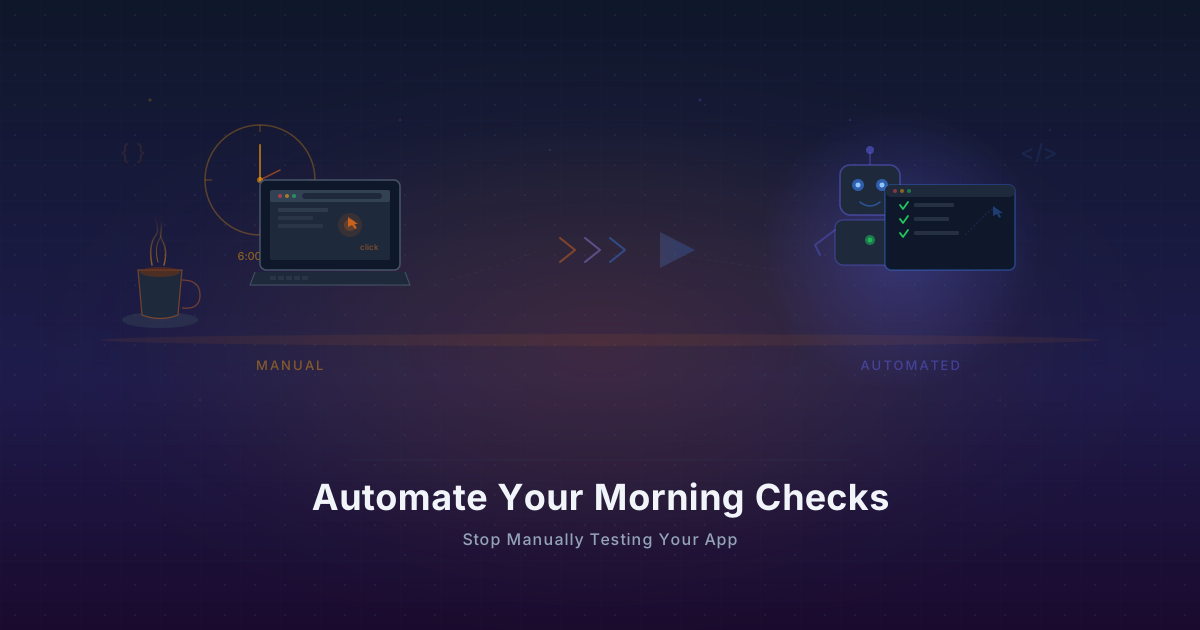
Automate Your Morning Checks: Stop Manually Testing Your App
Solo founders waste 15-30 minutes every morning clicking through their app. Automate those checks with browser workflows that run every minute.
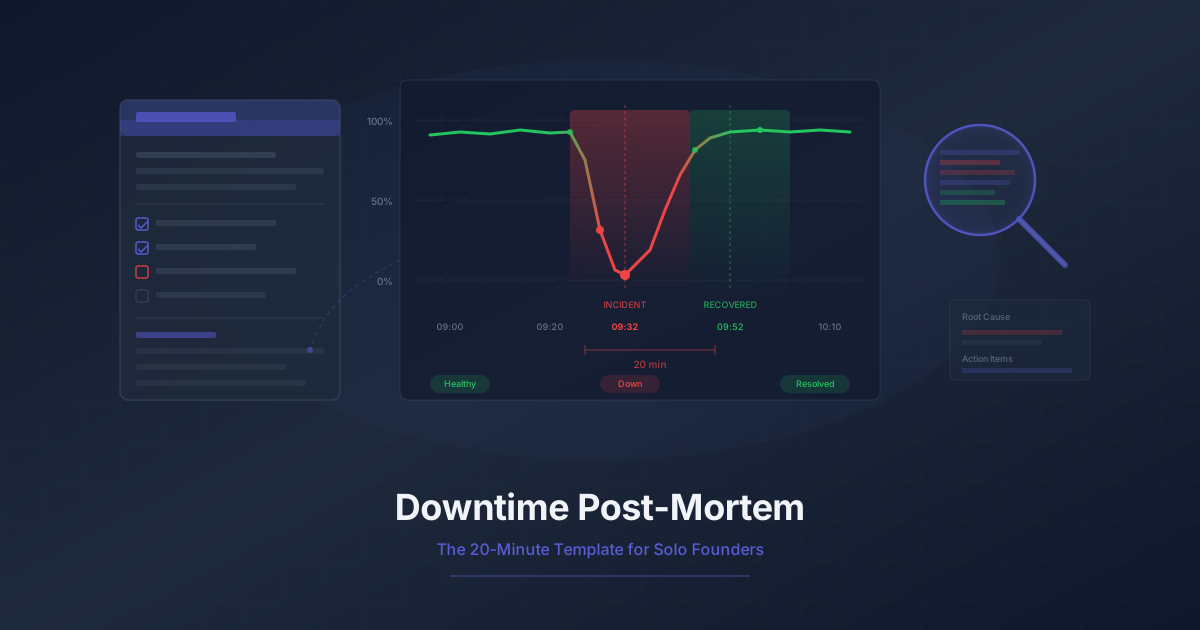
Downtime Post-Mortem Template for Solo Founders
A streamlined 20-minute post-mortem process for one-person teams. Use monitoring data to reconstruct what happened and prevent it from recurring.
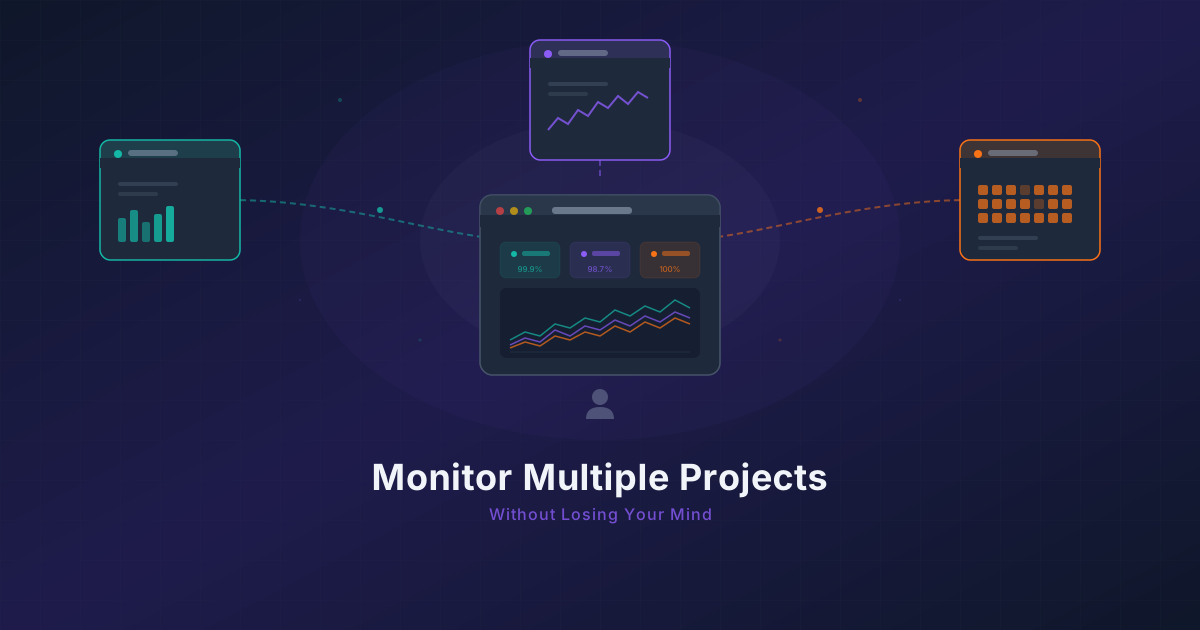
Running 3 Projects? How to Monitor Them All Without Losing Your Mind
Most indie hackers run multiple projects. Learn how to centralize monitoring across all of them without tool sprawl or alert chaos.