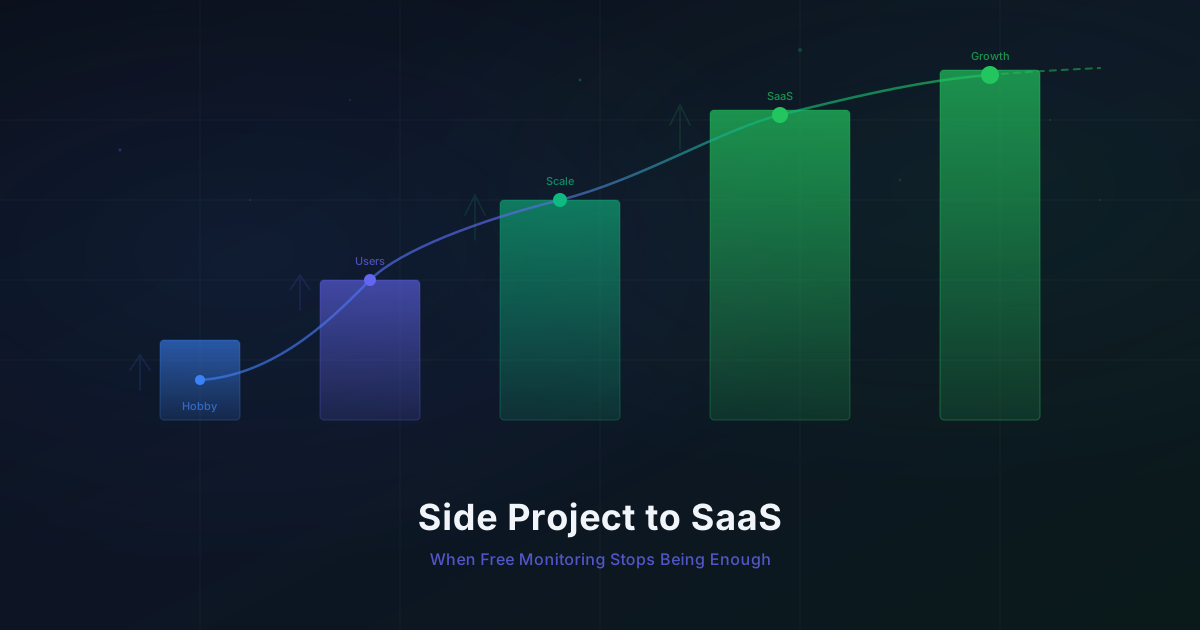
Side Project to SaaS: When Free Monitoring Stops Being Enough
Map your monitoring needs to your business stage. From hobby project to paying customers, here's when and how to level up your monitoring stack.
Published: February 2026 | Reading Time: 8 minutes
Your side project just got its first user. Someone you have never met typed in the URL, signed up, and started poking around. A few weeks later, someone else entered their credit card number. You now have a paying customer.
The monitoring you set up on launch day -- a single uptime check running every five minutes -- suddenly feels inadequate. If your app goes down at 2 PM on a Tuesday, you might not notice for five minutes. But your customer will.
This is a moment every solo founder and small team goes through. Your monitoring needs grow alongside your product, your users, and the expectations those users carry. The trick is knowing when to invest more in monitoring without over-engineering things before they matter.
Let's walk through the stages.
Stage 1: The Hobby Project
At this point, you have a landing page and maybe an API. Traffic is you, your friends, and a handful of curious Hacker News readers who will forget you exist by tomorrow. Your goals are simple:
- Know if the site is completely down
- Notice if your SSL certificate expires
- Sleep at night
This is the "is it on?" stage of monitoring. Two or three HTTP checks cover everything you need:
Check 1: GET https://yourapp.com → expect 200
Check 2: GET https://api.yourapp.com/health → expect 200
Check 3: SSL certificate expiry on yourapp.com
Five-minute check intervals are plenty. If your side project is down for ten minutes at 11 PM on a Wednesday, nobody notices. You might not even notice yourself.
What this costs: Nothing. Monitrics Starter (free) gives you 50 steps at 5-minute intervals with 7-day data retention and 1 notification channel. You will use three of those steps. You have headroom for sixteen more projects at this rate.
The temptation here is to over-monitor. You read a blog post about distributed tracing and suddenly want Grafana dashboards for your todo app with twelve users. Resist. The monitoring should match the product stage.
At this stage, your monitoring checklist is short:
- One HTTP check for your main domain
- One HTTP check for your API health endpoint
- One SSL/domain expiry check
- One notification channel (Slack or email)
That is it. Four steps. Save the other 46 for when you actually need them. The goal is peace of mind, not comprehensive observability.
Stage 2: The First Real Users
Your product is gaining traction. People are signing up without you personally sending them links. Maybe you posted on a few communities, maybe organic search is kicking in. You have dozens of weekly active users and they are starting to depend on your product.
The monitoring conversation shifts from "is it on?" to "is it working correctly?"
A 200 status code is no longer enough. Your API might return 200 with an empty response body because of a database connection issue. Your login page might load but the auth flow could be broken. Things can be "up" and still "down" from a user's perspective.
This is where you start adding:
- Response body assertions to verify your API returns actual data, not just a status code
- Multi-step API checks that test critical paths like authentication flows
- DNS monitoring to catch propagation issues early
- Response time thresholds so you know when things are slow, not just when they are broken
Check: GET https://api.yourapp.com/health
  → Status: 200
  → Body contains: "status":"ok"
  → Response time < 500ms
You might have 10-15 checks now, covering your main endpoints, your landing page, your API health, and maybe a webhook endpoint. Five-minute intervals still work. You are still well within the free tier.
What this costs: Still nothing. You are using 15 of your 50 free steps. The free tier comfortably handles this stage.
The key realization at this stage is that monitoring is not just about uptime anymore. It is about confidence. When a user emails you saying "the app feels slow," you want to pull up a chart and say "response times have been under 200ms all week, let me check your specific flow" -- not shrug and hope it resolves itself.
There is also a psychological benefit. When you can see that your app has been responding in under 300ms for the past week with zero downtime, you spend less mental energy worrying about it. That freed-up headspace goes back into building features and talking to users -- the things that actually grow your product at this stage.
Some practical additions for Stage 2:
- Add response body assertions to your health check (verify it returns actual data)
- Set up a response time threshold so you notice gradual degradation
- Monitor any third-party APIs you depend on (payment processors, auth providers, email services)
- Consider a TCP check for your database if it is publicly accessible
Stage 3: The First Paying Customers
This is where things change. Someone is giving you money every month. They have expectations. Downtime is no longer an inconvenience -- it is a breach of trust with someone who chose to pay you.
There is a psychological shift that happens when you receive your first payment. Suddenly, "good enough" monitoring does not feel good enough. And that instinct is correct. The relationship between you and a paying customer is fundamentally different from the relationship with a free user. Paying customers evaluate your reliability every month when they see the charge on their credit card statement.
The monitoring gaps that were fine during the hobby phase now become real problems:
Five-minute intervals feel too slow
If your checkout flow breaks at 2:01 PM and your next check runs at 2:05 PM, that is four minutes of lost revenue and frustrated customers. For a SaaS with paying users, you want to know within a minute, not five.
You need multi-step workflow monitoring
Individual endpoint checks miss integration failures. Your signup page might return 200, your email service might be healthy, but the connection between them could be broken. Nobody gets the welcome email. Nobody tells you for three days.
What you actually need to monitor now looks more like this:
Workflow: New User Signup
  Step 1: POST /api/auth/signup → 201
  Step 2: Check email service webhook → 200
  Step 3: GET /api/users/{id} → user.emailVerified exists

Workflow: Payment Flow
  Step 1: POST /api/checkout/session → 200
  Step 2: Verify Stripe webhook received → 200
  Step 3: GET /api/subscriptions/{id} → status: "active"
You need more than one notification channel
When it was just you, a single Slack notification was fine. Now you want email alerts as a backup, maybe a PagerDuty integration for critical paths. If Slack is down when your app goes down, you want redundancy.
Data retention matters
Seven days of monitoring data is enough to spot current issues. But when a customer asks "has this been happening a lot lately?" you want to pull up the last month, not just the last week. Trends matter. Patterns matter.
This is the stage where free monitoring starts showing its limits. Not because free tools are bad -- they got you here. But because your product has crossed a threshold where the cost of not knowing about problems exceeds the cost of better monitoring.
You are bumping up against the 50-step limit if you monitor multiple workflows. You want faster intervals. You need more notification channels. The free tier did its job. It is time to level up.
Stage 4: The Growing SaaS
Your MRR is climbing. You have users in different time zones, maybe different continents. Your team has grown from one to three or four people. The product has matured from MVP to something people rely on daily.
Monitoring at this stage is about three things:
Browser automation for real user journeys
API checks tell you if endpoints respond. Browser checks tell you if the actual user experience works. There is a difference.
A browser check can load your login page, type in credentials, click the submit button, wait for the dashboard to appear, and verify that the user's data is displayed. If any step in that chain breaks -- a JavaScript error, a CSS change that hides the login button, a slow third-party script -- the browser check catches it.
Browser Workflow: User Login Journey
  1. Navigate to https://app.yoursite.com/login
  2. Fill email field: test@example.com
  3. Fill password field: ••••••••
  4. Click "Sign In" button
  5. Wait for dashboard to load
  6. Assert: heading contains "Welcome back"
  7. Assert: page load < 3000ms
This is the monitoring that catches the problems your users actually experience.
Multi-region checks for global users
If your servers are in us-east-1 but you have customers in Tokyo, you need to know what their experience looks like. A 200ms response from Virginia might be an 800ms response from Japan. Multi-region monitoring lets you see performance from your users' perspective, not just yours.
Running checks from 12+ regions also eliminates false positives. If one region reports a failure but eleven others report success, it is probably a network blip, not an outage. This distinction saves you from 3 AM pages that turn out to be nothing.
Team access
You are no longer the only person who needs to see the dashboards. Your co-founder wants to check uptime stats before an investor call. Your support engineer wants to see if there is a known issue before responding to a customer ticket. Monitoring needs to be a shared resource, not a personal tool.
Domain and SSL expiry across multiple products
If you are like most growing SaaS founders, you probably have multiple domains -- your main app, a docs site, a marketing site, maybe a separate domain for your API. Each one has an SSL certificate. Each one can expire. Domain expiry monitoring across all your properties becomes essential, not optional.
The Upgrade Decision Framework
There is no single moment where you "need" to upgrade. It is a gradual accumulation of friction. The free tier does not stop working -- it just stops covering everything you care about.
Here is a practical checklist. If you check three or more of these boxes, your monitoring has outgrown the free tier:
- You have paying customers who expect reliability
- You have hit or are approaching the 50-step limit
- Five-minute intervals feel too slow for critical paths
- You need to monitor multi-step user flows, not just endpoints
- You have users outside your primary region
- More than one person on your team needs monitoring access
- You have lost track of an issue because 7 days of data was not enough
- You want browser-level checks for signup, login, or checkout flows
- You have been burned by a "silent failure" that endpoint checks missed
- Your monitoring cost of failure (lost customers, lost revenue, lost trust) exceeds $19/month
That last point is the one that matters most. Monitoring is insurance. The question is whether the premium is worth the coverage. For a SaaS with paying customers, $19/month for comprehensive monitoring is one of the highest-ROI expenses you can have.
What Professional ($19/mo) Actually Unlocks
The jump from Monitrics Starter to Professional is designed for exactly this transition -- from side project to real SaaS. Here is what changes:
1-minute check intervals
Your checks run every 60 seconds instead of every 300. Maximum time-to-detection drops from 5 minutes to 1 minute. For a SaaS handling payments or real-time collaboration, this difference is significant.
100 monitored steps
Double the step count. Enough for comprehensive multi-step workflow monitoring across your key user journeys: signup, login, core feature usage, payment, and critical integrations.
Browser automation
Run headless Chromium checks that navigate your app like a real user. Click buttons, fill forms, wait for elements, verify text content. This is the monitoring layer that catches JavaScript errors, broken UI flows, and third-party script failures that API checks will never see.
12+ global regions
Run your checks from North America, Europe, Asia, South America, and more. See your app's performance from your customers' perspective. Reduce false positives by requiring multi-region failure confirmation.
30-day data retention
Four weeks of historical data instead of one. Spot weekly patterns, track performance trends, and answer "has this gotten worse over time?" with actual data.
5 team members
Give your co-founder, your support person, and your first engineers access to monitoring dashboards without sharing a single login.
More notification channels
Set up Slack for non-critical alerts, email for important ones, and PagerDuty for the wake-up-at-3-AM emergencies. Route different alerts to different channels based on severity. You can also integrate with Telegram and custom webhooks, giving you the flexibility to build alerting workflows that match how your team actually communicates.
Assertions and variable passing
Professional unlocks the full power of multi-step workflows with variable passing between steps. Extract a value from one API response and use it in the next request. This lets you build monitoring workflows that mirror actual user behavior -- create a resource, verify it exists, update it, and confirm the update -- all in a single automated sequence.
Keeping Costs Predictable as You Scale
One of the biggest concerns for bootstrapped founders and small teams is runaway costs. You start with one monitoring tool at $19/month, add an error tracker at $29/month, a log aggregator at $49/month, and suddenly your observability stack costs more than your infrastructure.
Here is how to keep monitoring costs in check as you grow:
Monitor workflows, not individual endpoints
Instead of creating separate checks for every API endpoint, design workflow-based monitors that test complete user journeys. A single 5-step workflow check covers more ground than five individual endpoint checks, and it catches integration failures that isolated checks miss.
Use the right check type for the job
HTTP checks are fast and cheap for basic endpoint verification. Reserve browser automation checks for flows that actually involve a browser -- login pages, signup forms, dashboards with client-side rendering. Do not use a browser check when a simple HTTP assertion would suffice.
Set intervals based on criticality
Not everything needs 1-minute checks. Your marketing pages can run on 5-minute intervals. Your payment flow and authentication should run every minute. Match the interval to the business impact of downtime.
Review and prune regularly
Once a quarter, look at your monitoring configuration. Are there checks that have never failed? Endpoints that no longer exist? Assertions that are too loose to catch real problems? Remove the noise. Monitoring should grow with your product, but it should also stay lean.
Compare against the alternative
Before worrying about monitoring costs, consider the cost of the alternatives. Enterprise monitoring platforms like Datadog or New Relic can easily reach hundreds or thousands of dollars per month. Cobbling together free tools creates maintenance burden and gaps in coverage. Building your own monitoring system is a full-time job. At $19/month or even $49/month, purpose-built monitoring for SaaS workflows is remarkably cost-effective compared to any of those options.
Plan for the next tier
Monitrics Enterprise at $49/month gives you unlimited steps, 30-second intervals, 90-day data retention, and unlimited team members. Knowing where the next tier sits lets you plan. If you are at 85 of 100 steps on Professional, it might be time to think about Enterprise -- or it might be time to consolidate some workflows.
The Real Cost of Waiting Too Long
There is a pattern that plays out repeatedly with bootstrapped SaaS products. The founder sets up free monitoring on day one. It works great. The product grows. The monitoring does not keep pace. Then one day, a critical flow breaks silently -- a payment webhook stops firing, a third-party API changes its response format, a database connection pool exhausts itself.
The founder finds out from a customer email, not from their monitoring. By then, the damage is done. Not just the technical damage, but the trust damage. The customer who emails you about a bug is the vocal one. For every customer who tells you, there are three who quietly churn.
Better monitoring would not have prevented the bug. But it would have caught it in one minute instead of three days. That is the difference between a quick fix with a proactive customer email and a slow bleed of users you never hear from again.
Consider the math. If your SaaS charges $29/month and you have 50 customers, your MRR is $1,450. Losing even two customers because of a preventable trust-breaking incident costs you $58/month in recurring revenue -- that is three months of Professional monitoring. And customer acquisition is almost always more expensive than retention. The monitoring pays for itself in prevented churn alone.
There is also the founder's time to consider. Every hour you spend manually checking if things are working, refreshing your app to make sure the deploy went smoothly, or triaging a customer report that turns out to be a transient issue -- that is an hour you are not spending on growth. Automated monitoring reclaims that time.
A Note on Timing
There is no prize for upgrading early, and there is no shame in staying on the free tier for a long time. Some products stay in Stage 1 or 2 for years. If your side project brings in no revenue and has a handful of users, free monitoring is the right call. Do not spend money on monitoring until the cost of not monitoring properly exceeds the cost of the tool.
But there is a common mistake in the other direction: waiting until after a serious incident to upgrade. The best time to improve your monitoring is when things are going well and you have the mental bandwidth to set it up thoughtfully. The worst time is at 2 AM during an outage when you are trying to figure out what broke and wishing you had better visibility.
Making the Move
If you are reading this and recognizing your own situation, here is the practical path:
-
Audit your current monitoring. List every check you run today. Note the gaps -- flows that are not covered, endpoints without assertions, user journeys with no browser checks.
-
Identify your top 3 critical paths. For most SaaS products, these are: user signup/login, the core feature that delivers value, and the payment/billing flow.
-
Start with those three. Set up comprehensive workflow monitoring for your critical paths first. Add 1-minute intervals. Add browser checks where they matter.
-
Expand from there. Once your critical paths are covered, add monitoring for secondary flows, third-party integrations, and regional performance.
-
Set up proper notification routing. Critical path failures go to PagerDuty or SMS. Non-critical degradation goes to Slack. Weekly summary reports go to email. Match the urgency of the notification to the severity of the issue.
-
Review monthly. As your product evolves, your monitoring should evolve with it. New features need new checks. Deprecated endpoints need their checks removed. Make monitoring review part of your monthly routine.
The free tier is a great starting point, and it might be all you need for months or even years. But when the time comes to upgrade, the investment pays for itself the first time it catches a problem before your customers do.
If you are at the stage where free monitoring is showing its limits, start with a free Monitrics account and grow from there. The Starter plan gives you room to evaluate. When you are ready, Professional is one click away.
Related Articles
- The $0 Monitoring Stack for Bootstrapped Founders -- How to get comprehensive monitoring without spending a dime, and when that approach starts to crack.
- Your Users Are in Tokyo: Multi-Region Monitoring for Global SaaS -- Why single-region monitoring misses problems your global users experience every day.
- Running 3 Projects? How to Monitor Multiple Products as a Solo Founder -- Practical strategies for monitoring several products without drowning in dashboards.
Related Articles
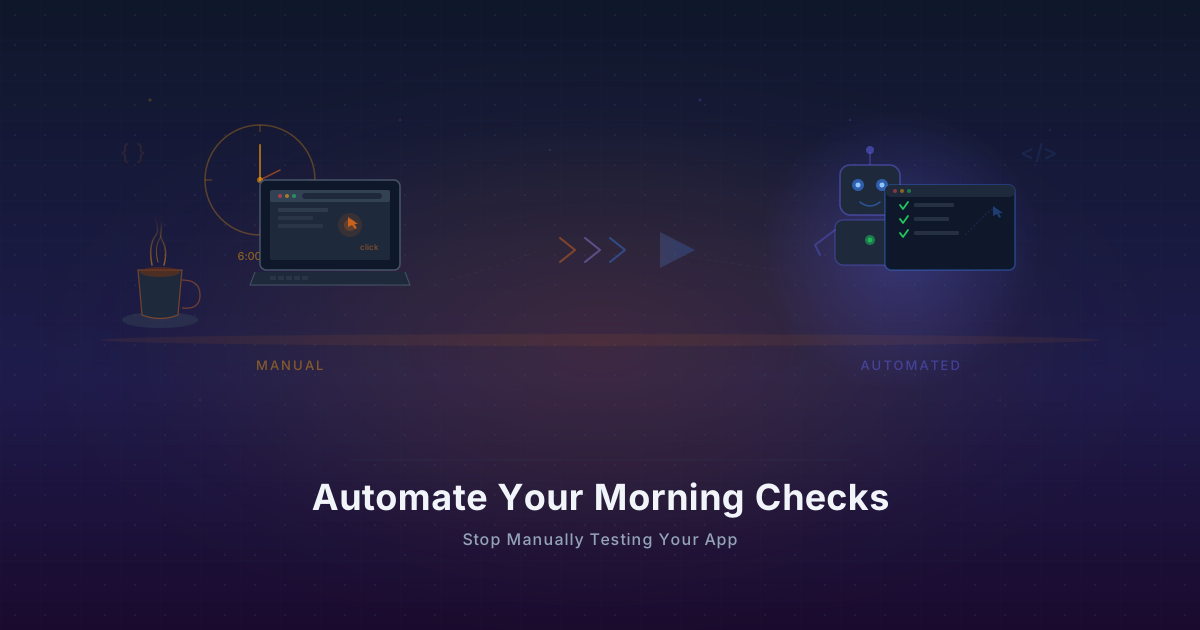
Automate Your Morning Checks: Stop Manually Testing Your App
Solo founders waste 15-30 minutes every morning clicking through their app. Automate those checks with browser workflows that run every minute.
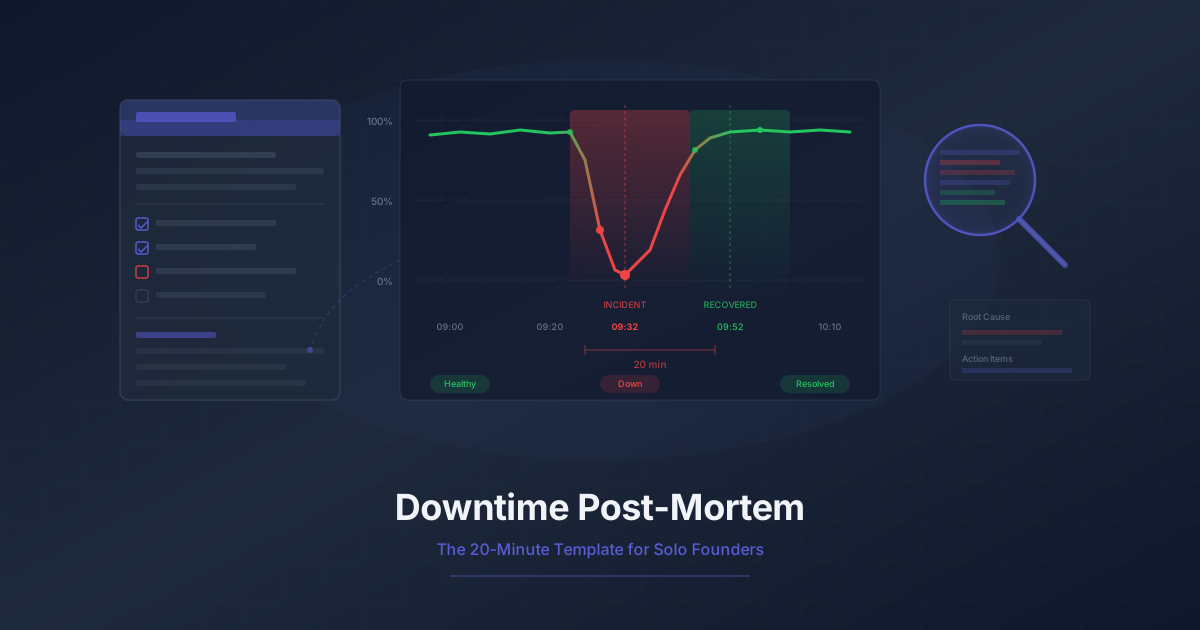
Downtime Post-Mortem Template for Solo Founders
A streamlined 20-minute post-mortem process for one-person teams. Use monitoring data to reconstruct what happened and prevent it from recurring.
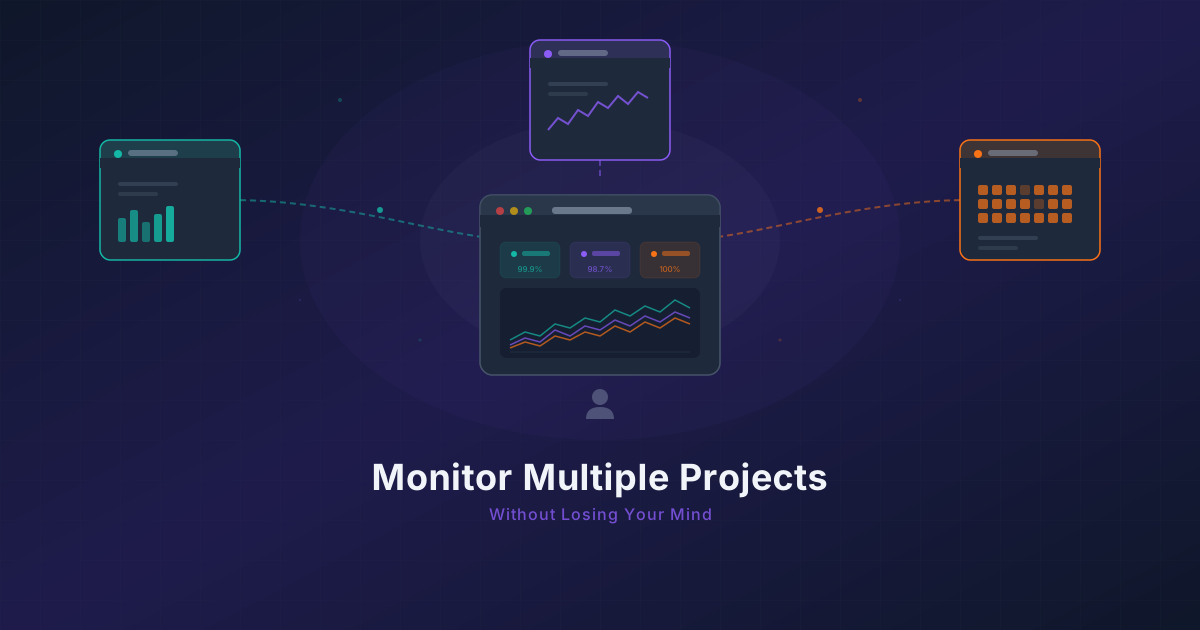
Running 3 Projects? How to Monitor Them All Without Losing Your Mind
Most indie hackers run multiple projects. Learn how to centralize monitoring across all of them without tool sprawl or alert chaos.