
Slack vs Email vs Telegram: Choosing the Right Notification Channel
Not all alerts deserve a page. Learn when to use Slack, PagerDuty, email, Telegram, and webhooks based on incident severity, response time requirements, and your team's workflow.
Slack vs Email vs Telegram: Choosing the Right Notification Channel
Published: February 2026 | Reading Time: 8 minutes
The 3 AM page that turned out to be a false alarm. The critical alert buried in a Slack channel with 847 unread messages. The email notification that arrived 20 minutes after the incident was already resolved. We've all experienced these notification failures, and they share a common cause: using the wrong channel for the situation at hand.
Choosing notification channels isn't about picking your favorite tool—it's about matching the urgency and nature of each alert to the channel best suited to deliver it. Let's break down how to make these decisions systematically.
Understanding Channel Characteristics
Each notification channel has distinct strengths that make it ideal for certain scenarios and inappropriate for others. The key is understanding these characteristics and matching them to your needs.
Email excels at creating permanent records that can be searched, filtered, and archived indefinitely. It's universally accessible—everyone has an email address—and supports rich formatting with attachments. But email has critical weaknesses: high-volume inboxes mean important messages get lost, spam filters can block legitimate alerts, and delivery timing is unpredictable. Nobody should rely on email for time-sensitive notifications.
Email shines for daily or weekly digest summaries of low-priority alerts, post-incident reports that need to be archived for compliance, and notifications to external stakeholders who aren't on your internal systems. Use it as an audit trail, not an action trigger.
Slack (and similar team chat tools) provides instant visibility across entire teams. When an alert drops into a channel, everyone in that channel sees it immediately. Threading allows focused discussion during incidents. Rich integrations enable automation and context enrichment. But Slack requires active monitoring—if nobody's watching the channel, nobody sees the alert. High-volume channels create notification fatigue that causes people to mute them entirely.
Slack works best for alerts requiring team coordination, where multiple people need visibility but immediate action may not be required. A degraded service, a failed deployment, or an unusual metric reading benefits from Slack's collaborative nature. The team sees it, discusses it, and decides together whether escalation is needed.
PagerDuty (and similar incident management tools) is purpose-built for waking people up. It delivers notifications through multiple simultaneous channels—push notifications, SMS, phone calls—with sophisticated escalation policies and acknowledgment tracking. The 99.99% reliability SLA means you can trust it to deliver. But this power comes with cost, both literal (per-user pricing adds up) and organizational (over-paging destroys trust in the system).
Reserve PagerDuty for alerts that require immediate human intervention regardless of time of day. If an alert doesn't justify waking someone at 3 AM, it shouldn't go to PagerDuty.
Telegram offers excellent global availability with reliable mobile push notifications and no per-user costs. The API is simple to integrate, making it popular for secondary or backup notifications. But Telegram lacks built-in escalation policies, on-call scheduling, or the enterprise features that incident management tools provide.
Telegram works well as a cost-effective supplementary channel, particularly for international teams. It's valuable as a backup when your primary channel has reliability concerns, or for teams where cost is a significant constraint.
Webhooks provide unlimited flexibility, sending HTTP requests to any endpoint you control. This enables custom integrations with internal tools, CRM systems, data warehouses, and anything else with an API. But webhooks require development effort, have no built-in reliability guarantees, and put security responsibility entirely on you.
Use webhooks for custom workflows that don't fit into standard tools, feeding alerts into proprietary internal systems, or building multi-tool orchestration where one alert triggers several downstream actions.
Matching Severity to Channels
The most important principle is matching alert severity to channel interruptiveness. A complete outage deserves to wake someone up; a minor cosmetic bug does not.
For catastrophic outages—complete service unavailability affecting all users—PagerDuty is the primary channel with phone calls and SMS. You need guaranteed delivery and human acknowledgment within minutes. Slack and email serve as secondary channels for team-wide visibility, but the actual paging happens through PagerDuty.
Critical incidents where core services are down but some functionality remains should also go to PagerDuty, though perhaps with SMS and push notifications rather than phone calls. The response target is still within 15 minutes, and you still need acknowledgment tracking.
High-severity issues with degraded service—things that need attention but aren't emergencies—can start with Slack. Add email for documentation purposes. PagerDuty might be appropriate during business hours but can wait for the next day if the degradation is tolerable overnight.
Medium-severity issues with minor impact can live entirely in Slack or email. These don't need to interrupt anyone; they just need visibility for the next person who checks. If a medium issue becomes severe, it can be escalated through manual action.
Low-severity issues—cosmetic bugs, non-critical warnings, informational notices—should aggregate into daily or weekly email digests. Nobody should receive individual notifications for these; they should be batched and reviewed during normal working hours.
Building Multi-Channel Redundancy
One of the most common mistakes is relying on a single notification channel. Every channel has failure modes: Slack can have outages, email can be filtered, PagerDuty can have delivery delays in extreme scenarios. Critical alerts need redundancy.
A robust notification strategy for critical incidents looks like this: the primary notification goes to PagerDuty, which handles escalation and acknowledgment tracking. Simultaneously, Slack receives the alert so the broader team has visibility. Email creates a permanent record. If PagerDuty doesn't receive acknowledgment within 10 minutes, SMS goes directly to the secondary on-call. After 15 minutes without acknowledgment, phone calls begin.
This redundancy isn't paranoia—it's learned experience from incidents where a single-channel strategy failed. A SaaS company in early 2025 lost $50,000 because their email-only alerts weren't seen during a team vacation. Their monitoring detected the problem; their notification strategy failed to deliver it to anyone who could act.
Time-Based Routing
Not every alert needs the same treatment around the clock. During business hours, when your team is actively monitoring, Slack might be sufficient for moderately critical issues. After hours, those same issues might need PagerDuty to ensure someone actually sees them.
Implement time-based routing that adjusts channel selection based on the clock. A performance degradation at 2 PM can go to Slack where someone will notice it within minutes. The same degradation at 2 AM, when nobody's watching Slack, needs to page someone if it's severe enough to warrant attention, or can wait until morning if it's tolerable.
This also applies to severity assessment. A slow database query during peak business hours might be critical because it's affecting revenue. The same query at 3 AM when traffic is minimal might be merely informational.
Progressive Alerting
Rather than immediately escalating every alert to its maximum severity, progressive alerting starts quiet and escalates based on persistence. The first occurrence of an anomaly goes only to Slack. If it happens again within 10 minutes, add email. A third occurrence adds PagerDuty.
This approach reduces noise for transient issues while ensuring persistent problems eventually get attention. A brief CPU spike resolves itself and generates only a Slack message that might never be read. Sustained high CPU escalates automatically until someone investigates.
Progressive alerting requires careful tuning. Too aggressive, and you're paging for things that resolve themselves. Too conservative, and real incidents go unnoticed for too long. Start conservative and tighten thresholds based on experience with your specific systems.
Channel-Specific Rate Limiting
Even with proper severity-to-channel matching, high-volume alerts can overwhelm any channel. Implement rate limiting per channel to prevent alert storms.
For PagerDuty, limit to one alert per service per five minutes. If the same service is failing repeatedly, the first alert is sufficient; subsequent failures should aggregate rather than generating new pages. For Slack, higher frequency is acceptable but batching still helps—consolidate alerts that arrive within the same minute.
Email digests should consolidate all low-severity alerts from a period into a single message. Nobody wants 47 separate emails about minor warnings; they want one email summarizing what happened.
Avoiding Common Mistakes
Several anti-patterns emerge repeatedly in notification strategy.
Alerting everything everywhere sends all alerts to all channels regardless of severity. This creates noise on every channel, training people to ignore notifications entirely. Within weeks, critical alerts are lost in the flood of noise.
Email for critical alerts fails because email has too many delivery uncertainties. Spam filters, inbox overload, server delays, and the fundamental assumption that people constantly monitor email all make it unreliable for urgent notifications.
Single channel dependency creates a single point of failure. If you only use Slack and Slack goes down, you have no alerting. If you only use PagerDuty and the billing integration fails, you have no alerting.
Inconsistent channel usage across teams causes confusion during cross-team incidents. If one team uses Slack for critical alerts and another uses PagerDuty, coordination during major incidents becomes chaotic. Establish organization-wide standards for which channels correspond to which severities.
Testing and Maintenance
Notification channels require ongoing maintenance. Test your channels monthly—send test alerts through every path and verify they're received. Update contact information when people change phones or roles. Audit escalation policies when team membership changes.
Review channel effectiveness quarterly. Which channels are actually driving incident response? Which are generating noise that people ignore? Are your severity classifications accurate, or do certain alert types consistently get miscategorized?
Documentation matters more than you'd expect. New team members need to understand which channels to monitor and what different alerts mean. Without documentation, knowledge lives only in the heads of senior engineers—and leaves when they do.
The Bottom Line
There's no single right answer for notification channels—but there are definitely wrong answers. Using the same channel for everything, relying on a single channel without redundancy, and failing to match urgency to interruptiveness are mistakes that will eventually cause incident response failures.
Match interruptive channels to wake-up-worthy alerts only. Use collaborative channels for team coordination. Reserve batch channels for informational digests. Build redundancy for critical paths. Test regularly and maintain ruthlessly.
Your alerting is only as good as your ability to respond to it. Choose channels that match the urgency of your alerts—and your team's working patterns.
Ready to implement multi-channel alerting? Monitrics supports notifications through Email, Slack, PagerDuty, Webhooks, and Telegram, with flexible routing based on severity and conditions. Configure your notification strategy at Monitrics.
Related Articles
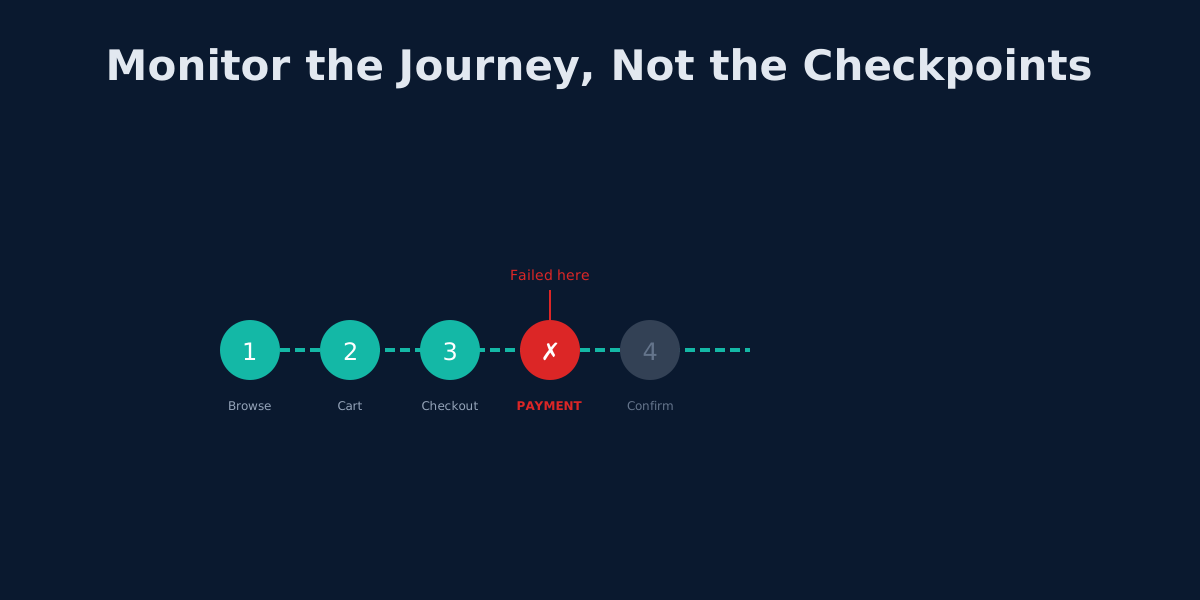
Beyond UptimeRobot: Monitoring Complete User Journeys, Not Just Endpoints
Your API returns 200 OK but users can't check out. Learn why endpoint monitoring creates blind spots and how workflow monitoring fixes them.
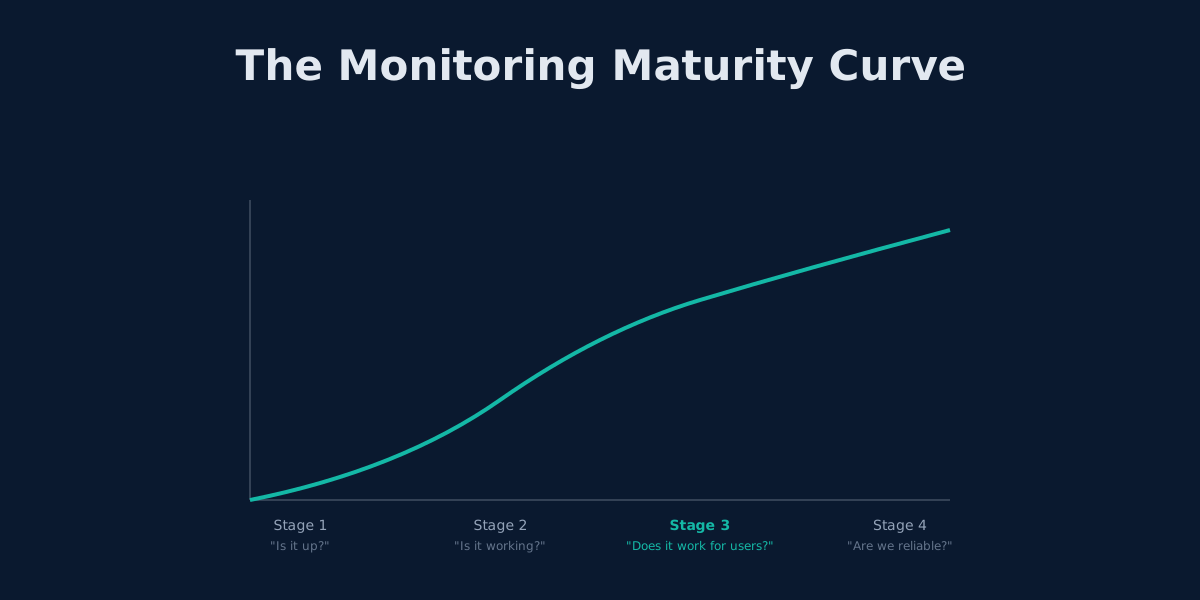
Outgrowing UptimeRobot: When Simple Monitoring Isn't Enough
UptimeRobot works for basic uptime checks. Here's how to tell when you've outgrown it and what comes next.
The 3 AM Page: How to Design Alerting That Lets You Sleep
Alert fatigue is burning out engineering teams. Learn to design wake-up-worthy alerts, implement SLO-based monitoring, and build on-call rotations that don't destroy sleep.