The 3 AM Page: How to Design Alerting That Lets You Sleep
Alert fatigue is burning out engineering teams. Learn to design wake-up-worthy alerts, implement SLO-based monitoring, and build on-call rotations that don't destroy sleep.
The 3 AM Page: How to Design Alerting That Lets You Sleep
Published: February 2026 | Reading Time: 9 minutes
It's 3:17 AM. Your phone buzzes. You wake up, heart racing, fumbling for your glasses. The alert says "High CPU on server-07." You check the dashboard—CPU is back to normal. You go back to bed, but now you're wide awake, worrying about when the next alert will pull you from sleep.
Sound familiar? This scenario plays out thousands of times every night across engineering teams worldwide. The problem isn't that systems fail—it's that most alerting systems treat every blip as an emergency worthy of waking a human. Let's talk about how to fix that.
The Human Cost Nobody Talks About
When we discuss alerting, we usually focus on technical metrics: response times, detection rates, false positive percentages. But there's a human story behind every late-night page that rarely gets told.
Research consistently shows that on-call duty creates measurable cognitive impairment. When you're woken for even a brief 45-minute incident, the cognitive deficits linger well into the next day. You're not just losing sleep—you're losing productivity, creativity, and eventually, your best engineers.
Consider this: each alert that requires judgment depletes cognitive resources. On a quiet shift, an engineer might handle two or three decisions. On a noisy shift? Thirty to fifty micro-decisions, each one chipping away at mental reserves. And here's the cruel irony—even the mere possibility of being paged creates stress that degrades performance. Your on-call engineer is impaired before the first alert even fires.
The numbers paint a troubling picture. Around 40% of on-call engineers report burnout symptoms. Teams with high alert volumes experience three times higher attrition rates. The cost of a 3 AM page isn't just that incident—it's the productivity loss the next day, the team turnover over the following months, and the gradual erosion of your entire on-call culture.
The Golden Rule of Wake-Up-Worthy Alerts
Before we dive into techniques and frameworks, let's establish a single principle that should guide every alerting decision: If it wakes up a human in the middle of the night, it must require immediate, actionable human intervention.
That sounds obvious, but it's remarkable how rarely teams actually apply this test. Before creating any page-worthy alert, you should be able to answer "yes" to all of these questions:
Is revenue being lost right now? Can users not access critical functionality? Is data integrity at immediate risk? These questions establish whether there's genuine business impact happening in this moment, not whether something could theoretically become a problem.
Next, ask whether the issue truly requires human action. Automation cannot resolve it. Human judgment is required for the decision. The action can be taken immediately, not during business hours. If a script could handle the problem, why are you waking a person?
Finally, consider whether the action is clear. The on-call engineer knows exactly what to do. A runbook exists and is current. Required tools and access are available. If your engineer has to start by figuring out what's even happening, your alert design has failed.
Here's a test that cuts through all the ambiguity: Would you feel comfortable calling a trusted friend at 3 AM about this issue? If the answer is no, don't page your engineers for it either.
Moving Beyond Threshold-Based Alerting
Traditional threshold alerts are the root cause of most alert fatigue. You set a rule—"page when CPU exceeds 80%"—and call it a day. The problem is that these arbitrary thresholds have no connection to user experience.
High CPU might mean nothing is wrong. Your system might handle 95% CPU without users noticing any degradation. Conversely, low CPU with high latency might mean your users are suffering while your dashboards show green. The threshold approach treats infrastructure metrics as if they directly represent user experience, but that connection rarely exists.
The alternative is SLO-based alerting, where you define reliability targets based on what users actually experience. Instead of "alert when CPU is high," you define "we commit to 99.9% of API requests completing successfully." When your error budget starts burning faster than expected, you alert.
The shift in thinking is profound. Rather than watching every metric wiggle and deciding if it matters, you measure how much "unreliability" you can tolerate and alert when you're spending that budget too quickly. A fast burn—say, consuming 2% of your monthly error budget in a single hour—indicates an acute issue requiring immediate attention. A slow burn—5% per day—indicates gradual degradation that should create a ticket for business hours, not a 3 AM page.
This approach connects alerts directly to user impact. Your engineers aren't woken up because a metric crossed an arbitrary line. They're woken up because users are actually affected at a rate that will exhaust your reliability commitments.
Structuring On-Call Rotations That Work
Even with perfect alert design, the structure of your on-call rotation matters enormously. The goal isn't just fair distribution of work—it's sustainable performance over time.
Predictability beats heroics. Publish your on-call schedules six or more weeks in advance. Engineers need to plan their lives around on-call, not discover they're on duty at the last minute. A primary plus secondary model ensures there's always backup coverage if someone gets overwhelmed or unreachable.
For shift length, match it to your alert volume. If your team handles more than five pages per week, one-week rotations prevent burnout. For two to five pages weekly, two-week rotations balance context-building with exhaustion prevention. If you're fortunate enough to see fewer than one page weekly, monthly rotations provide continuity without excessive burden.
The follow-the-sun model deserves special mention for global teams. If you have engineers distributed across time zones, you can hand off on-call duty so that nobody ever works after hours in their local time. APAC handles the day, then hands off to EMEA, then to the Americas. It requires at least eight hours of timezone spread to work well, but when it does, you've eliminated 3 AM pages entirely—not by reducing alerts, but by ensuring there's always someone working normal hours to handle them.
Whatever rotation model you choose, build in recovery time after shifts. Engineers shouldn't go directly from an intense on-call week into a sprint of complex feature development. The cognitive resources need time to replenish.
Building Psychological Safety Around Incidents
The best-designed alerting system will still fail if engineers are afraid to use it honestly. Psychological safety—the ability to admit mistakes, ask for help, and escalate without fear of criticism—is foundational to healthy on-call culture.
Blameless post-mortems are the starting point. When incidents happen, focus exclusively on systemic failures. What process allowed this to occur? What safeguards were missing? Individual errors happen because the system permitted them, and the conversation should center on making the system more robust, not on punishing the person who happened to be in the wrong place.
Normalize escalation aggressively. Create explicit "call for help" procedures and reward engineers who escalate early rather than struggling alone and making things worse. Train senior engineers to welcome escalations rather than treating them as interruptions. Better to ask for help unnecessarily than to break more things while trying to figure it out alone.
Watch for warning signs that psychological safety is degrading. Are engineers constantly trading shifts to avoid on-call? Is there silence during incident retrospectives, with nobody willing to offer observations? Do you celebrate "heroes" who worked through the night alone instead of recognizing teams that escalate appropriately? Is there retaliation, even subtle, when someone escalates an issue that turns out to be minor? High on-call turnover often stems from a culture problem, not a workload problem.
Automation That Lets Humans Sleep
The ultimate solution to 3 AM pages isn't better alerting—it's fewer things that require human intervention in the first place. Every issue you automate is an issue that will never wake anyone.
Think of automation in levels. At the first level, you automate detection—health checks that notice problems and alert correlation that groups related issues. This is table stakes for any modern system.
The second level automates response. Services automatically restart when they fail. Infrastructure scales up when load increases. Failed deployments automatically roll back. These common scenarios have well-understood remediation paths that don't require human creativity—machines can handle them.
The third level automates remediation of known issues. If your runbook for "disk full" is "delete old logs," that's automatable. If "high memory" means "restart the service," automate it. Every time an engineer follows a scripted runbook at 3 AM, ask yourself why a script isn't doing it instead.
But automation has boundaries. Database schema changes, network topology modifications, data deletion, security policy changes, and anything with financial implications should still require human judgment. The goal isn't to remove humans from operations—it's to reserve human attention for the decisions that genuinely benefit from human intelligence.
Common Anti-Patterns to Avoid
Before wrapping up, let's acknowledge some alerting patterns that seem reasonable but consistently cause problems.
The "kitchen sink" alert fires for dozens of different conditions, leaving engineers unable to determine which one triggered it. When you see "System unhealthy" at 3 AM, is it CPU? Memory? Network? A failing dependency? If the alert doesn't tell you, it's not a useful alert.
Symptom-based alerting pages on high CPU instead of the actual cause—perhaps a runaway database query or a memory leak. During incidents, this creates alert storms as every symptom of the underlying cause generates its own notification.
Cascade failure alerts are similar. When an upstream service fails, every downstream service starts alerting too. Suddenly you have fifty alerts for what is actually one problem. Your engineers spend the first twenty minutes of the incident figuring out that it's all connected rather than addressing the root cause.
The "forever page" deserves special mention. An alert that pages every five minutes until acknowledged will destroy sleep even for non-critical issues. If acknowledgment doesn't happen quickly, escalate to the secondary rather than repeatedly paging the same person who may have silenced their phone or be in a dead zone.
Finally, any alert without a runbook is asking your engineers to improvise at 3 AM. If you can't document what to do when an alert fires, you probably shouldn't have the alert.
Making the Change
The goal isn't zero pages—it's zero unnecessary pages. Every 3 AM alert should be wake-up worthy, clearly actionable, and genuinely time-critical. Achieving this requires continuous refinement.
Review every alert that fired in the previous month. For each one, ask: Was it a true positive requiring action? A true positive requiring no action (the system self-healed)? Or a false positive? Alerts with more than 50% false positives should be eliminated or fundamentally redesigned. Alerts that never required action should be downgraded to tickets or dashboard items.
Track your alert quality metrics over time. Fewer than five alerts per week per engineer is a reasonable target. False positive rates should stay below 5%. If more than 30% of your alerts require no action, something is wrong with your alert design, not your systems.
A healthy on-call culture isn't just good for engineers—it's good for uptime. Tired engineers make mistakes. Alert fatigue leads to ignored pages. Invest in sustainable alerting, and both your systems and your team will be more reliable.
Ready to build alerting that respects your team's sleep? Monitrics helps you design workflow-based monitoring that alerts on genuine issues, not infrastructure noise. Learn more at Monitrics.
Related Articles
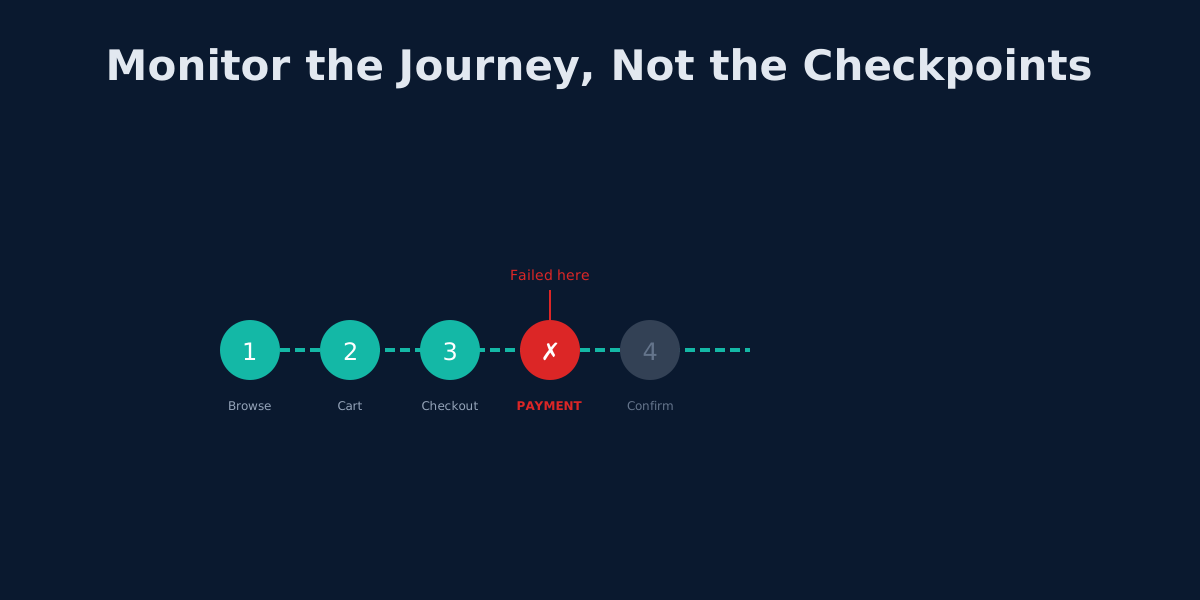
Beyond UptimeRobot: Monitoring Complete User Journeys, Not Just Endpoints
Your API returns 200 OK but users can't check out. Learn why endpoint monitoring creates blind spots and how workflow monitoring fixes them.
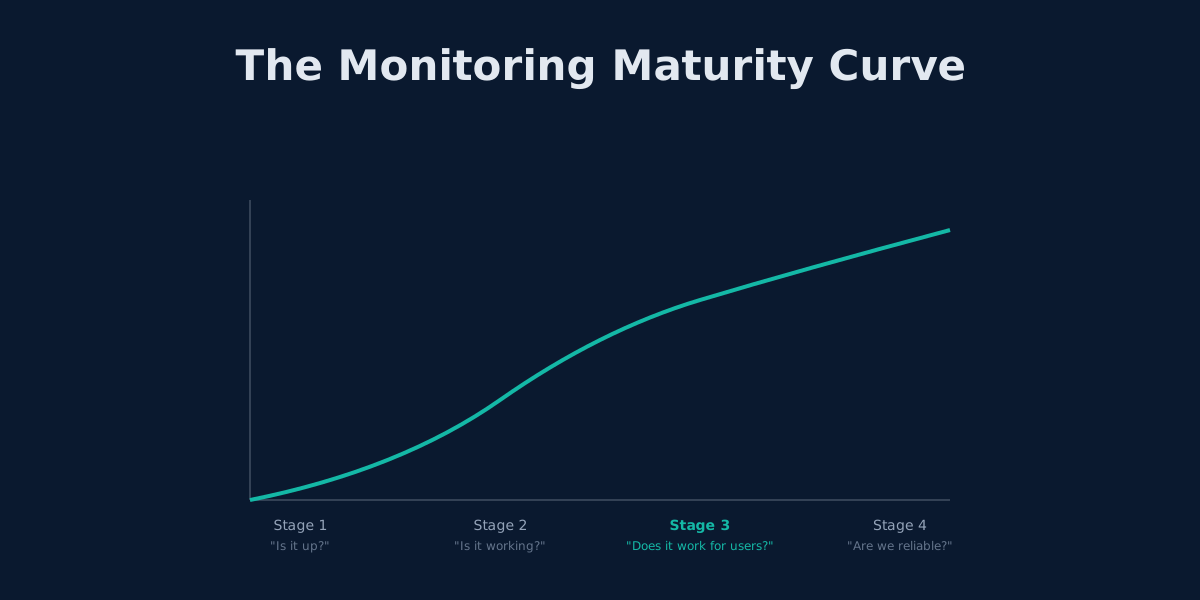
Outgrowing UptimeRobot: When Simple Monitoring Isn't Enough
UptimeRobot works for basic uptime checks. Here's how to tell when you've outgrown it and what comes next.
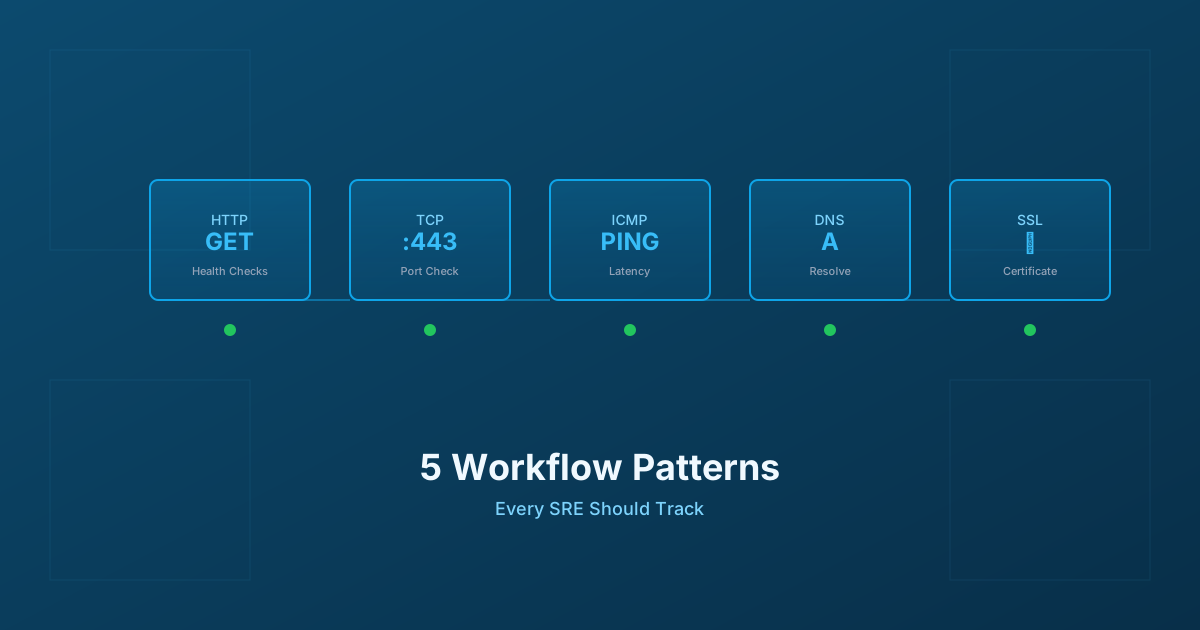
5 Workflow Monitoring Patterns Every SRE Should Track
Essential workflow monitoring patterns for Site Reliability Engineers: HTTP health checks, TCP connectivity, ICMP ping, DNS resolution, and SSL certificate monitoring with practical implementation guidance.