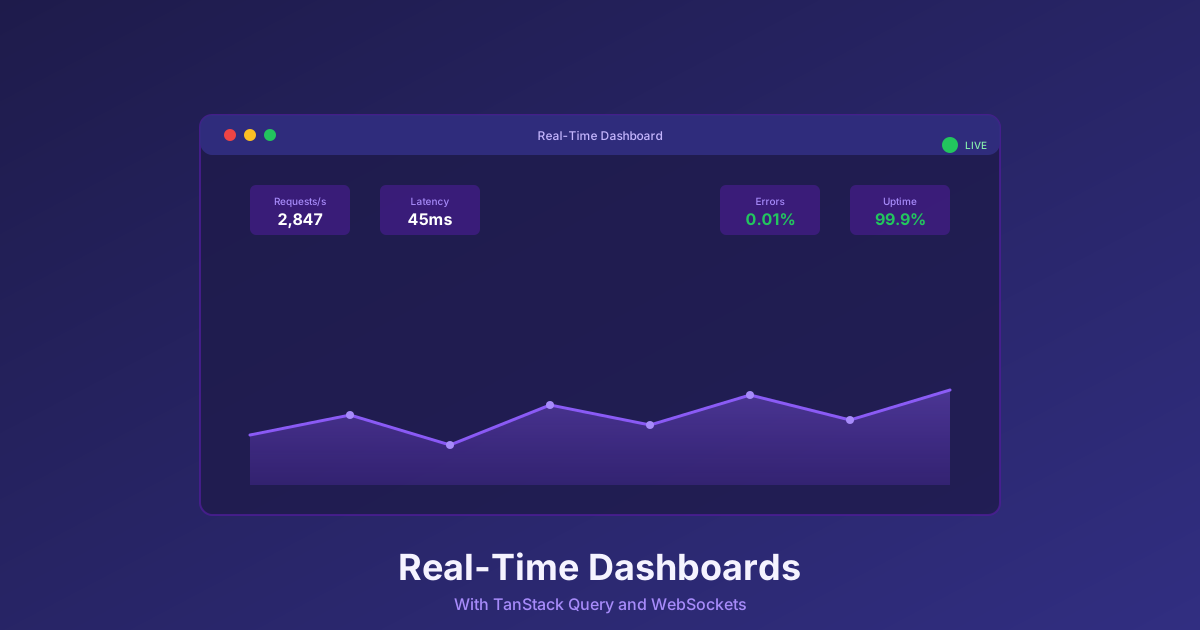
Building Real-Time Dashboards with TanStack Query and WebSockets
Learn production-ready patterns for building real-time monitoring dashboards using TanStack Query, WebSockets, and React. Performance optimization, connection resilience, and state management strategies.
Building Real-Time Dashboards with TanStack Query and WebSockets
Published: February 2026 | Reading Time: 11 minutes
Your monitoring dashboard needs to update in real-time. Users expect to see metrics change as they happen, not after clicking a refresh button. But building real-time interfaces involves tradeoffs between responsiveness, performance, and complexity.
Polling every second creates server load and network traffic. WebSockets provide true real-time updates but add connection management complexity. The right approach depends on your requirements—and often, the best solution combines multiple strategies.
Let's explore production-ready patterns for real-time dashboards using modern React tooling.
Choosing Your Strategy: Polling vs. WebSockets
Both polling and WebSockets have valid use cases. Understanding when to use each shapes your architecture.
Polling repeatedly fetches data at fixed intervals. It's simple to implement, works with any HTTP API, and doesn't require special server infrastructure. The downsides are wasted requests when data hasn't changed, delayed visibility into changes between polling intervals, and server load that scales with client count.
Polling works well when data changes infrequently—every 30 seconds to several minutes—or when simplicity matters more than immediacy. Dashboard overview pages showing hourly metrics, status pages that update every minute, or low-traffic admin interfaces are good candidates for polling.
WebSockets maintain persistent connections over which servers push updates as they occur. There's no wasted traffic, no delays, and server load doesn't increase with polling frequency. The downsides are connection management complexity, server infrastructure requirements, and more code to handle reconnection and error scenarios.
WebSockets suit high-frequency updates—multiple times per second—or situations where immediate visibility matters: live metrics during an incident, real-time alerting dashboards, or collaborative interfaces where multiple users need synchronized views.
The Hybrid Pattern
For most monitoring dashboards, a hybrid approach works best. Use REST for initial data fetching and WebSockets for live updates.
When a user loads the dashboard, a standard HTTP request fetches the current state. This initial load can be cached, doesn't require WebSocket infrastructure to be running, and works with all the standard HTTP tooling you already have.
Once the initial data is loaded, a WebSocket connection provides incremental updates. The server pushes changes as they happen, and the client merges them into the existing data. This gives you the best of both worlds: reliable initial loads and real-time updates.
TanStack Query (formerly React Query) makes this pattern natural. You define a query that fetches initial data, then use the setQueryData function to merge WebSocket updates into the query cache. The UI automatically re-renders when the cache updates, whether the change came from polling, a manual refetch, or a WebSocket message.
State Management with TanStack Query
TanStack Query excels at managing server state—data that lives on the server and needs to be synchronized with the client. For real-time dashboards, this is exactly what you need.
Define queries for your dashboard data. These queries specify how to fetch data, how long to consider it fresh, and how to handle errors. When WebSocket messages arrive, update the query cache directly. TanStack Query handles the rest: notifying components, deduplicating requests, managing stale data.
For high-frequency updates, consider batching. Rather than updating the cache on every WebSocket message, accumulate updates in a local variable and flush to the cache at a fixed interval—perhaps 50 milliseconds or 100 milliseconds. This reduces re-render frequency without sacrificing much perceived immediacy.
Time-windowed data needs special handling. If your dashboard shows "the last 5 minutes of metrics," new data arrives continuously while old data expires. A ring buffer data structure handles this efficiently: new items push to the front while old items are trimmed from the back. Pre-calculating aggregates (sums, averages, min/max) as data arrives prevents expensive recomputation on every render.
Performance Optimization
Real-time dashboards can struggle with performance when update frequency overwhelms React's rendering capacity. Several techniques help.
Throttle updates to prevent render thrashing. If WebSocket messages arrive faster than the UI can meaningfully display changes, queue updates and process them in batches. Humans can't perceive changes faster than about 10-15 updates per second anyway.
Memoize expensive computations. Data processing that runs on every render—aggregations, formatting, filtering—should be wrapped in useMemo with appropriate dependencies. Only recompute when the underlying data actually changes.
Virtualize large lists. If your dashboard displays hundreds or thousands of items, rendering all of them wastes resources. Virtualization libraries render only the items currently visible in the viewport, dramatically reducing DOM node count and render time.
Use React.memo for chart components. Charts are often the most expensive components to render. Wrapping them in React.memo with appropriate comparison functions prevents unnecessary re-renders when parent components update but chart data hasn't changed.
Offload heavy computation to Web Workers. If your dashboard processes significant data—parsing, transforming, aggregating—moving that work off the main thread prevents UI jank. The worker processes data and sends results back; the main thread focuses on rendering.
Data Sampling for Visualization
Time-series dashboards often face a mismatch between data resolution and display resolution. You might have a million data points, but your chart is only 800 pixels wide. Rendering all points wastes resources and can actually harm visual clarity.
Downsampling algorithms reduce data volume while preserving visual fidelity. The Largest Triangle Three Buckets (LTTB) algorithm is particularly effective for time-series data—it preserves the visual shape of the data while dramatically reducing point count. A million points becomes a thousand, with virtually identical visual representation.
Apply sampling at data boundaries. When data arrives, sample immediately rather than sampling on every render. Cache the sampled result and re-sample only when the time window changes or significant new data arrives.
Connection Resilience
WebSocket connections fail. Networks are unreliable, servers restart, and mobile connections switch between cellular and WiFi. Your dashboard needs to handle these scenarios gracefully.
Implement exponential backoff for reconnection. When a connection fails, don't immediately retry. Wait a second, then two seconds, then four, doubling up to some maximum (perhaps 30 seconds or a minute). This prevents overwhelming a recovering server with reconnection attempts.
Add jitter to backoff timing. If many clients disconnect simultaneously (perhaps the server restarted), they'll all retry at the same times without jitter, creating synchronized load spikes. Adding random variation to retry timing spreads the reconnection load.
Implement heartbeats to detect stale connections. WebSocket connections can fail silently—the connection appears open, but messages aren't flowing. Periodic ping/pong exchanges verify the connection is actually working. If several heartbeats fail, proactively reconnect rather than waiting for the connection to formally close.
Queue outbound messages during disconnection. If your dashboard sends data to the server (user actions, preferences), queue those messages while disconnected and send them when connection is restored. This prevents lost updates during network issues.
Provide UI feedback about connection state. Users should know when the dashboard is connected, connecting, or disconnected. A subtle indicator—a colored dot, a status message—builds trust that the data they're seeing is current.
Graceful Degradation
Not every situation supports WebSockets. Corporate firewalls sometimes block them. Proxy servers might not handle them correctly. Mobile networks can be unreliable.
Design for graceful degradation. If WebSocket connection fails repeatedly, fall back to polling. The user experience is slightly degraded—updates come every few seconds instead of immediately—but the dashboard remains functional.
TanStack Query's refetchInterval option makes this easy. When WebSocket is connected, disable polling. When WebSocket is unavailable, enable polling at a reasonable interval. The dashboard works either way.
Testing Real-Time Code
Testing real-time behavior requires different approaches than testing static components.
Mock WebSocket connections in unit tests. Create mock implementations that let you simulate message arrival, connection failure, and reconnection scenarios. Verify that your components handle each case correctly.
Test with simulated latency and failures. Real networks have delays and occasional drops. Your tests should too. Add artificial latency to API calls, randomly fail some requests, and verify that error handling works as expected.
Test performance under load. Send thousands of updates per second to your dashboard in a test environment. Does it remain responsive? Does memory usage stay bounded? Performance problems that don't appear in normal usage can emerge under load.
End-to-end tests should verify the complete flow: user loads dashboard, sees initial data, receives live updates, handles disconnection, reconnects, and resumes updates. These tests are slower but provide confidence that all the pieces work together.
Summary: Best Practices
A few principles guide effective real-time dashboard development.
Use REST for initial loads, WebSockets for updates. Don't fight the strengths of each approach—combine them.
TanStack Query provides excellent cache management. Push WebSocket updates into the query cache; let the library handle the rest.
Throttle high-frequency updates. Humans can't perceive changes faster than ~15fps anyway. Save the CPU cycles.
Build resilience into connections. Exponential backoff, heartbeats, graceful degradation to polling—expect failures and handle them.
Sample data for visualization. Rendering more points than pixels wastes resources. LTTB sampling preserves visual fidelity with dramatically fewer points.
Test edge cases explicitly. Connection failures, reconnection, high load—don't let production be the first time these scenarios occur.
Real-time dashboards can feel magical—data updating before your eyes, reflecting the live state of your systems. Building them well requires attention to performance, resilience, and user experience. The patterns described here provide a foundation for dashboards that are both responsive and reliable.
Building a monitoring dashboard? Monitrics provides the backend monitoring infrastructure, including HTTP, TCP, ICMP, and DNS checks with real-time alerting. Learn more at Monitrics.
Related Articles
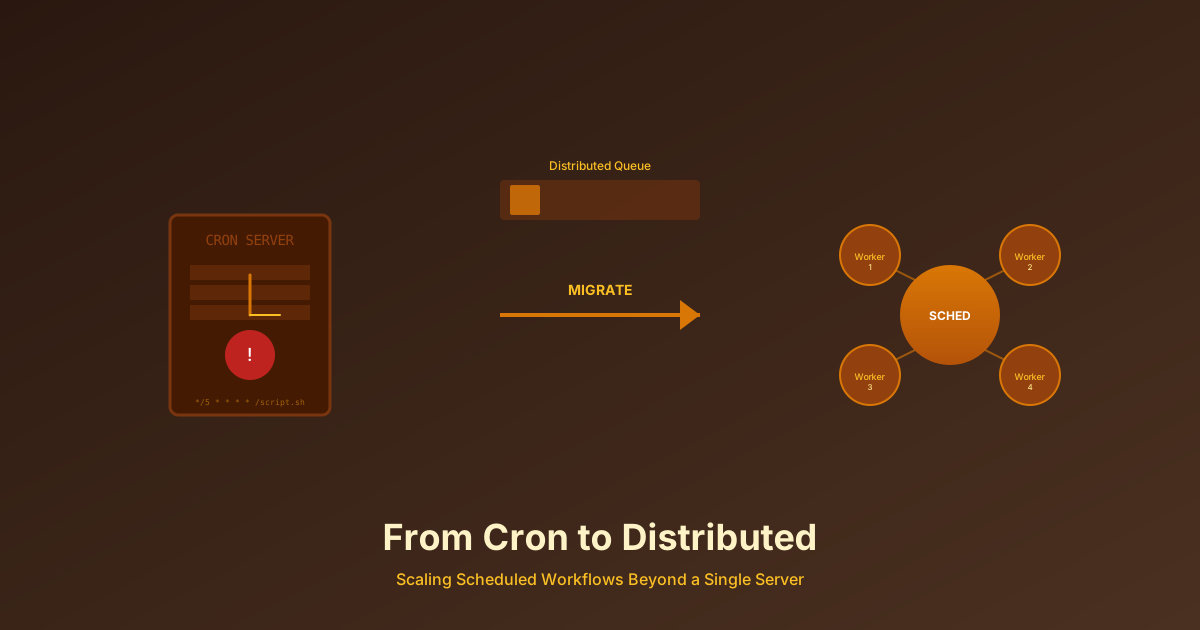
From Cron to Distributed: Scaling Scheduled Workflows Beyond a Single Server
Cron jobs don't scale. Learn when and how to migrate from traditional cron to distributed workflow schedulers, and why the transition matters for growing teams.
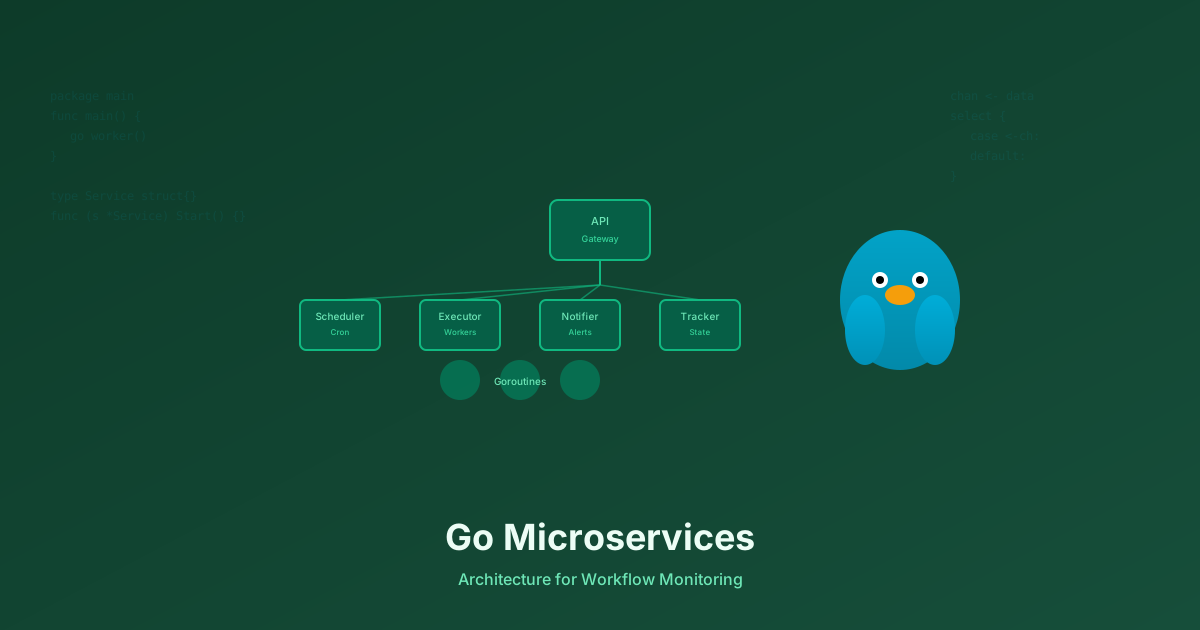
Why We Chose Go Microservices Over a Monolith for Workflow Monitoring
Go's concurrency model, single binary deployment, and fast compilation make it ideal for distributed systems. Learn why we built Monitrics with Go microservices instead of a monolith.
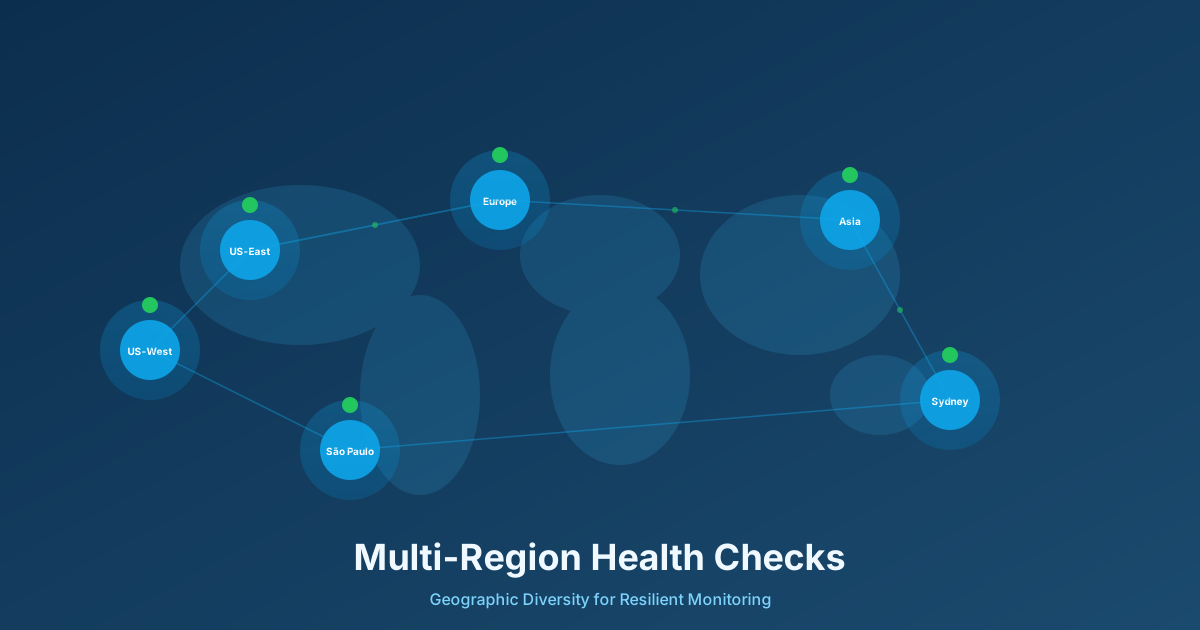
Multi-Region Health Checks: Why Your Uptime Monitoring Needs Geographic Diversity
Single-region monitoring creates blind spots that can leave your users affected by outages while your dashboards show green. Learn why geographic diversity is critical for modern distributed systems.