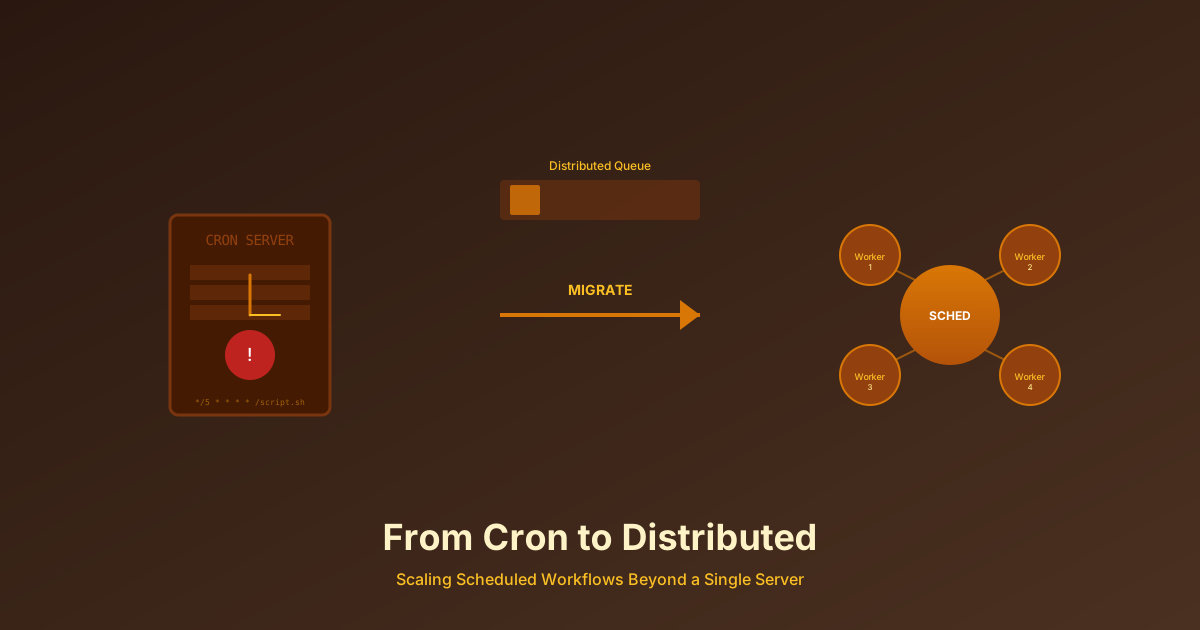
From Cron to Distributed: Scaling Scheduled Workflows Beyond a Single Server
Cron jobs don't scale. Learn when and how to migrate from traditional cron to distributed workflow schedulers, and why the transition matters for growing teams.
From Cron to Distributed: Scaling Scheduled Workflows Beyond a Single Server
Published: February 2026 | Reading Time: 12 minutes
The cron job that ran perfectly for two years silently failed last night. No logs. No alerts. By morning, your database was bloated with millions of orphaned records, and user authentication had slowed to a crawl.
This is the cron trap: beautifully simple, rock-solid reliable—until it's not. As teams scale, the limitations of traditional cron become architectural constraints that slow entire organizations. Understanding when to move beyond cron, and how to do it successfully, is one of the more important infrastructure decisions a growing engineering team will make.
Why Cron Eventually Breaks
Cron has served Unix systems for over 40 years because it does one thing well: run commands on a schedule. For small deployments, this simplicity is a feature. But that same simplicity becomes a liability as complexity grows.
The most dangerous aspect of cron is its invisibility. Traditional cron provides minimal operational insight—basic output to a log file that nobody reads, no execution history dashboard, no real-time monitoring, and no built-in alerting when things fail. You find out about failures when their consequences become visible, which is often much too late.
The single-server nature of cron creates a fundamental architectural limitation. If that server fails, all scheduled tasks stop. If a task runs longer than expected, it might overlap with itself on the next schedule. If you need more compute capacity, you're stuck with vertical scaling—buying a bigger machine rather than distributing the load.
Dependency management in cron doesn't exist. You can't express "run Job B only after Job A succeeds." You can't build directed acyclic graphs of work. You can't adapt to dynamic conditions. Everything is static schedules, and any coordination requires fragile shell scripts that inevitably break.
Perhaps most critically, cron provides no execution guarantees. Network partitions can cause duplicate runs. There's no idempotency enforcement. State management across executions is your problem to solve. For workflows that must execute exactly once—payment processing, data migrations, compliance reporting—cron's lack of guarantees is disqualifying.
The Warning Signs
How do you know when cron has become a liability? Several warning signs consistently appear as teams outgrow simple scheduling.
Silent failures are the clearest indicator. When your team's primary notification mechanism for failed jobs is users complaining about consequences, you've outgrown cron. Production systems need proactive detection, not reactive discovery.
Overlapping executions create subtle bugs that are maddening to diagnose. A report generation job that usually takes 10 minutes occasionally takes 70 minutes, overlapping with its next scheduled run. Both instances write to the same output file. Users receive corrupted reports, and debugging shows nothing obviously wrong with either execution in isolation.
Single point of failure pain manifests when one server outage takes down all background processing. If your business depends on those jobs running, a single server is unacceptable risk—even with the best infrastructure practices.
Scale limits appear when adding more jobs requires buying larger machines at escalating cost. Distributed architectures scale horizontally; cron scales only vertically until you hit hardware limits.
Configuration sprawl makes maintenance difficult. Crontabs scattered across servers, no centralized visibility, "who owns this?" questions with no answers, deployment requiring SSH access and manual editing—all signs that operational burden has exceeded reasonable limits.
Architecture of Distributed Scheduling
Moving beyond cron means adopting a fundamentally different architecture. Instead of one server with a crontab, you have multiple specialized components that collaborate.
A scheduler service handles the timing logic—parsing cron expressions, tracking what should run when, and triggering executions at the right moments. This component doesn't execute jobs; it coordinates them.
A queue system decouples scheduling from execution. When the scheduler decides a job should run, it puts a message on a queue. This decoupling provides resilience: if no worker is available right now, the message waits. It also enables distribution: many workers can pull from the same queue.
Worker pools actually execute the jobs. Multiple worker processes, potentially on multiple machines, pull jobs from the queue and process them. Workers can specialize in different job types, scale independently based on load, and be deployed across availability zones for fault tolerance.
A data store persists job definitions, execution history, and state. Unlike cron's ephemeral nature, distributed schedulers maintain comprehensive records of what ran, when, with what results. This data enables debugging, auditing, and operational visibility that cron can't provide.
An API layer allows job management without server access. Create jobs, modify schedules, pause and resume, check status—all through standard interfaces rather than SSH and text editing.
The Major Players
The distributed scheduling space has matured considerably. Several well-established tools address different use cases.
Apache Airflow has become the standard for data pipelines. Its Python-based DAG definitions feel natural to data engineers, and its extensive library of pre-built operators handles common integrations out of the box. If your primary use case is ETL workflows, Airflow is likely the right choice. The web UI provides excellent visibility into DAG structure and execution history.
Temporal takes a different approach, focusing on durable execution for long-running business workflows. Where Airflow orchestrates discrete tasks, Temporal manages stateful workflows that might run for hours, days, or longer. Its event-sourced architecture provides exactly-once execution guarantees that are essential for payment processing, order fulfillment, and similar business-critical flows.
Dagster emphasizes data awareness, treating data assets as first-class concepts. It tracks lineage, validates data quality, and provides a unified view of both pipelines and the data they produce. For teams where data quality and observability are primary concerns, Dagster's model is compelling.
Prefect prioritizes developer experience with a Python-native approach that feels lightweight compared to Airflow's operational complexity. Its hybrid deployment model—cloud UI with local or on-prem execution—appeals to teams wanting modern tooling without full cloud commitment.
Each tool has tradeoffs. Airflow is mature but operationally complex. Temporal is powerful but has a learning curve. Dagster's data-centric model is unique but may not fit all use cases. Prefect is approachable but less proven at extreme scale.
When to Stay with Cron
Not every team should migrate to distributed scheduling. For many situations, cron remains the right choice.
If you have fewer than ten simple, independent jobs that run quickly and have low failure impact, distributed scheduling introduces unnecessary complexity. The operational overhead of running a scheduler cluster exceeds the benefit.
If your team lacks distributed systems expertise and no one is available to operate queue infrastructure, you're trading one set of problems for another. Cron is at least familiar.
If jobs are genuinely independent—no dependencies between them, no state to manage across executions—cron's limitations don't apply. Simple problems deserve simple solutions.
Single-server deployment being acceptable is another indicator that cron suffices. Not every system needs high availability. If occasional missed executions during maintenance windows are tolerable, the complexity of distributed scheduling may not be justified.
When Migration is Mandatory
On the other hand, certain situations make migration unavoidable.
High availability requirements demand distributed infrastructure. If your SLA requires 99.9% or higher uptime for scheduled jobs, a single cron server is insufficient regardless of how well it's maintained.
Complex dependencies need real orchestration. When Job B must wait for Job A, Job C must wait for both, and Job D should only run if Job C succeeds—you need a system designed to express and enforce these relationships.
Revenue criticality raises the stakes beyond what cron can handle. If a missed job means lost money or compliance violations, you need the guarantees that distributed systems provide.
Scale pressure eventually wins. When you've exhausted vertical scaling options and still need more capacity, horizontal distribution is the only path forward.
Multi-region deployment requires coordination that cron can't provide. Jobs that must execute in specific geographic regions, or that must be globally unique across a distributed deployment, need infrastructure designed for those constraints.
The Migration Path
Migration from cron to distributed scheduling benefits from a methodical approach. Teams that attempt "big bang" migrations—converting everything at once—frequently encounter problems that gradual migration would have surfaced early.
Start with assessment. Catalog every cron job across every server. Document dependencies that might exist implicitly through timing assumptions. Measure execution times and failure rates. Identify owners (this is often harder than it sounds). This inventory becomes your migration backlog.
Next, prepare jobs for migration. Many cron jobs are written with assumptions that break in distributed environments. A job that writes to a local file path won't work when execution could happen on any machine in a pool. A job that relies on in-memory state from previous runs needs that state externalized. Most importantly, jobs must be idempotent—safe to run multiple times without corruption—because distributed systems can occasionally execute work more than once.
Deploy infrastructure for your chosen scheduler in parallel with existing cron. Run it in shadow mode, executing jobs through both systems and comparing results. This reveals behavioral differences before they affect production.
Migrate incrementally, starting with the least critical jobs. Watch for issues, adjust, and build confidence before moving to higher-stakes workloads. The final jobs to migrate should be the most critical—by then, you've worked out the kinks.
Decommission cron only after migration is complete and validated. Maintain rollback capability longer than you think necessary. Update runbooks and train support teams on the new system's operational model.
Common Migration Failures
Several anti-patterns cause migration failures repeatedly.
Big bang migrations try to convert everything simultaneously. When problems emerge—and they always do—you can't tell which job caused them, and rollback affects everything. Incremental migration localizes problems and allows surgical rollback.
Ignoring data consistency runs both systems on the same data without coordination. Jobs execute in cron and in the new scheduler, stepping on each other. Proper migration either runs jobs in one system or the other, never both, or implements explicit coordination to prevent conflicts.
Underestimating observability assumes the new scheduler's built-in monitoring is sufficient. Custom business metrics, alert tuning for your specific workloads, and comprehensive runbooks all need development before relying on the new system in production.
Skipping idempotency migrates jobs that aren't safe to run multiple times. Distributed systems have different failure modes than cron, and at-least-once delivery means occasional duplicate execution. Jobs must tolerate this, or you've introduced a new class of bug.
Real-World Success Stories
Large organizations that have made this transition report consistent benefits. Slack built a custom distributed cron system handling tens of millions of jobs daily after their single-node cron became untenable. They achieved zero silent failures, 99.99% uptime for scheduled jobs, significant infrastructure cost reduction through horizontal scaling, and dramatically increased job capacity.
Meta developed their Async tier to handle billions of scheduled jobs, using time-based sharding and specialized worker pools to achieve scale that no single-server system could approach.
These aren't abstract architectural exercises. They're responses to real pain caused by cron's limitations at scale.
The Investment Calculation
Migration requires investment. Infrastructure costs for the scheduler cluster, migration effort measured in engineering weeks, and training time for your team all require budget and attention.
But the cost of staying with cron also compounds. Engineering time maintaining fragile systems, incident response when jobs fail silently, opportunity cost of being unable to build complex workflows—these costs are real even when they're not line items in a budget.
For teams spending significant engineering time on cron maintenance, experiencing multiple incidents annually from scheduling failures, or unable to build needed workflow capabilities due to cron limitations, migration typically pays for itself within a year through reduced operational burden alone.
Looking Forward
The evolution from cron to distributed workflow schedulers represents a maturation in how organizations handle background processing. Cron doesn't scale—operationally, organizationally, or technically. The pain points compound as you grow.
The companies that have made this transition report not just improved reliability, but increased engineering velocity, reduced operational toil, and the ability to focus on building features rather than fighting fires.
The future is distributed. The only question is when the transition makes sense for your specific situation.
Ready to move beyond cron? Monitrics provides distributed workflow execution with multi-step monitoring, scheduling, and real-time alerting across multiple regions. Learn more at Monitrics.
Related Articles
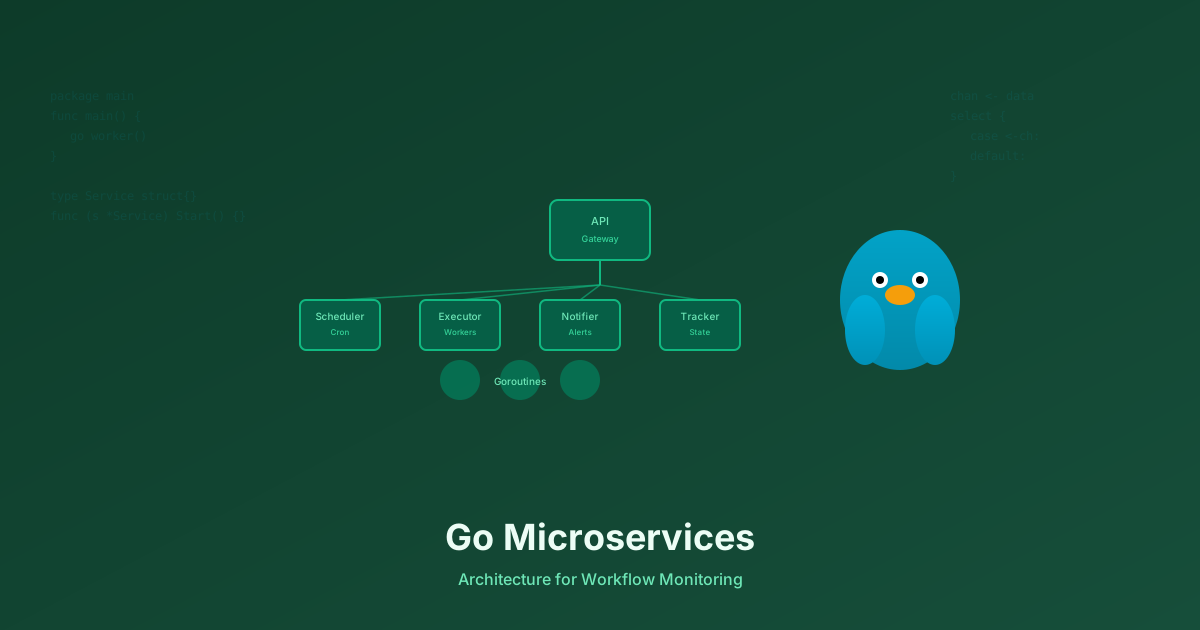
Why We Chose Go Microservices Over a Monolith for Workflow Monitoring
Go's concurrency model, single binary deployment, and fast compilation make it ideal for distributed systems. Learn why we built Monitrics with Go microservices instead of a monolith.
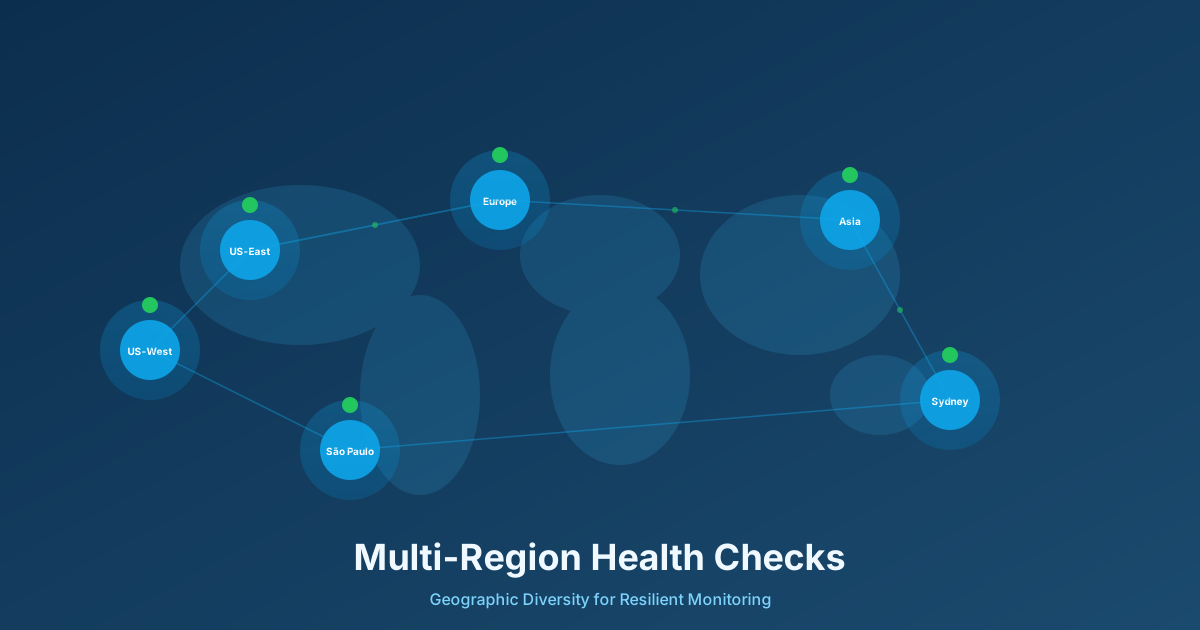
Multi-Region Health Checks: Why Your Uptime Monitoring Needs Geographic Diversity
Single-region monitoring creates blind spots that can leave your users affected by outages while your dashboards show green. Learn why geographic diversity is critical for modern distributed systems.
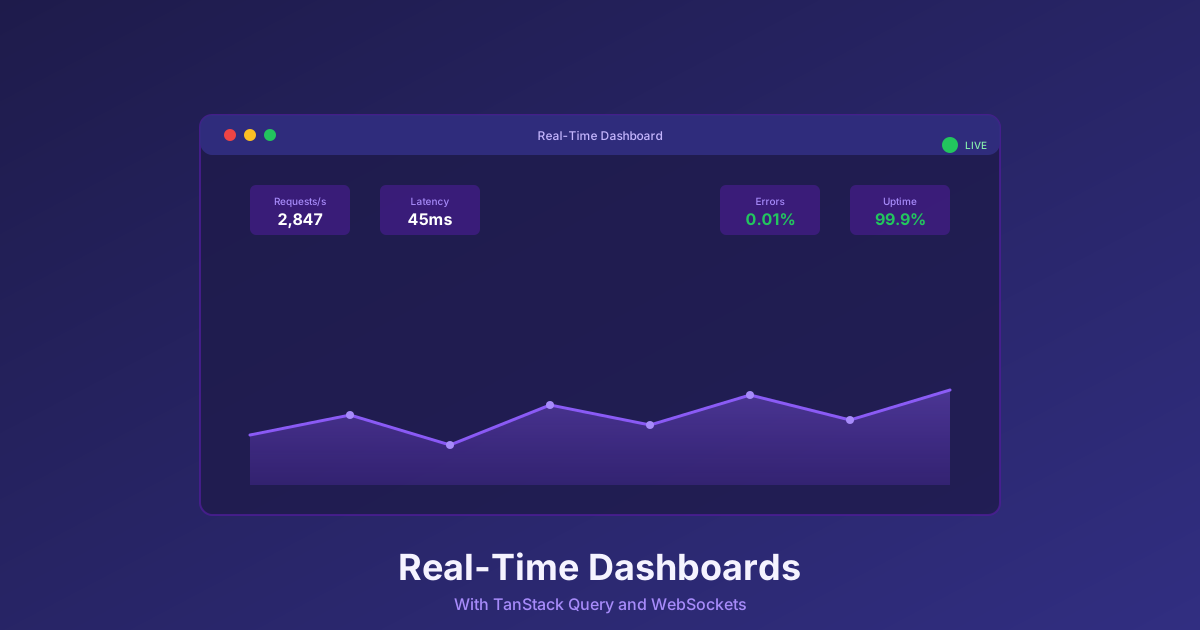
Building Real-Time Dashboards with TanStack Query and WebSockets
Learn production-ready patterns for building real-time monitoring dashboards using TanStack Query, WebSockets, and React. Performance optimization, connection resilience, and state management strategies.